Jaguar II User Manual
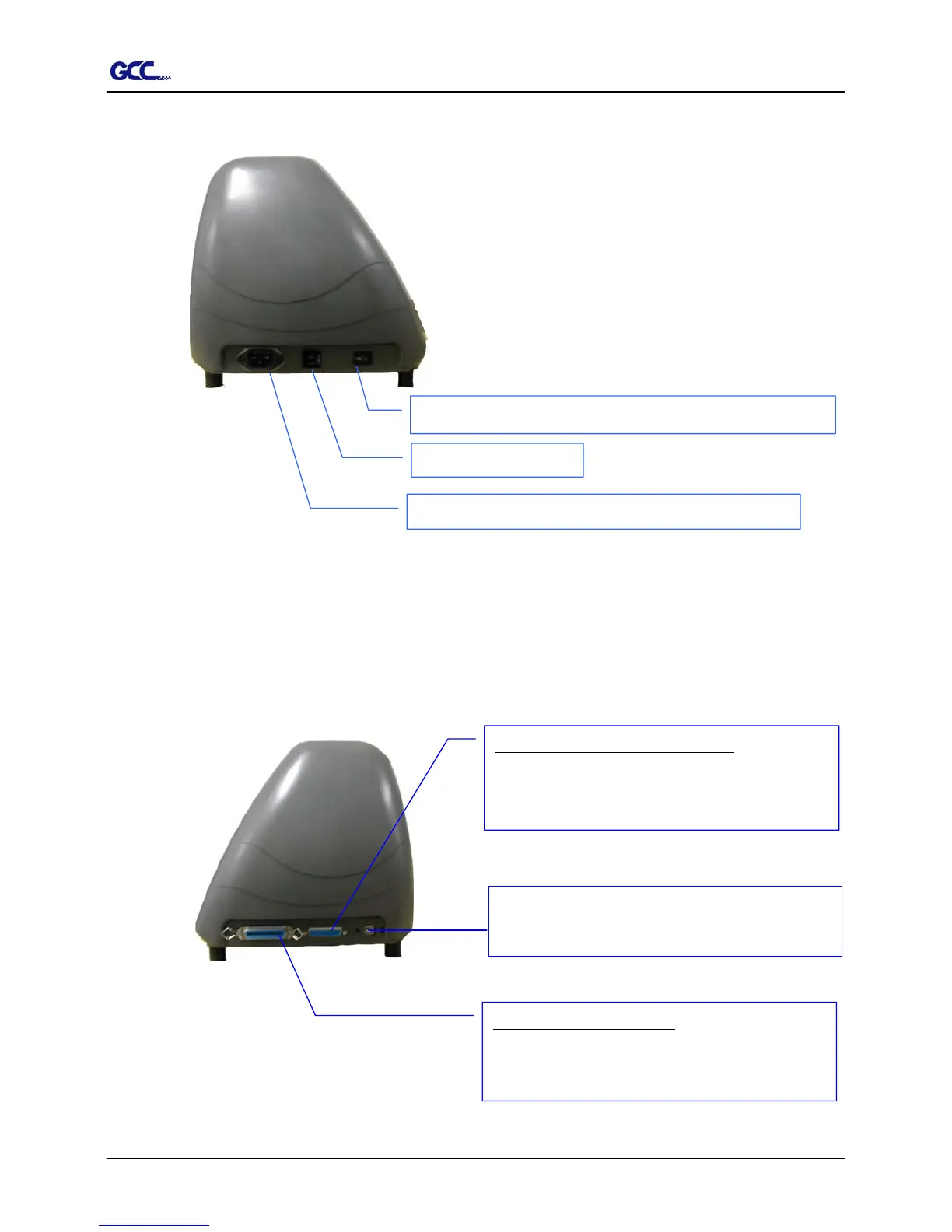
1.5 Left Hand Side of Jaguar (Figure 1-4)
Power Switch – On when switches to [I]; Off to [O]
AC Power Connector – used to insert the AC power cord.
Fuse – 3 Am
lotter to a computer through a USB cable.
Serial Interface Connector (RS232C) – used to
connect the cutting plotter to a computer through a
serial interface cable.
Parallel Interface Connector – used to connect the
cutting plotter to a computer through a parallel
interface cable
1 – Setting Up Your sign Cutting Plotter 1-4



 To Next Page