Jaguar II User Manual
MODE COM2: 9600, N, 8, 1, P
Then, use TYPE command to output via COM2 if COM2 is the assigned output port.
TYPE filename > COM2
Tip:
Add the MODE command line to your system’s AUTOEXEC.BAT to
automatically execute MODE command every time you want to output
your data at the DOS prompt via serial connection. However, values in
a MODE command should comply with the related requirements of you
software. Refer to DOS manual for further information.
4.4 Interface of Macintosh Computer
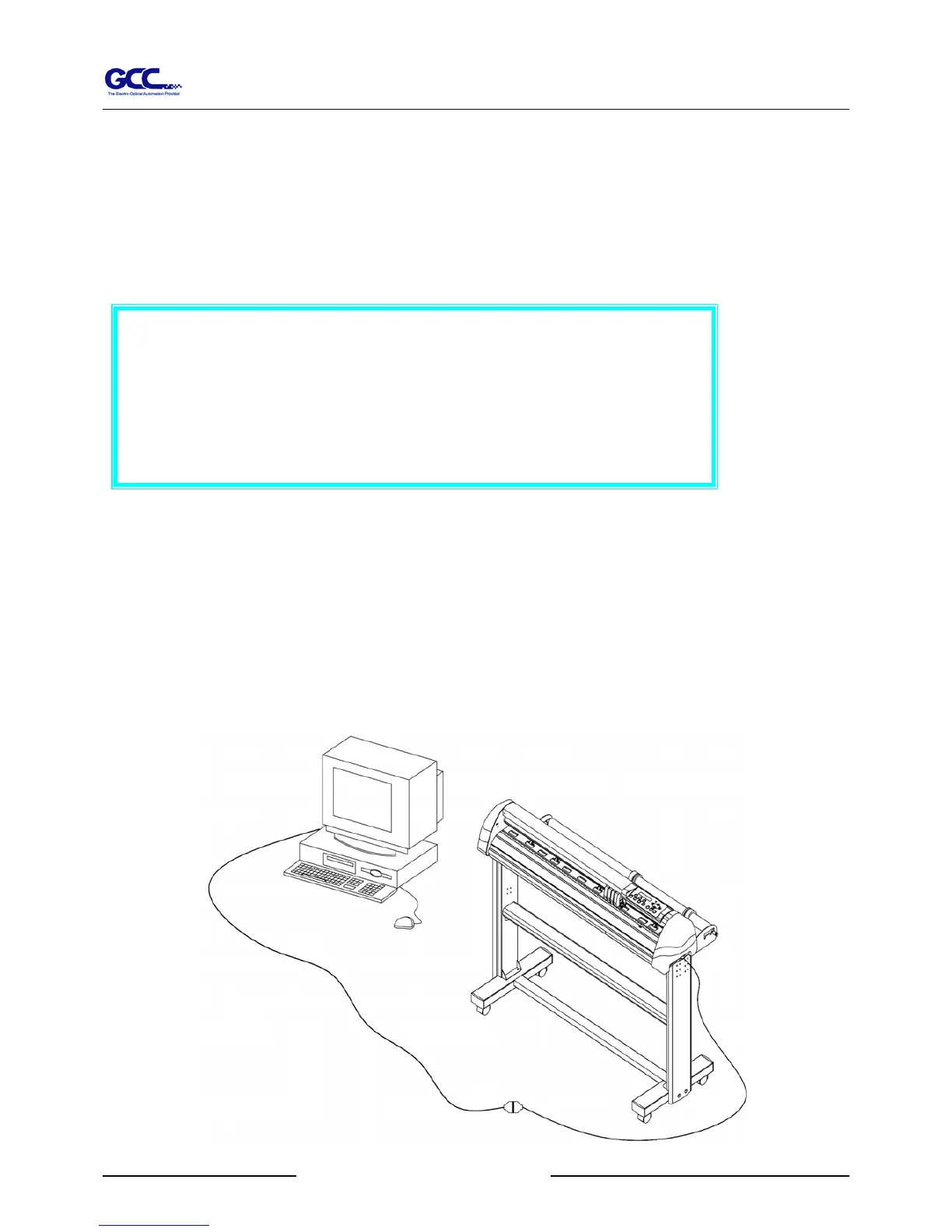
In order to operate the cutting plotter with a Macintosh computer (e.g. Power Mac), you need a MAC
modem cable (DIN 8 to DB25) to connect the RS-232C cable, please refer to Fig 4-2.
The cable is an optional item, which could be ordered through your dealer.
Connecting Cutting Plotters 4-3
Figure 4-2



 To Next Page