910FS Splicer
Greenlee / A Textron Company 4455 Boeing Dr. • Rockford, IL 61109-2988 USA • 815-397-7070
29
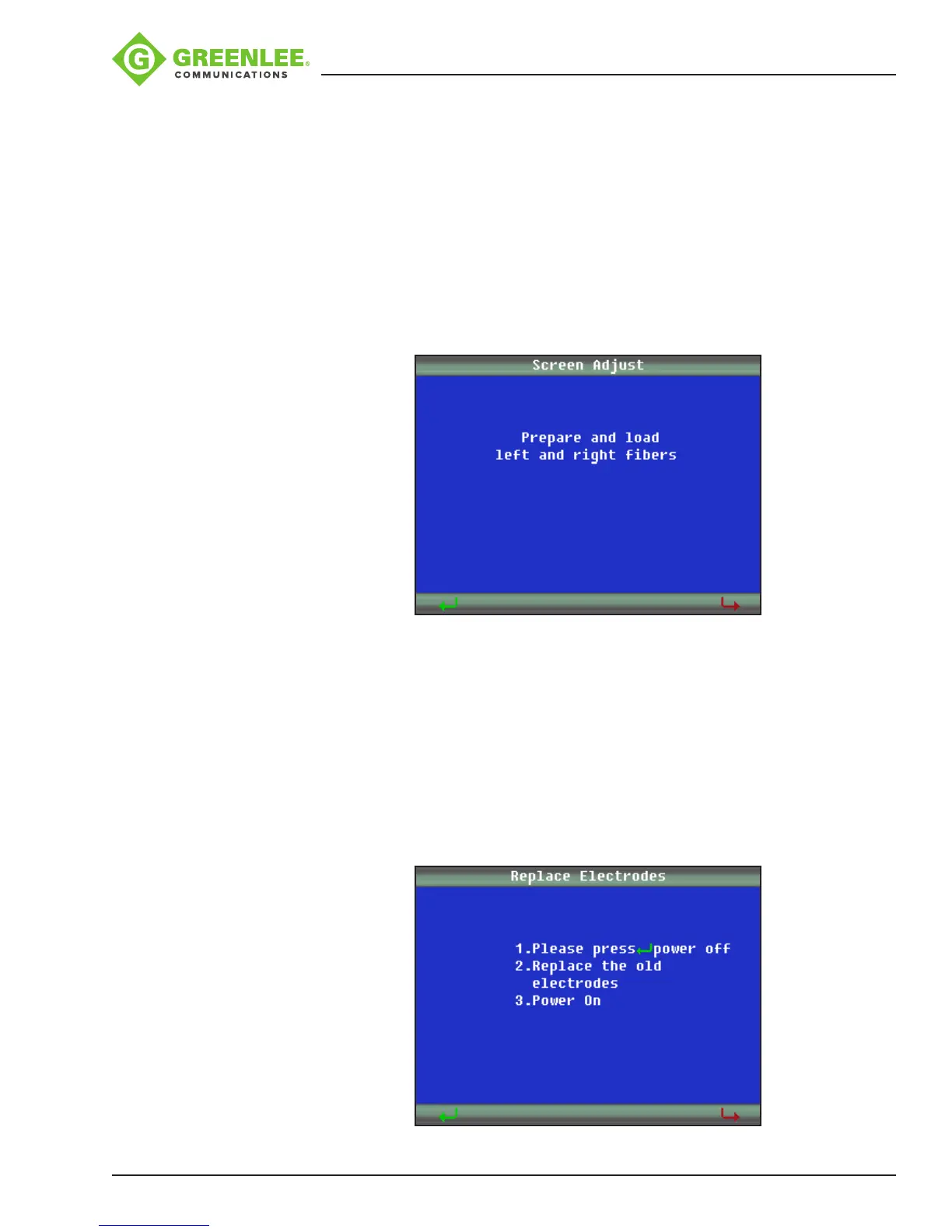
Screen Adjust
Used to adjust the ber position when the bers are displayed outside of the displayed
screen boundaries.
1. Prepare and load left and right bers.
2. Press
8
and then press p and q to switch between X and Y screen views.
3. Press p and q to adjust the ber positions.
4. Press
8
to conrm modication.
5. Press
9
to exit.
Replace Electrodes
1. Turn splicer OFF.
2. Replace the electrodes.
3. Power splicer ON.
4. Select “Replace Electrodes” from menu.
5. Follow on-screen prompts. (This process may take 10 minutes.)


 To Next Page