CM220 Chipper 6. MAINTENANCE 6-5
©GreenMechLtd 6-5 08/17
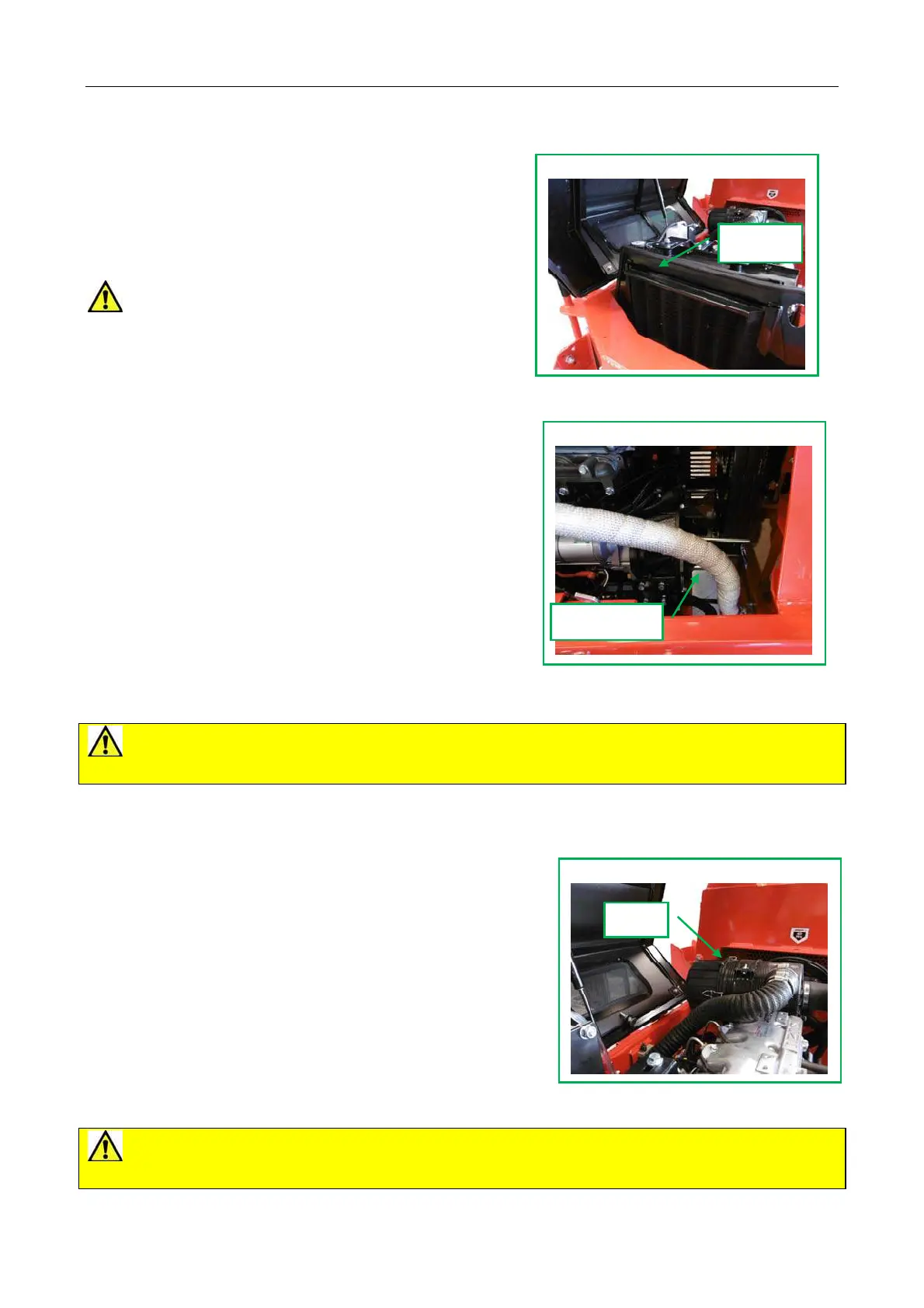
6.8 Radiator Screen
Daily
Lift out radiator screen, clean and replace (fig 6.8).
Weekly
In addition to above, blow out radiator core from
back with suitable airline and clear from front.
CAUTION! A build up of debris risks
overheating of the engine and a risk of fire.
6.9 Drive belt replacement
1 Lower support leg. (fig 5.1.1)
2 Jack up engine cradle to release tension.
3 Remove lower belt wrap (fig 6.9.1).
4 Remove all belts and replace.
5 Replace lower belt wrap.
6.10 Steam Cleaning
Weekly
1 Check all covers are fitted and closed
2 Steam clean machine surfaces.
3 Clean electrical components with a damp rag, spray with WD40 and then wipe with dry
rag.
CAUTION! Do not steam clean directly on to electrical components, e.g. control
boxes.
6.11 Air Cleaner
Weekly
1 Remove cover clips (fig 6.11) and release.
2 Slide out element and either blow out with air-line or
gently tap on smooth ground to release debris.
Note: If full of dirt the element must be replaced.
3 Replace cover.
6.12 Electrical connections
50 Hours
Check all wiring loom connections are secure.
CAUTION! Poor connections will affect engine security cut-outs and may prevent
starting.
Fig 6.8 Radiator
Screen
Fig 6.9.1 Lower Belt Wrap
Belt Wrap
Fig 6.11 Air Cleaner
Clips



 To Next Page