12
3.3 Commissioning
Switch on the ACS 921 using the power switch at the bottom rear (on the rear wall of the device).
The ACS 921 now performs an initialisation process:
1. The interior of the device is ventilated. The following appears on the display: VENTING PROCESS
2. The spin motor is initialised. The following appears on the display: SPIN MOTOR INITIALISATION
3. The lift motor is initialised. The following appears on the display: LIFTMOTOR INITIALISATION
4. The turntable is initialized. The following appears on the display: TURNTABLE INITIALISATION
This initialisation process is performed when the ACS 921 is switched on via the mains switch.
Doors may not be opened or left open during the initialisation process.
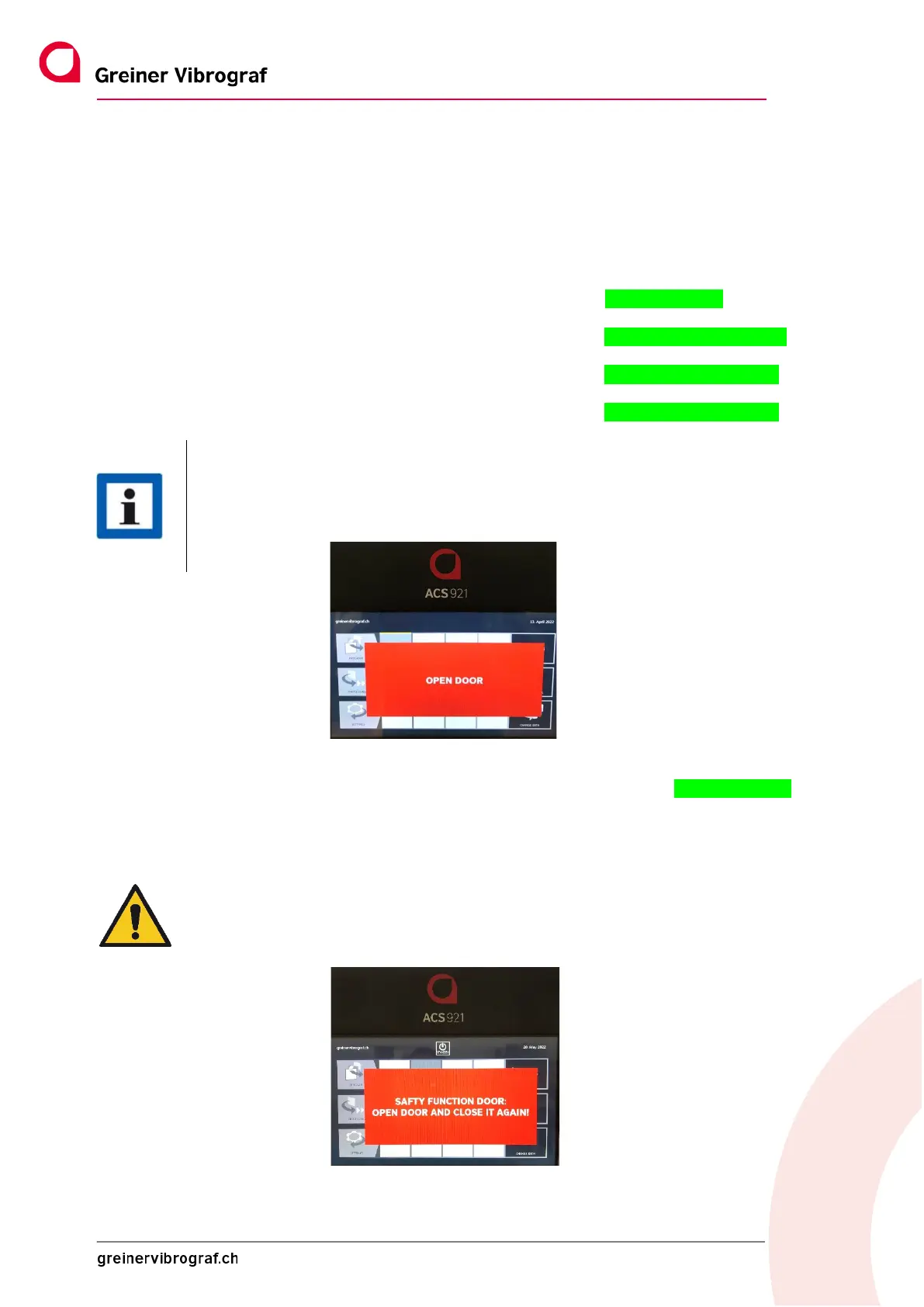
If the ACS 921 is started with the open door, the message OPEN DOOR appears on the display.
The process is not continued until the door is closed again.
The ACS 921 is now ready to start.
After a certain time (adjustable), the ACS 921 goes into standby mode:
The next time the device is started from standby mode by touching the touch screen, only the VENTING PROCESS
is carried out.
The device is then ready to start again.
Before starting a cleaning programme, the device checks the door can be securely closed.
In order to confirm the process, the door has to be opened and closed again.
Only once this safety check has been carried out can the relevant cleaning programme be
started by pressing the start button again.



 To Next Page