14
3.4.2 Position the turntable (if necessary)
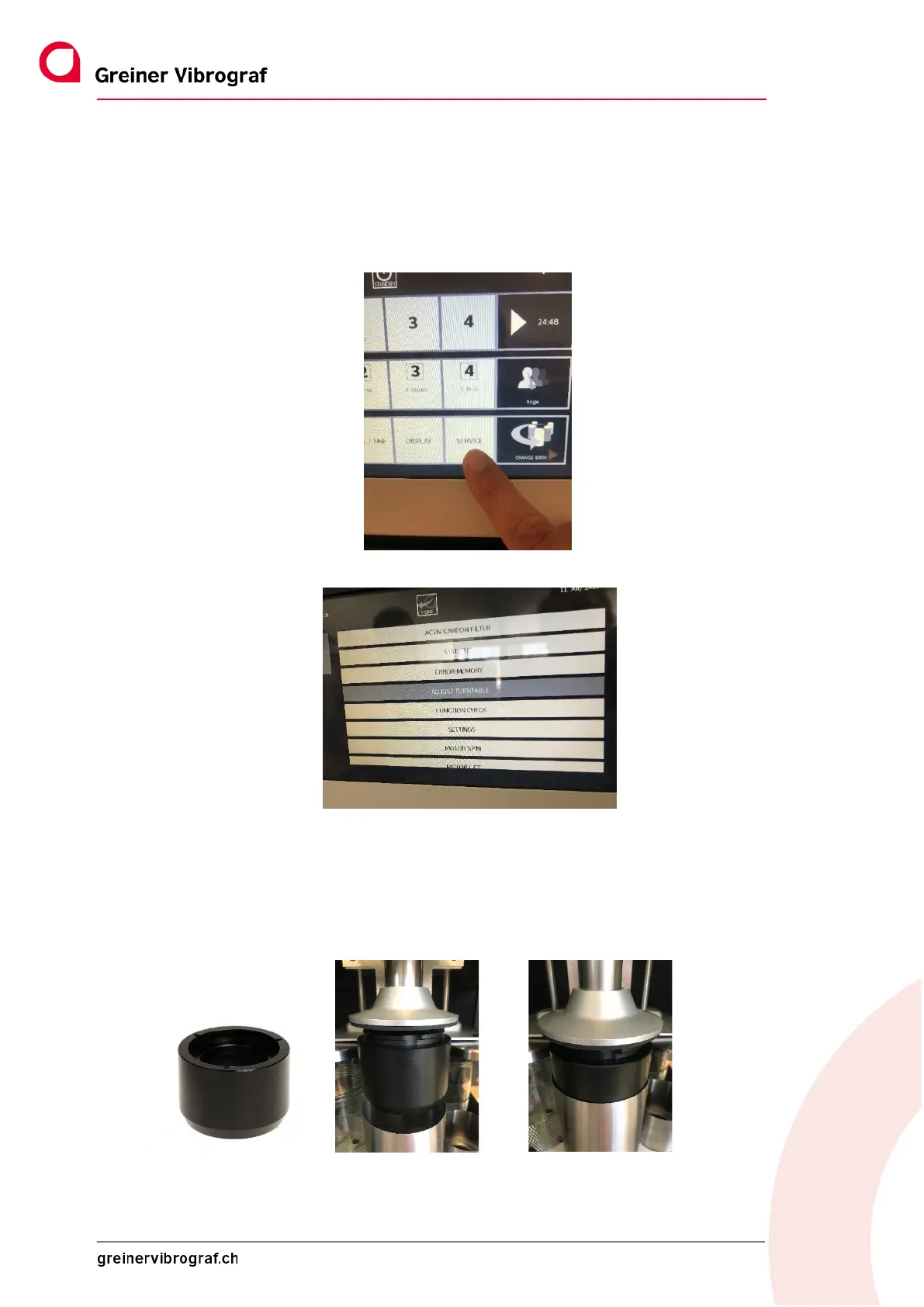
The turntable is very easy to set to the exact position using the menu.
1. To do so, press SERVICE and log in with the user login.
2. SELECT ADJUST TURNTABLE
3. The following message appears: WAIT UNTIL THE START POSITION IS REACHED
Recommendation: So that the correct position can be set more easily and quickly, we recommend us-
ing the centering aid, which is available as an accessory.
This is simply used instead of the basket holder.
Centering aid Art.No: 17192



 To Next Page