15
4. Open the door and set the turntable to the correct position as accurately as possible.
If the position is OK, press NEXT STEP, and the lift slowly moves down.
5. The following message appears: Caution: lift is moving down slowly
6. The exact position can now be checked again and readjusted if necessary.
7. If the position is OK, it still has to be saved by pressing NEXT STEP
8. The positioning process is now complete
3.5 Inserting baskets
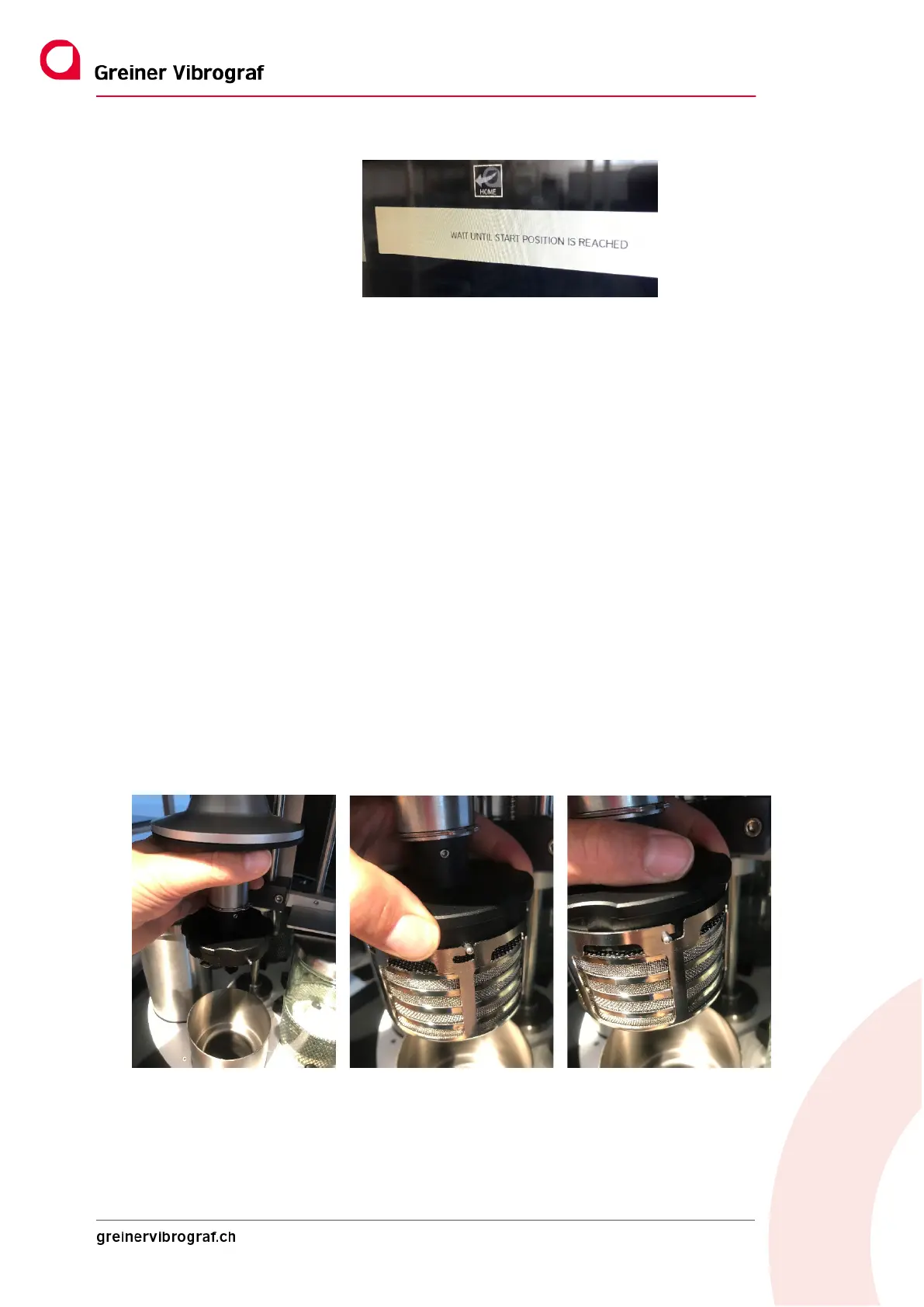
1. Lift the spin flange cover (Figure 1)
2. Snap the basket holder into place at three points with the bayonet fastener (Fig. 2+3)
To do this, push the basket holder upwards and turn it anticlockwise.
3. Release the basket holder in the snap-in position – the process is now complete.
Fig. 1 Fig. 2 Fig. 3
To remove the baskets, simply proceed in the reverse order.



 To Next Page