7
2.3 Binding instructions
2.4 Emergency stop system
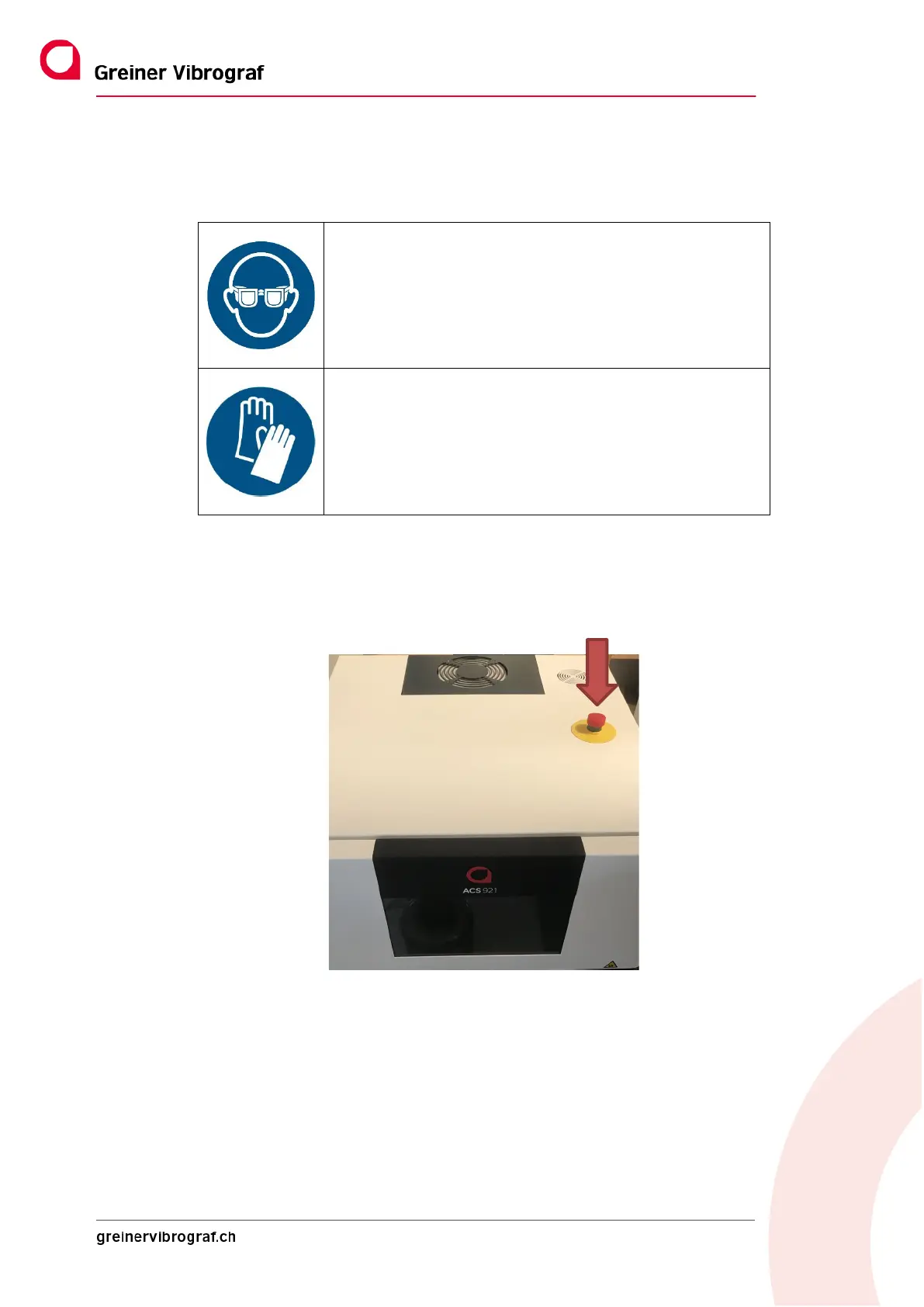
The ACS 921 cleaning device is equipped with an EMERGENCY STOP switch. This is located at the top of the
housing (see arrow).
It is used to quickly bring the mechanical parts of the ACS 921 to a standstill in the event of a hazard or to avert
a hazard.
Pressing EMERGENCY STOP immediately stops any movement of the ACS 921 and interrupts an active process.
The ACS 921 cannot be operated again until the EMERGENCY-STOP switch has been unlocked.
To do this, return the switch to its original position by turning it in the direction of the arrow.
Use eye protection
Use hand protection



 To Next Page