13
3.4 Insert the liquid container and position the turntable
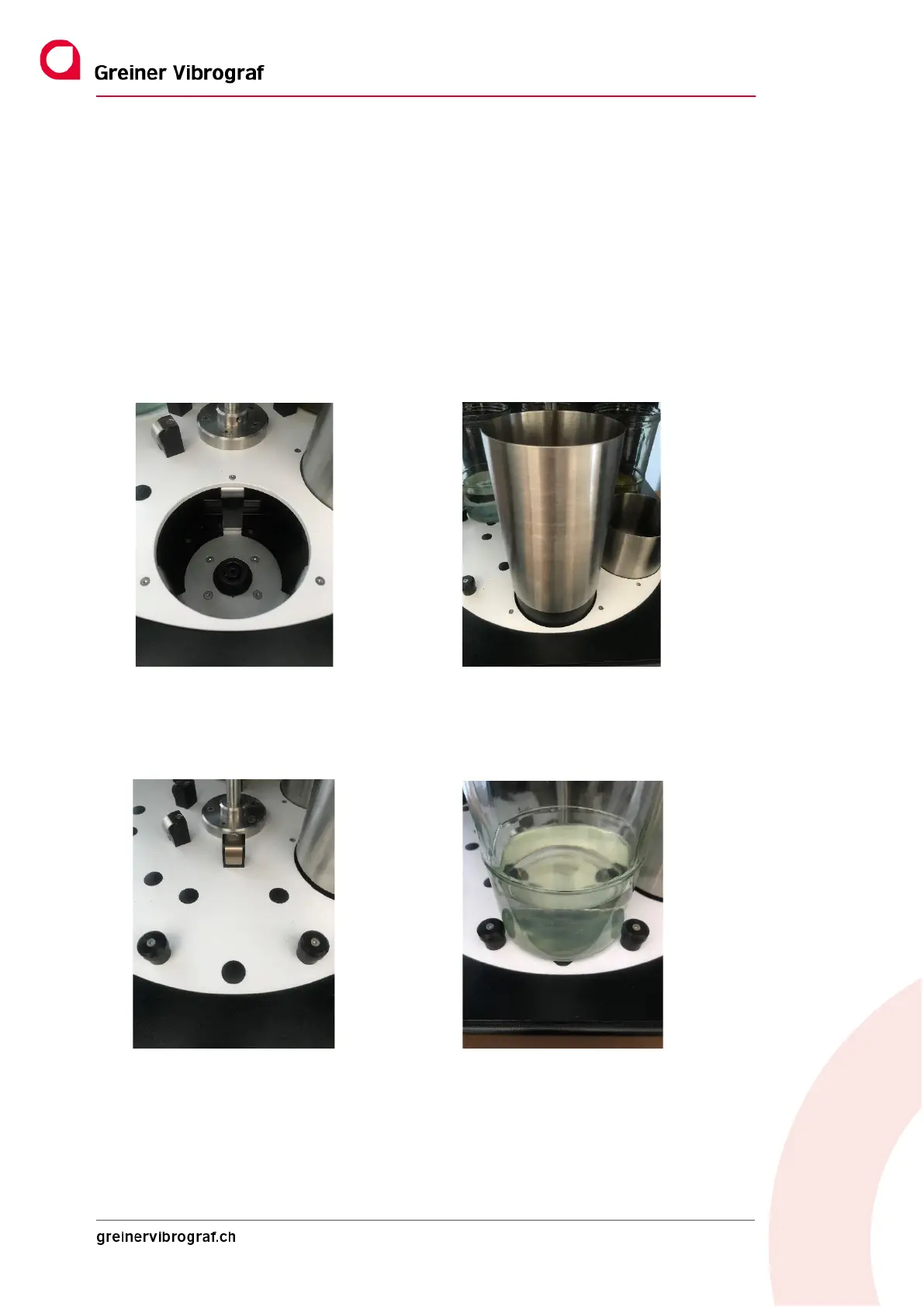
3.4.1 Inserting the liquid container
Proceed as for changing the bath according to Section 4.3.9
Please note: Before inserting the containers, check that they are filled correctly.
Please note: During insertion, so that no fluid is drained.
Important! Bath 1 is always the ultrasound bath and may only be fitted with the relevant container.
Position 1 without container Position 1 with container (ultrasound bath)
Baths 2 to 5 are cleaning baths or rinsing baths. Here, too, only use the original glasses provided for the pur-
pose.
Position 2 without container Position 2 with container (original glass)



 To Next Page