49
Power and Data Transmission Unit
7.3 Switching the A-opener's acoustic signal on and off
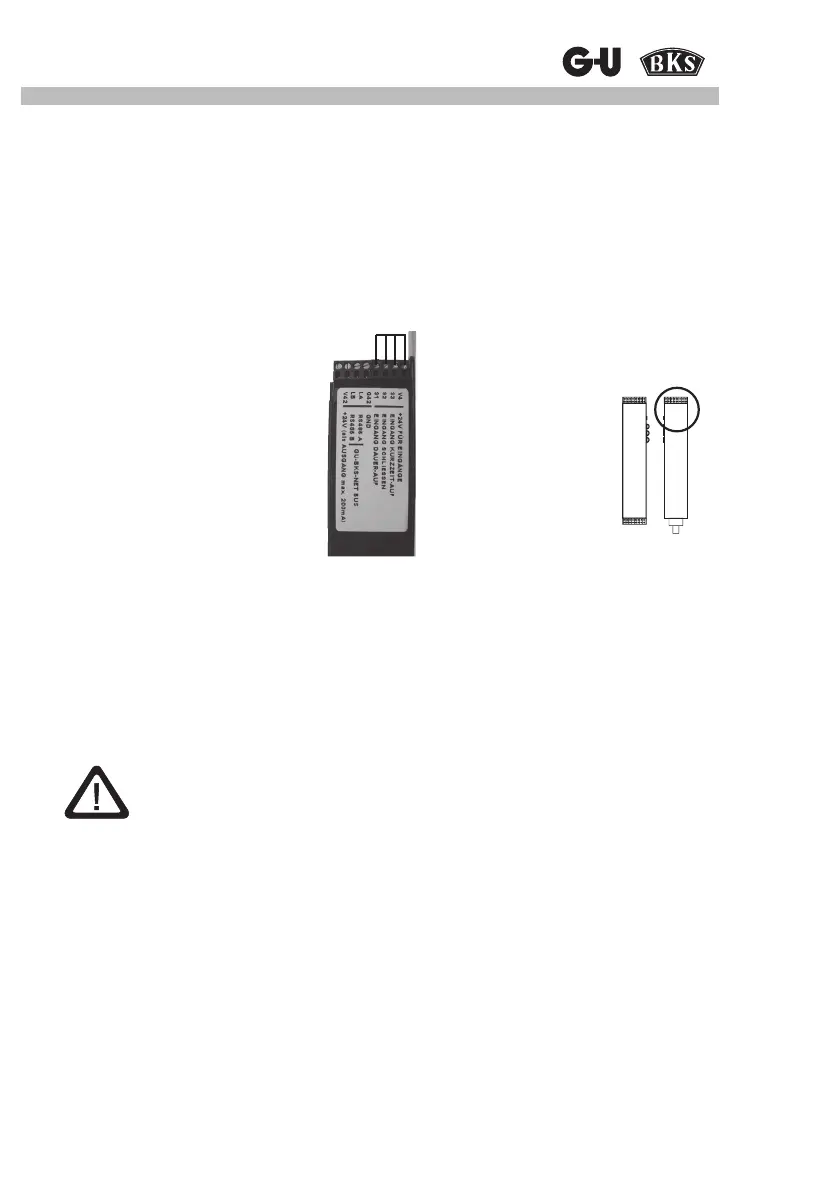
1. Connect A-opener to SECUREconnect 100F according to connection diagram.
2. Disconnect SECUREconnect 100R from power supply.
3. Bridge terminals V4, 93, 92, 91.
4. Wait until SECUREconnect 100F stops ashing.
5. Connect SECUREconnect 100R and 100F (e.g., by closing the door)
6. Switch-on voltage on SECUREconnect 100R.
An automatic switching sequence will be started and completed after 30 s. During this period
of time, the A-opener will not be active.
Attention:
SECUREconnect 100R and 100F must not be separated during this period
(e.g. by opening the door)
7. Disconnect SECUREconnect 100R from power supply and remove bridges.
8. Wait until SECUREconnect 100F stops ashing.
9. Switch on power.
SECUREconnect 100R



 To Next Page