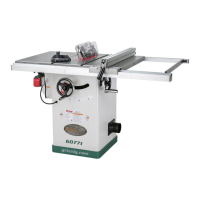
Model G0771 (Mfd. Since 8/15)
-59-
Blade Tilt Calibration
The blade tilt settings for this saw have been set at
the factory and should not require adjustment dur-
ing assembly. However, after prolonged use, or if
the saw does not cut accurate bevels, the settings
should be checked and adjusted accordingly.
Note: The tilt scale reads "0" when the blade is
90° to the table.
Tools Needed Qty
90° Square ........................................................ 1
45° Square ........................................................ 1
Hex Wrench 4mm .............................................. 1
Setting 90° Stop
1. DISCONNECT SAW FROM POWER!
2. Raise blade as high as it will go, then tilt it
toward 90° until it stops and cannot be tilted
any more.
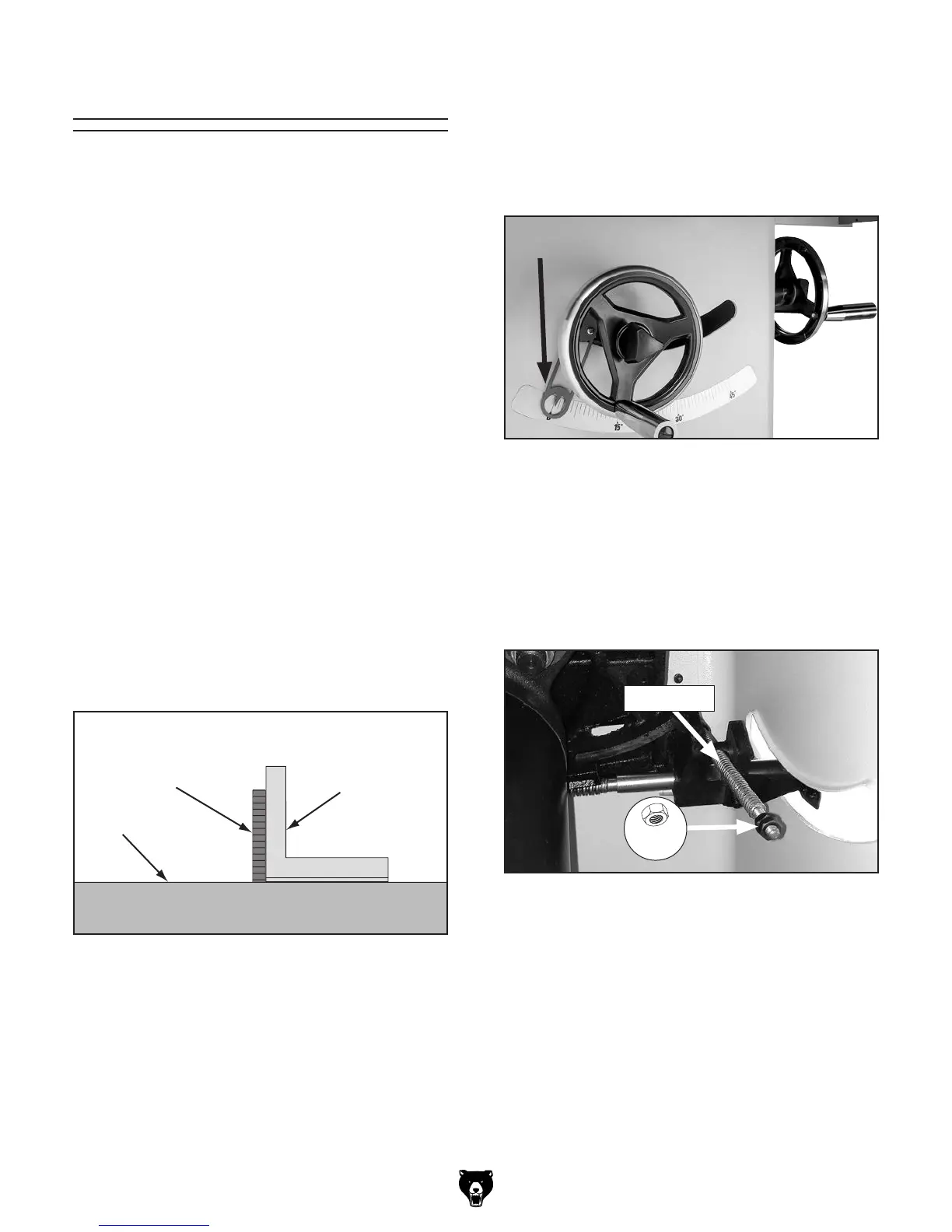
3. Place a 90° square against table and blade
so it contacts blade evenly from bottom to
top, as shown in Figure 111. Make sure a
blade tooth does not obstruct placement of
square.
Figure 111. Checking blade at 90°.
Table
90° Square
Blade
—If blade is 90° to table, then no adjustments
are necessary. Make sure tilt indicator
arrow shown in Figure 112 points to 0°
mark on scale. Adjust position by loosening
Phillips head screws, moving indicator with
your fingers, then tightening screws.
Figure 112. Tilt indicator arrow.
—If blade is not 90° to table, you will need to
adjust 90° stop nuts. Proceed to Step 4.
4. Remove motor cover (see Page 19).
5. Loosen (2) M8-1.25 hex nuts on leadscrew
(see Figure 113).
Figure 113. Location of 90° stop nuts.
Leadscrew
6. Tilt blade to about 5° so there is room for stop
nuts to move.
7. Loosen stop nuts and adjust according to
how far off blade was from 90°. Recheck
blade and repeat adjustment as necessary
until blade stops at 90°, then tighten stop nuts
against each other and replace motor cover.
Note: Turning stop nuts clockwise adjusts
blade further to right; turning them counter-
clockwise adjusts blade to left.
x 2


 To Next Page