© Groeneveld-BEKA GmbH 2023 -17- Alle Rechte vorbehalten!
• Removethecurrentlycontainedbatteries.
Pressthesettingsbuttonfor2stodischargetheinternalenergyaccumulator
completely.
• Insert the selected batteries. Pay attention to the recommendations in the table below
• Placethebatteryholderbackintothehousing.
• Placetheprotectivehousingagainandtightenit.
Becarefulnottoovertightenthecover!
9.5 Switch on the device
By default you will receive the device switched on.
Ifyouwanttocheckwhetheryourdeviceisswitchedonoro,proceedasfollows:
• Taketheactivationmagnetandapproachtheactivationareaorpressthesettingsbutton.
• PayattentiontotheError-LEDsignals:
• LEDglowsorange,deviceisswitchedon
• LEDglowsred,deviceisswitchedo
Ifyourecognizethatyourdeviceisswitchedo,pleaseswitchinonforthefurtherprocedure.
Proceed as follows:
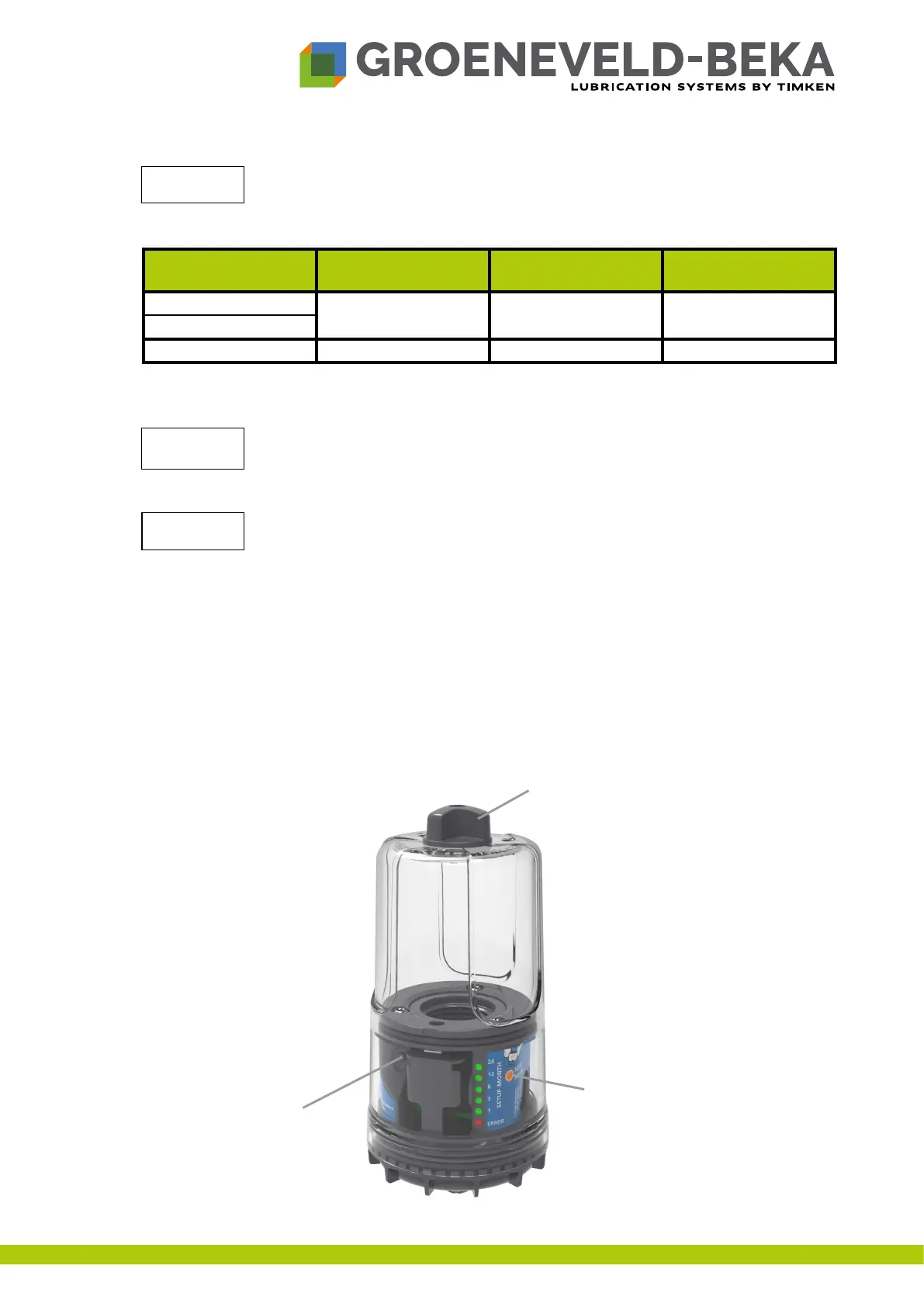
• Taketheactivationmagnetfromtopoftheprotectivehousing(seeg.8).
Abb.8:
Attention!
Battery type
Recommended
temperature range
Recommended
backpressure*
Possible reservoir
draingings
Alkalinebatteries
+15°C to +40°C up to max. 16 bar 1-2
Rechargeablebatteries
Lithium batteries -20°C to +60°C up to max. 20 bar 1-5
Activation magnet
Activation zone
Settings
button


 To Next Page