18 ENG - Version 2.2 - P/N 04131.02
Alarm- and Event Management
Alarm Design
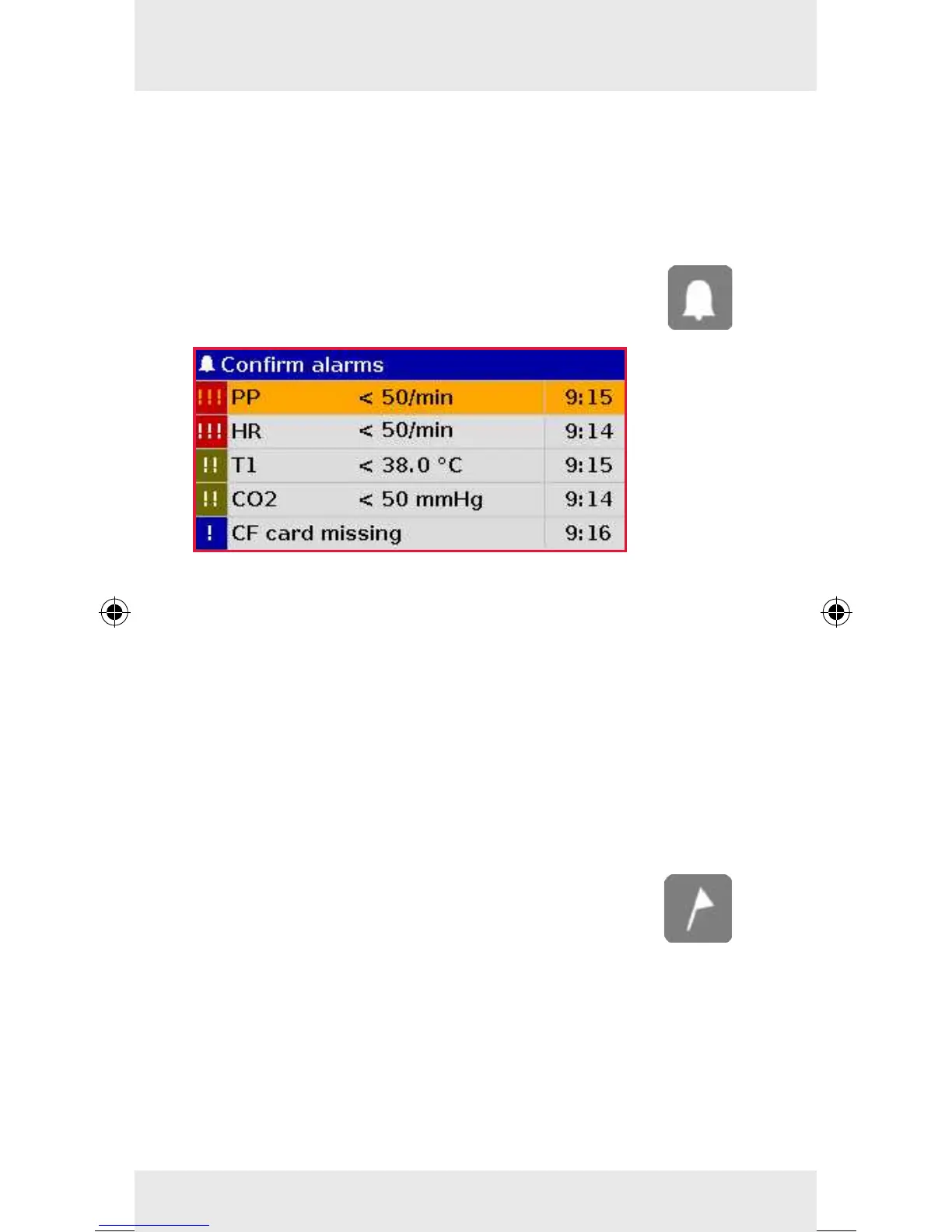
Alarms can have high (!!!), medium (!!) and low (!) priority.
These priorities are signalled acoustically by dierent series of
tones and visually by inverted colours of the parameter eld,
highlighting the status line in dierent colours and ashing of
the alarm light in dierent colours and intervals. To open the
alarm history, press the Alarm key.
To conrm the alarms, press the Alarm key
repeatedly.
Sorting of Alarms
In the alarm history, the alarms are sorted by status (active/non
active), priority and time of occurrence. Alarms are active, if the
conditions that trigger the alarm are present. Active high-priority
alarms always take precedence and cannot be interrupted by
medium-priority- or low-priority alarms. Non-active alarms are
still listed in the alarm history for information.
Note
During modular operation of the device, alarms may be sig-
nalled with a delay of up to 30 seconds.
Recording an event
Press the Event key to save a time stamp which
marks the current ECG data and parameter values on
the protocol printout.
Conguration of Manual Events
Operators can pre-congure up to 14 individual events in the
menu "System"
"Events". These can be called up during the
mission by holding down the key Event and be added manually
to the mission protocol.



 To Next Page