3ENG - Version 2.2 - P/N 04131.02
Switching On and Off
Switching the Compact Device On and O
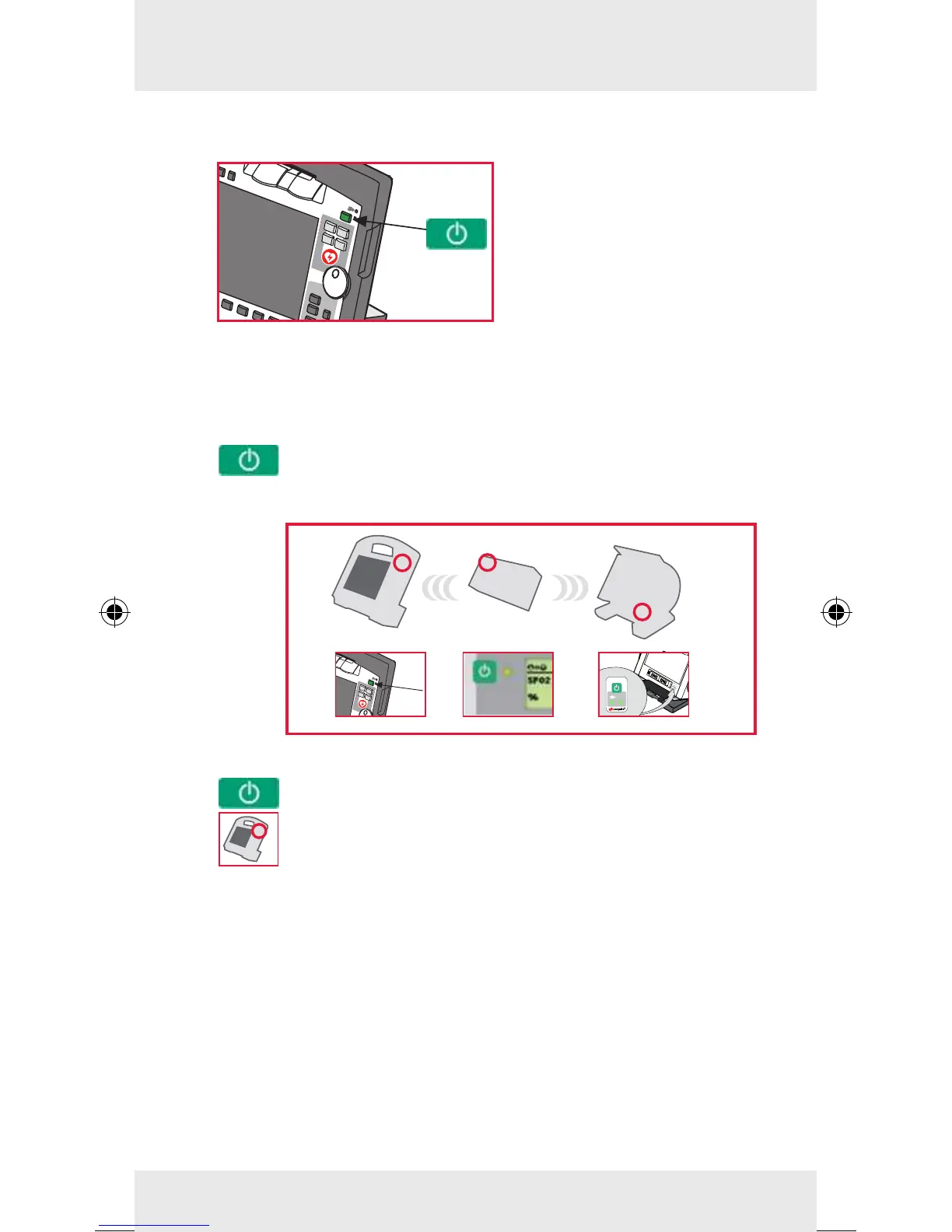
To switch on/o, press the
On/O key at the monitoring
unit.
The compact device is swit-
ched o after a conrmation
prompt.
Switching On and O in Modular Use
To switch on the monitoring unit, the patient box and
the debrillator in modular use, press the On/O key at
the respective module.
Switching o all modules:
Press the On/O key on the device. All modules are
switched o after a conrmation prompt, if they were
connected via radio at that point.
If this is not the case, the warning message "Check
modules" appears on the screen.



 To Next Page