18
Key-In Parameters
Key-In Parameters are not limited to a list of choices, although there may be upper and lower
value limits. A Key-In Parameter requires that a numeric value be entered using the front panel
keys. Key-In Parameters are shown with two hyphens after a decimal point within the parameter
number.
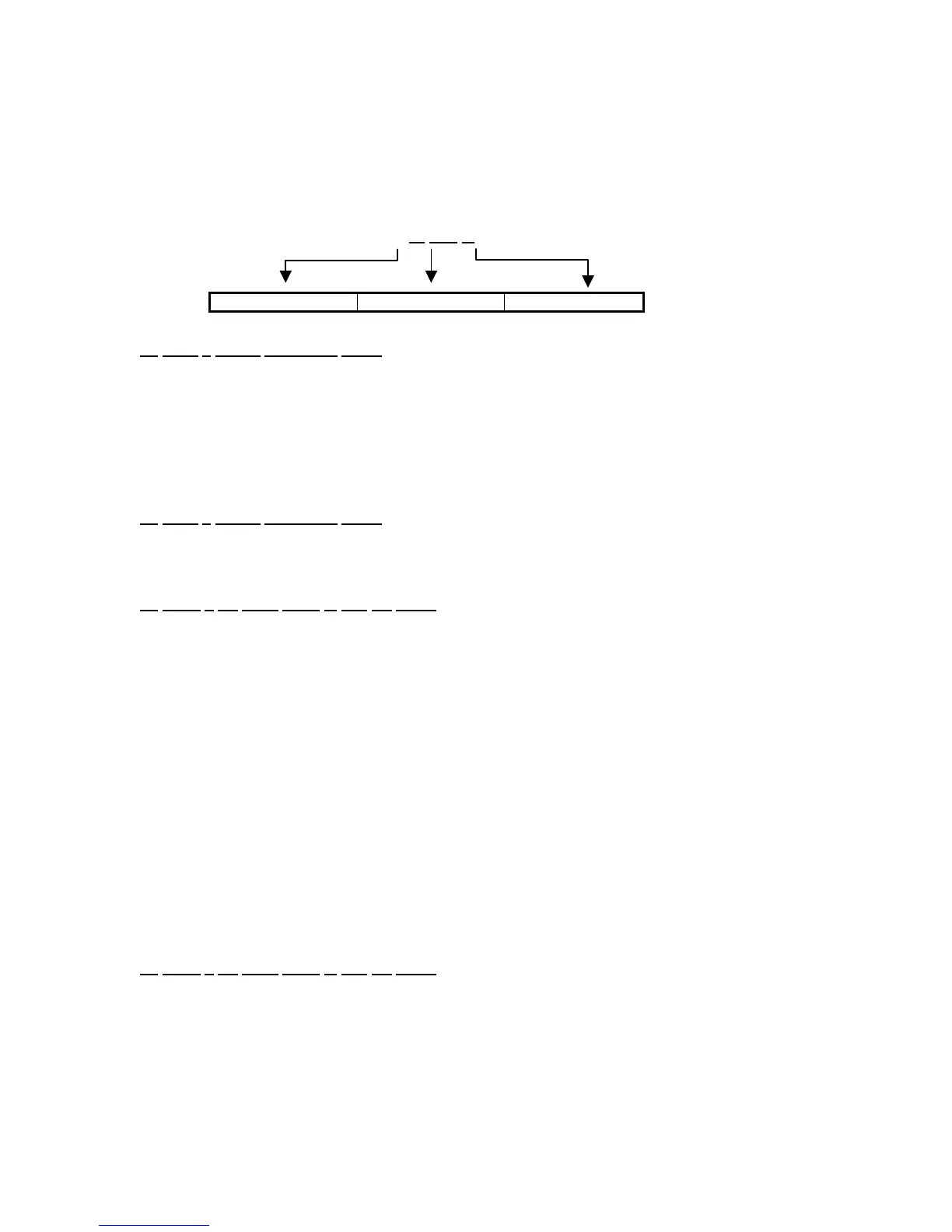
P 110.--
Indicates Parameter Parameter Number Denotes “Key In”
To
enter a Key-In Parameter (370):
1. Press [PRINT]. A decimal point is used to represent the entry position.
2. Press [PRINT] until the desired character appears.
3. Press [UNITS]. Another decimal point indicates the next entry position.
4. Repeat steps 1 and 2 until your desired entry value is shown.
5. Press [TARE] to enter your numerical value.
To
enter a Key-In Parameter (375):
1. Key in the number by using the numeric keys.
2. Press [SELECT] to accept the entry.
To
setup a full scale value of 250 lbs (370):
1. Access the setup mode.
DISPLAY READS P110.- - ~ F.S.= ~ 100
2. Press [PRINT] four times to select the first digit.
DISPLAY READS 2
3. Press [UNITS] to advance to the next digit.
DISPLAY READS 2.
4. Press [PRINT] six times to select the next digit.
DISPLAY READS 25
5. Press [UNITS] to advance to the next digit.
DISPLAY READS 25.
6. Press [PRINT] once to select the next digit.
DISPLAY READS 250
7. Press [TARE] to enter the value.
DISPLAY READS P110.- - ~ F.S.= ~ 250
To
setup a full scale value of 250 lbs (375):
1. Access the setup mode.
DISPLAY READS P110.- - ~ F.S.= ~ 100
2. Key in 250 [SELECT] to accept the entry.
DISPLAY READS P110.- - ~ F.S.= ~ 250



 To Next Page