34
Parameter Selection Numbers
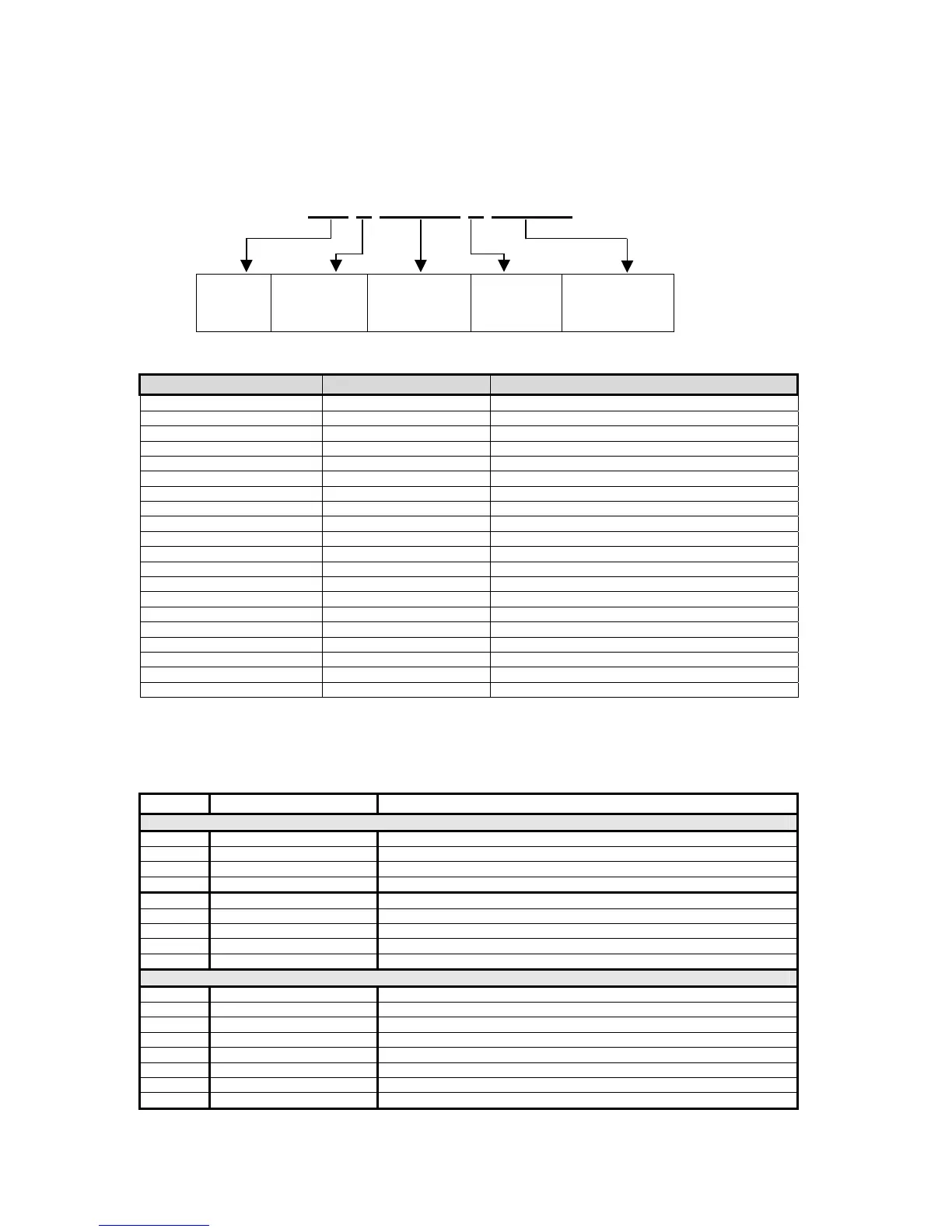
The following sequence enters parameters into a custom transmit: %e , the parameter number,
%e%e , a format code, and then %e%e with no intervening spaces.
%e 0 %e%e 0 %e%e
Initiates
Parameter
Entry
Parameter
Number
(Table 3-3)
Enters
Parameter and
Initiates Format
Entry
Format
Choice
(Table 3-4)
Enters Format
and Ends Entry
Table 3-3: Custom Transmit Parameter Selection Numbers
Parameter Name Parameter Number Sample Print Output
Gross Weight 0 27.49 lb Gross
Net Weight 1 14.53 lb Net
Tare Weight 2 12.96 lb Tare
Time / Date 11 10:01:01 am 01/26/01
ID 21 ID: 12MN53
Quantity 30 58 Qty
APW 34 0.25 lb APW
APW * K 35 250 lb APW * K
Targ1 60 400 lb Targ1
Targ2 64 500 lb Targ2
Targ3 66 1000 lb Targ3
Act 1 (note: Indp. SP1) 70 600 lb Act 1
Rst 1 (note: Indp. SP1) 71 10 lb Rst 1
Act 2 (note: Indp. SP2) 72 300 lb Act 2
Rst 2 (note: Indp. SP2) 73 10 lb Rst 2
Act 3 (note: Indp. SP3) 74 100 lb Act 3
Rst 3 (note: Indp. SP3) 75 5 lb Rst 3
Setpoint Status 96 Setpt 0
Stability Status 97 Stat M
Displayed Value 98 16.34 lb Gross
The default format code for all parameters is 0. This prints all numeric data with 8 characters,
right justified, left spaces filled., the units (if applicable) and the parameter name. The format
choices for all parameters (except Stability Status and Setpoint Status) are shown in Table 3-4.
Table 3-4: Custom Transmit Format Codes
Choice Sample Print Result Description
Weight Parameter Format Codes
0 “ 27.49 lb Gross” Fixed width (8 characters), right justified, left spaces filled.
1 “000027.49 lb Gross” Fixed width (8 characters), right justified, left zeroes filled.
2 “27.49 lb Gross” Fixed width, left justified, right spaces filled.
3 “27.49 lb Gross” Minimum possible width.
8 “400. lb Net” Print decimal point, even if data has no fractional portion.
16 “+400 lb Net” Print “+” for positive numbers.
32 “336.52 Net” Do NOT print parameter units (lb or kg).
64 “336.52 lb Net” Print value in “default” units (as opposed to current viewed units).
128 “336.52 lb” Do NOT print parameter name. Only Format Code that applies to ID
Time/Date Format Codes
1 “10:07:40 am 01/26/01 Includes seconds with time.
2 “10:08 01/26/01” 24 hour time format.
4 “10:11 am Jan 26, 2001” Print date spelled out.
8 “10:12 am Fri 01/26/01” Print day of the week.
16 “10:12 am 26/01/01” International date format.
32 “980503984 Tm/Dt” # of seconds since 12:00 AM Jan 1, 1970.
64 “01/26/01” Do NOT print time.
128 “10:14 am” Do NOT print date.



 To Next Page