21
a. Place an empty container on the scale and press
: key.
b. Place the sample in the container.
c. Key in the sample size and then press the
9 key. The scale will accept the current
weights as a sample and will display the quantity.
-or-
1) If the sample size is known and no container is used:
a. Place the sample on the scale.
b. Key in the sample size and then press the
9 key. The scale will accept the current
weights as a sample and will display the quantity.
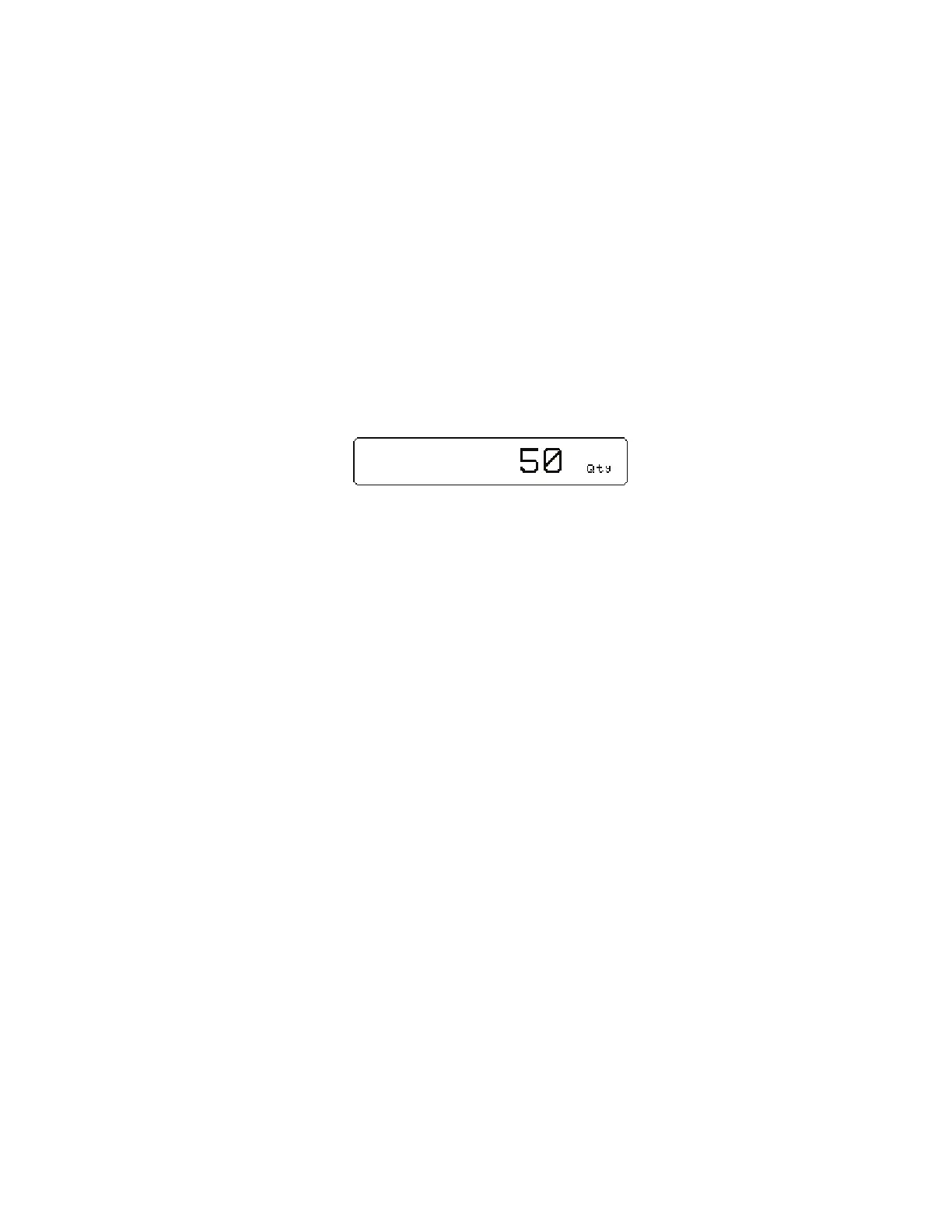
Example: D J 9



 To Next Page