20
Recall a Part Number
A part number that was stored previously can be recalled to count parts without having to sample the part.
1. Key in the part number to recall and press
5 (Rec/New). If any other fields were entered
they will appear as well.
2. Place pieces on the platform to count.
Delete a Part Number
Any part number that is stored may be deleted.
1. Recall the part number to be deleted by keying in the part number and pressing
5
(Rec/New). The part number does not have to be recalled if it is already being viewed.
2. Press
7 (Setup).
3. Press
4 (Delete Part#). You will be prompted with the part number to be deleted and the
choice of deleting the part number or aborting the process. This key will not appear if a part
number has not been recalled.
4. Press
K to cancel and return to the APW LOOKUP screen or to continue deleting the
part number.
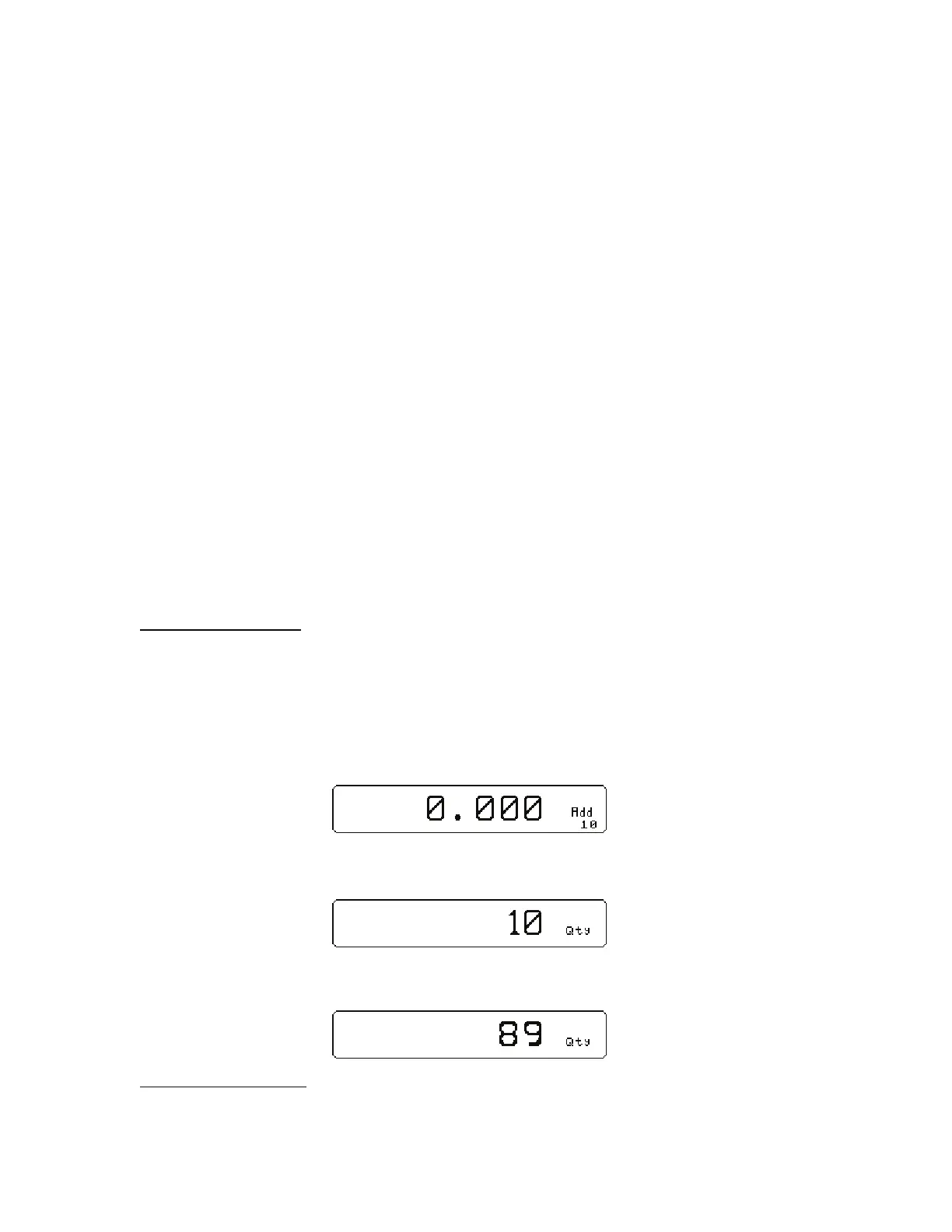
Simple Keypad Sample
AUTO TARE METHOD
1. Sampling Pieces:
(a) If a container is used - Place container on scale and press the
9 key. The scale
will automatically tare the container.
- or -
(b) If a container is not used - Press the
9 key without the sample pieces on the scale.
The scale will tare to establish a net zero reference.
2. Add the sample pieces and press the
9 key to accept the sample.
3. Continue to add pieces to count.
WITHOUT AUTO TARE
1) If the sample size is known and a container is used:



 To Next Page