www.gtec-power.de 38
3.3 Main menu
3.3.1 Data
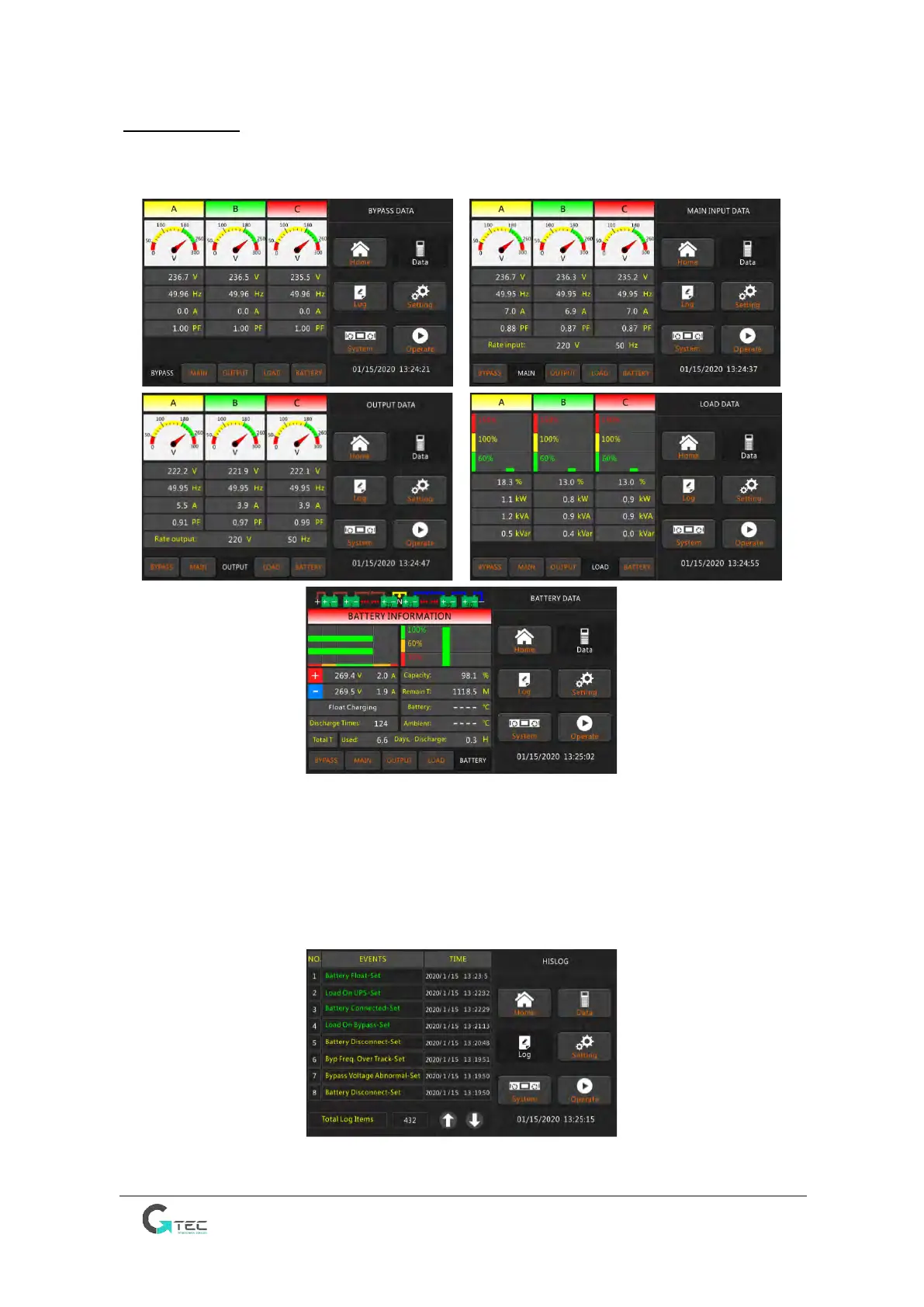
Touch “Data” icon and the system enters the page of the Data, as it is shown in Figure 3-2.
Figure 3-2 Submenu Interface of Data Page
3.3.2 Log
Touch the “Log” icon, and the system enters the interface of the Log, as it is shown in Figure
3-3. The log is listed in reverse chronological order (i.e. the first on the screen with #1 is the
most recent), which displays the events, warnings and faults information and the data and
time they occur and disappear.
Figure 3-3 Log Page



 To Next Page