24
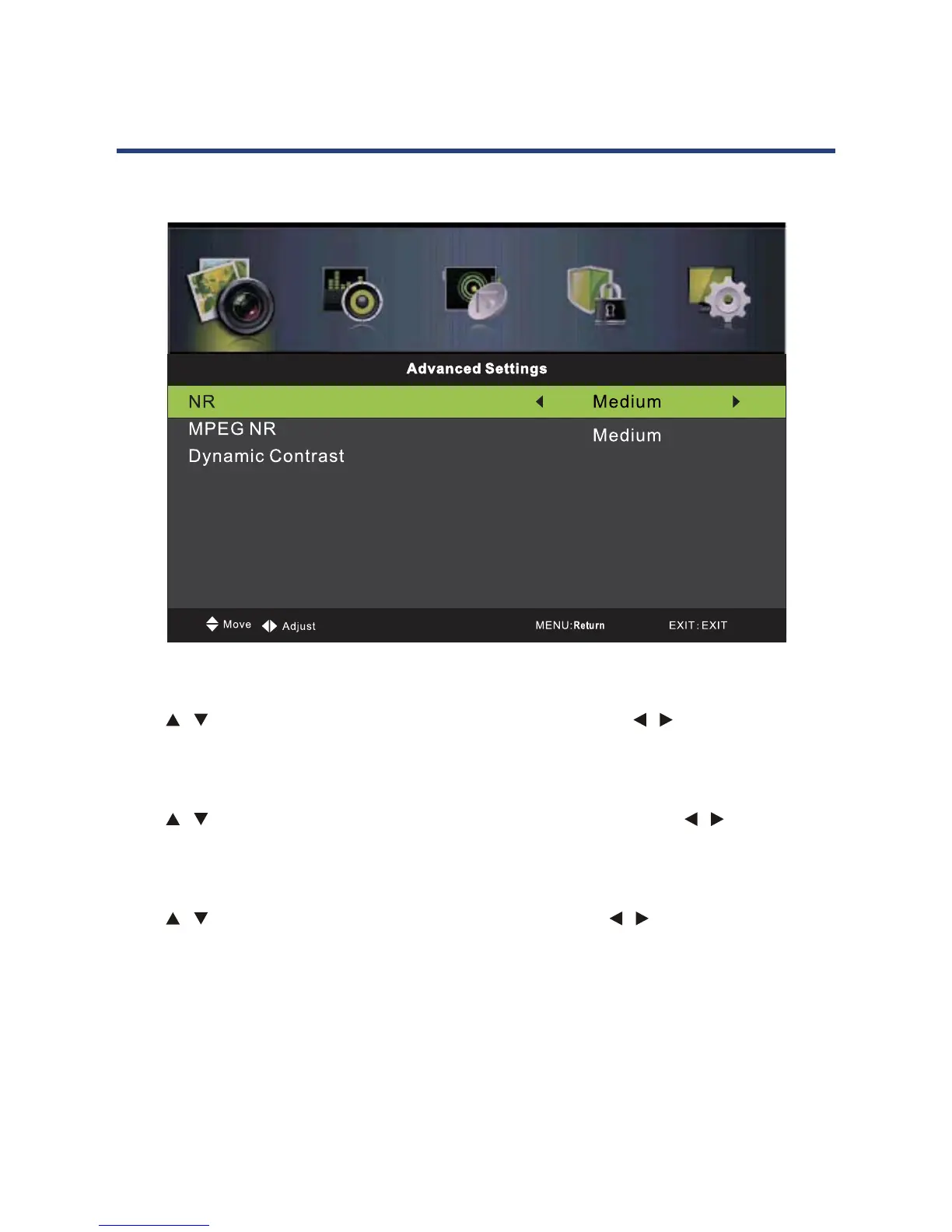
Advanced Settings
NR(Noise Reduction)
Press
/ button to select NR(Noise Reduction),then press / button to select.
MPEG NR(Noise Reduction)
Press
/ button to select MPEG NR(Noise Reduction),then press / button to
Dynamic Contrast
Press
/ button to select Dynamic Contrast,then press / button to select.
,Medium,Strong).
Basic Operation (Cont.)
NR(Noise Reduction)
Press / button to select NR(Noise Reduction), then press / button to select.
(Available options: O, Weak, Medium, Strong).
MPEG NR(Noise Reduction)
Press / button to select MPEG NR(Noise Reduction), then press / button to
select. (Available options: O, Weak, Medium, Strong).
Dynamic Contrast
Press / button to select Dynamic Contrast, then press / button to select.
(Available options: O, Weak, Medium, Strong).
Basic Operation (Cont.)
Medium



 To Next Page