43
PVR and Timeshift Operation (Cont.)
Playlist
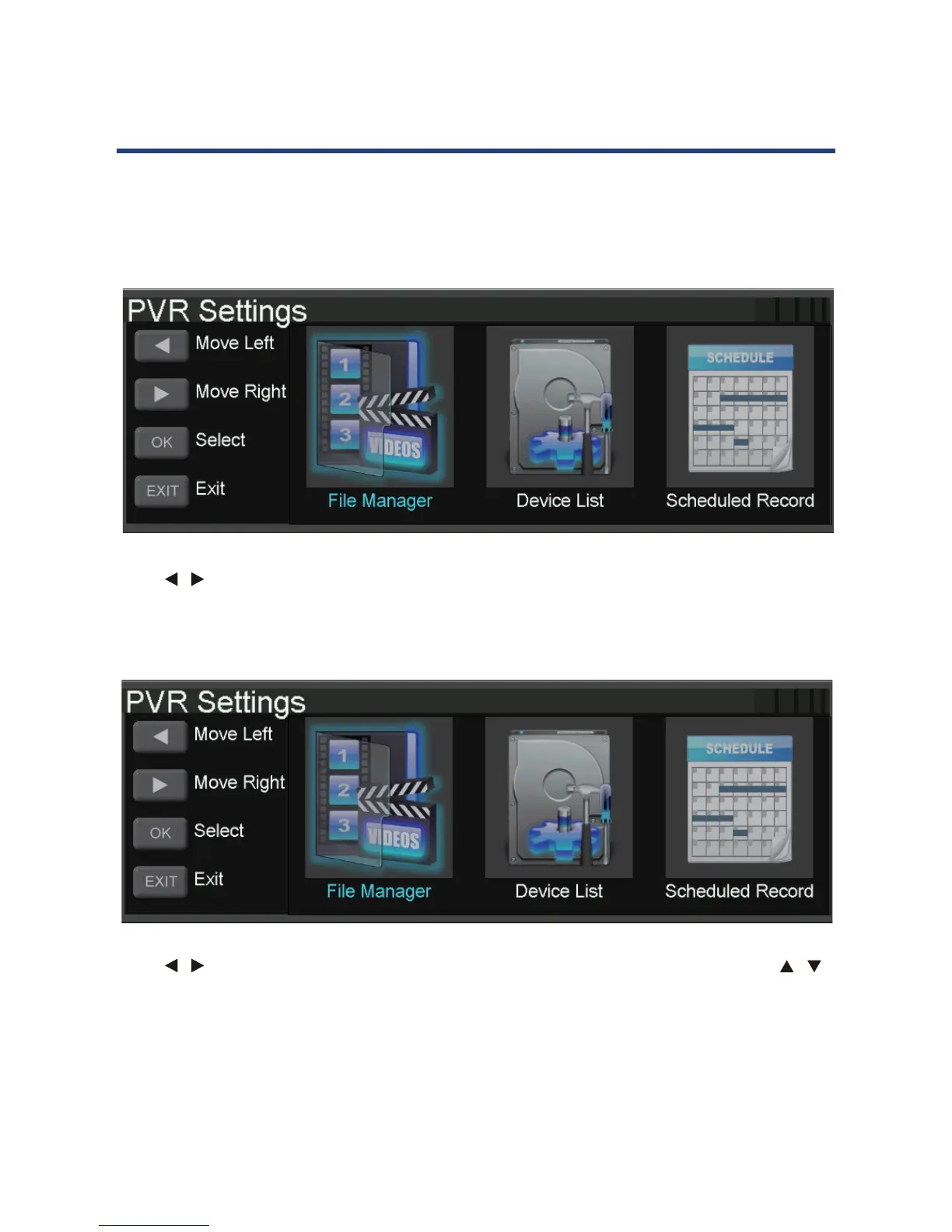
Press MENU button to access the PVR SETTINGS menu under the SETUP submenu, from this
menu you may play the recorded TV programs, as well as access the scheduled recordings
list.
42
PVR and Timeshift Operation (Cont.)
Playlist
Press MENU button to access the PVR SETTINGS menu under the SETUP submenu,from this
menu you may play the recorded TV programs, as well as access the scheduled recordings
list.
Press
/ buttons to choose the File Manager and press OK and press to access. Follow the
on-screen instructions to play the TV programs stored. Press the MENU button to return to
the previous window, or press the EXIT button to leave the interface.
Press
/ buttons to choose the Scheduled Record and press OK and press to access. Use
the / buttons to choose a group and follow the on-screen instructions to schedule a
recording. Press the MENU button to return to the previous window, or press the EXIT button
to leave the interface.
Press / buttons to choose the File Manager and press OK to access. Follow the on-screen
instructions to play the TV programs stored. Press the MENU button to return to the previous
window, or press the EXIT button to leave the interface.
42
PVR and Timeshift Operation (Cont.)
Playlist
Press MENU button to access the PVR SETTINGS menu under the SETUP submenu,from this
menu you may play the recorded TV programs, as well as access the scheduled recordings
list.
Press
/ buttons to choose the File Manager and press OK and press to access. Follow the
on-screen instructions to play the TV programs stored. Press the MENU button to return to
the previous window, or press the EXIT button to leave the interface.
Press
/ buttons to choose the Scheduled Record and press OK and press to access. Use
the
/ buttons to choose a group and follow the on-screen instructions to schedule a
recording. Press the MENU button to return to the previous window, or press the EXIT button
to leave the interface.
Press / buttons to choose the Scheduled Record and press OK to access. Use the /
buttons to choose a group and follow the on-screen instructions to schedule a recording.
Press the MENU button to return to the previous window, or press the EXIT button to leave
the interface.



 To Next Page