Operation
Display
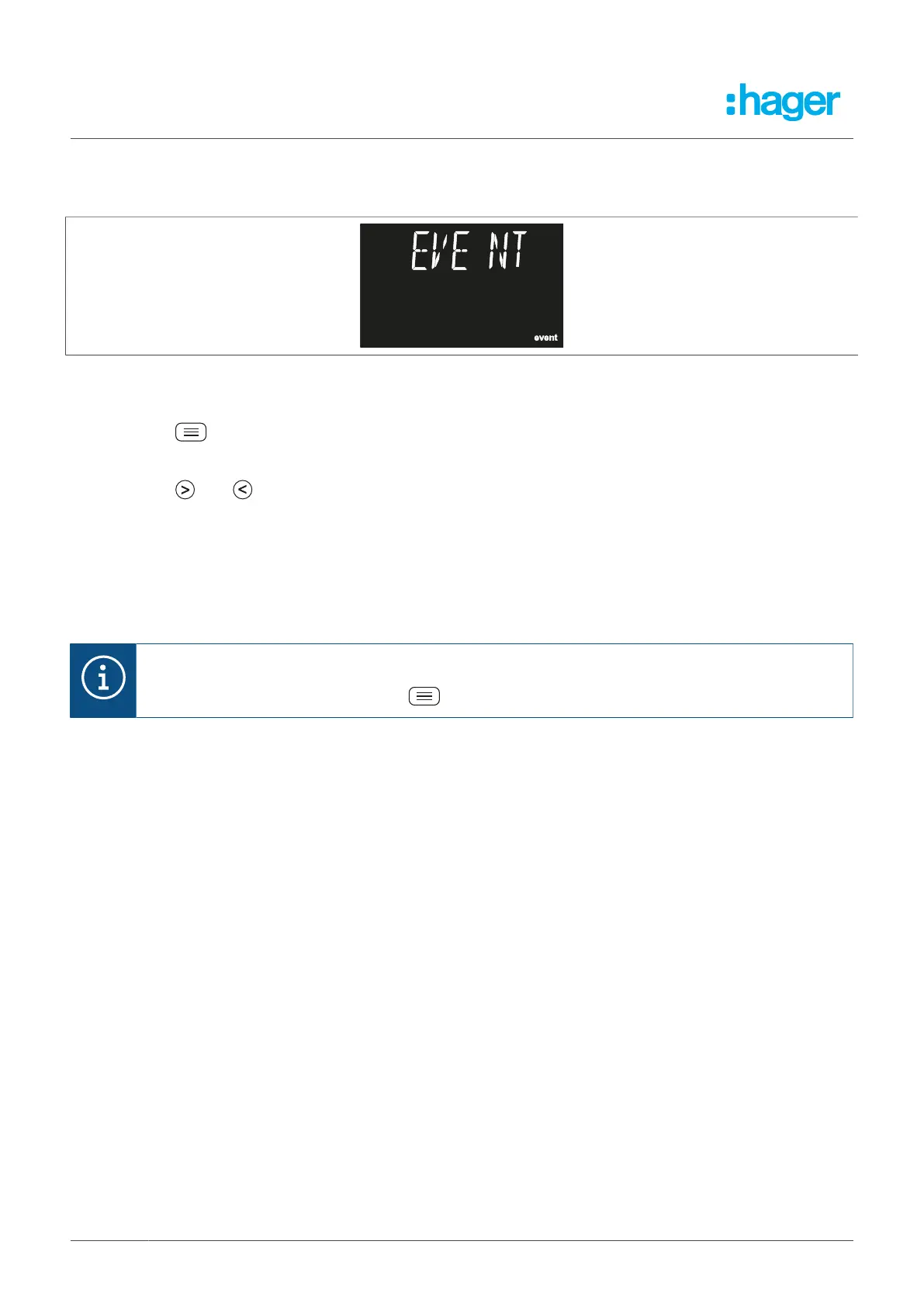
7.3.10 Event menu
The event menu allows you to view the last 20 events for the device.
Fig. 22: Event menu
l
Open the event menu.
l
Press the button.
The last 20 events open and are shown on screen.
Press the and buttons to toggle between the events.
The device can show four different types of event:
– TRI, channel relay trip
– ALA, active pre-alarm
– TST, individual test
– TRA, transformer error
Note
To exit the event menu, press the button for > 3 seconds.
Three different screens are shown to visualise active pre-alarms (ALA), individual tests (TST) and trans-
former errors (TRA). These differ with respect to their time, year, and month and day data.
22 Fehlerstromschutz-Relais



 To Next Page