Configuration
Time setting
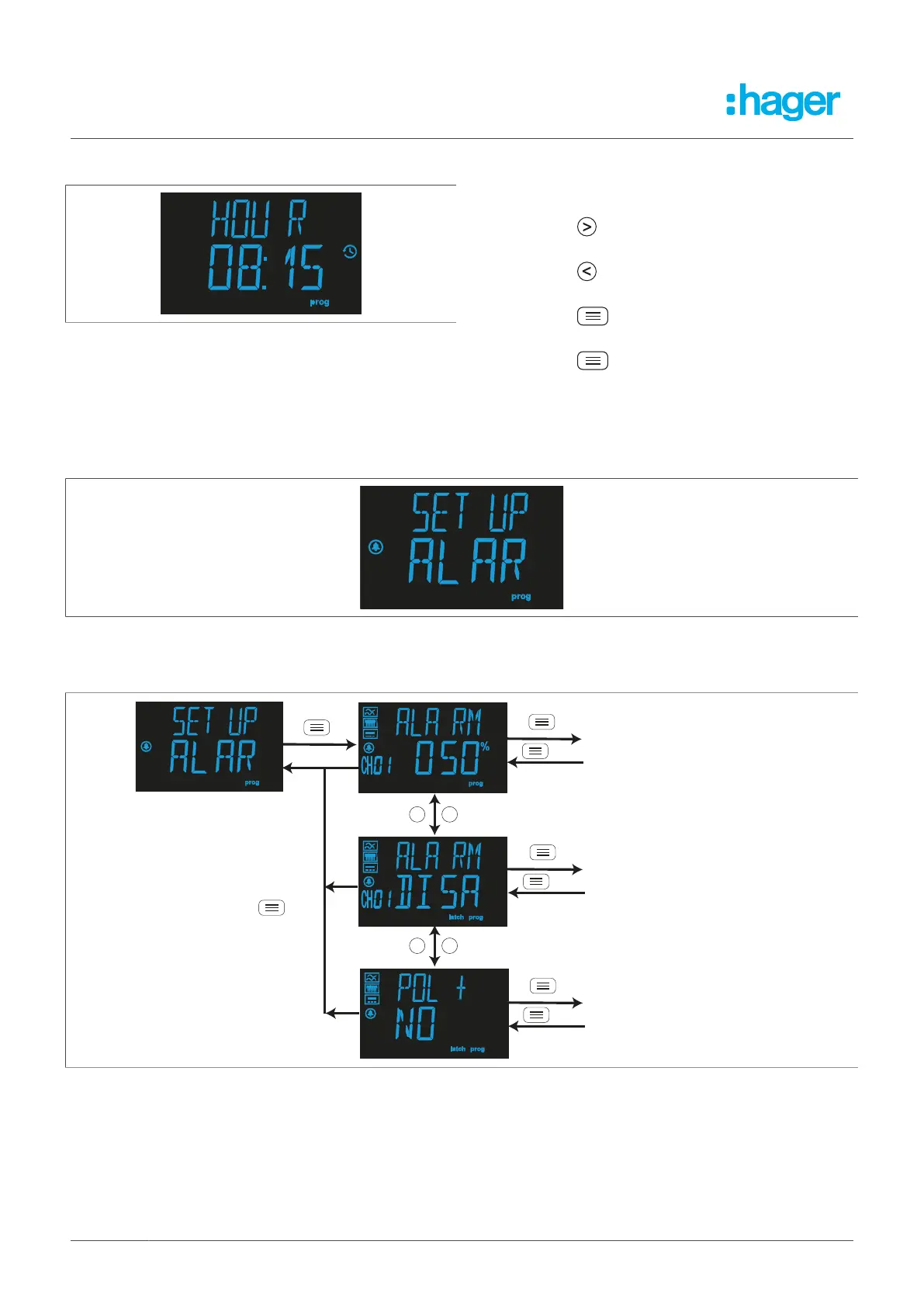
8.2.4 Hour
Configure the time here.
l
Press the R button to increase the time in
one-hour increments.
l
Press the T button to decrease the time in
one-hour increments.
l
Press the button to confirm the setting.
l
Set the minutes as in steps 1 and 2.
l
Press the button to confirm the setting
and go back to the Time setting set-up menu.
8.3 Pre-alarm
The Pre-alarm set-up menu
Fig. 35: Pre-alarm set-up menu
The Current, Operation and Pre-alarm polarity parameters can be configured here.
Fig. 36: Pre-alarm menu
8.3.1 Pre-alarm trip current
The current at which the pre-alarm is activated according to the percentage of the relay's trip current
is set in this step.
32 Fehlerstromschutz-Relais
Pre-alarm current
Pre-alarm operation
Pre-alarm polarity



 To Next Page