Configuration
Time setting
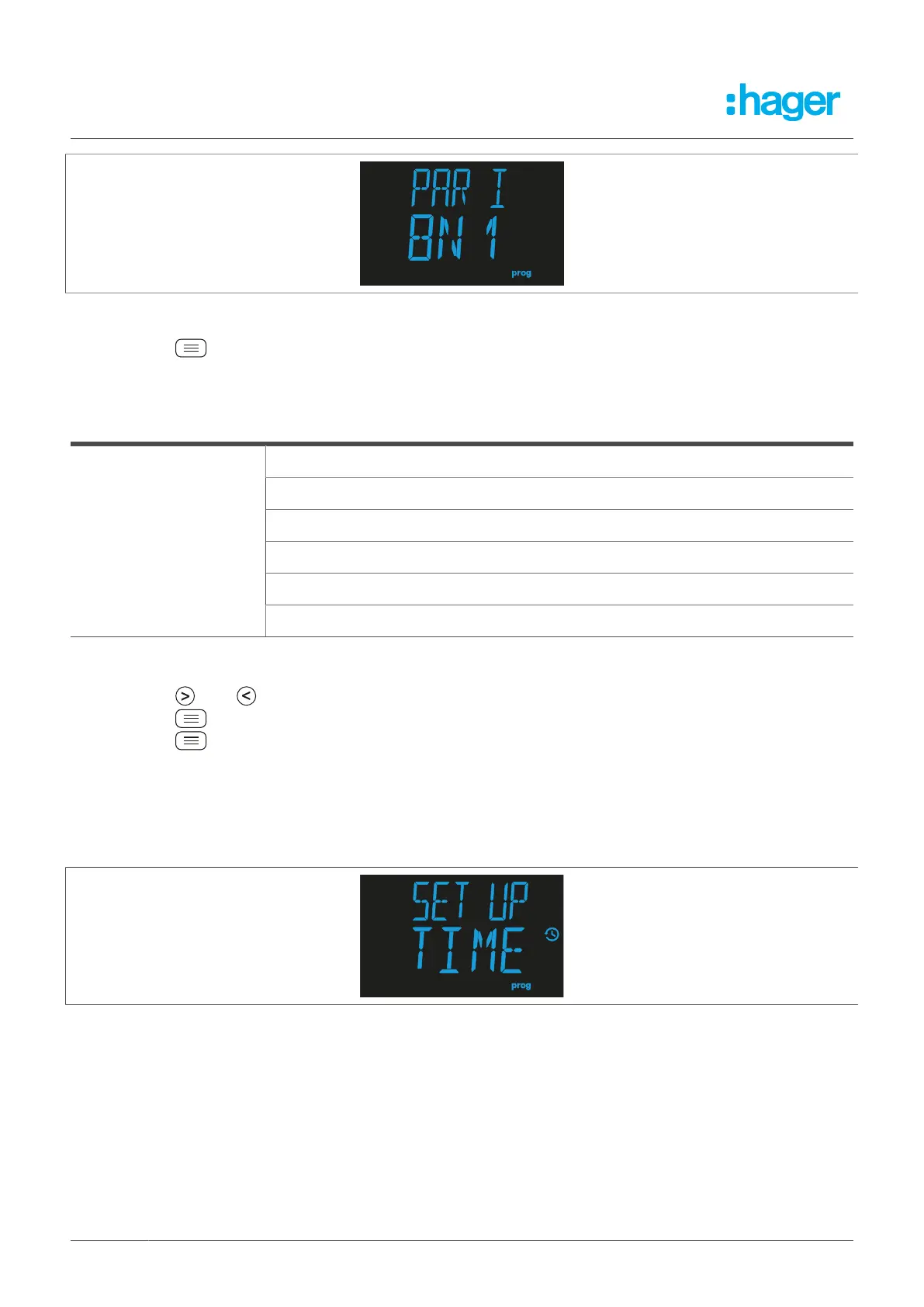
Fig. 32: Data bits, stop bits and parity
l
Press the button to edit the data bits, stop bits and parity.
The programming value flashes.
Data bits, stop bits and parity
8N1, 8 data bits, no parity, 1 stop bit
8E1, 8 data bits, even parity, 1 stop bit
801, 8 data bits, odd parity, 1 stop bit
8N2, 8 data bits, no parity, 2 stop bits
8E2, 8 data bits, even parity, 2 stop bits
Possible values
802, 8 data bits, odd parity, 2 stop bits
Table 8: Setting options for the data bits, stop bits and parity
l
Press the R or T button to choose between the different values.
l
Press the button to jump to the next programming point.
l
Press the button for > 3 seconds to confirm the setting.
The channel display screen is shown.
8.2 Time setting
The Time setting set-up menu can be used to edit the time.
Fig. 33: Time setting set-up menu
You can set the year, month, day and hour.
30 Fehlerstromschutz-Relais



 To Next Page