Configuration
Trip relay
8.4.1 Polarity
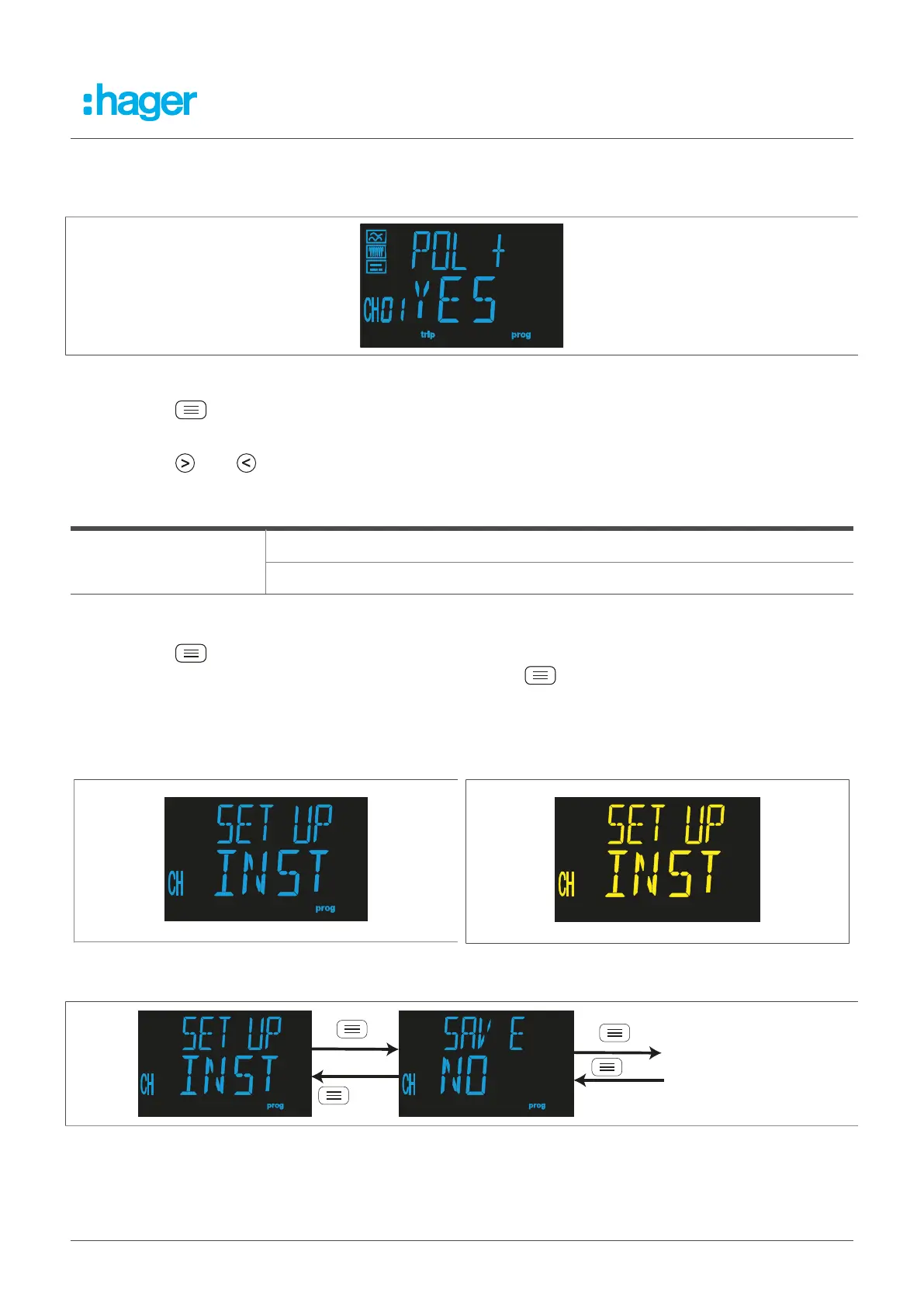
The polarity is configured in this step.
Fig. 42: Polarity
l
Press the button to set the polarity.
The programming value flashes.
l
Press the R or T button to choose between the different values.
Polarity
YES: The trip relay works with positive polarity. The + symbol appears on the display.
Possible values
NO: The trip relay works with standard polarity.
Table 12: Setting options for the polarity
l
Press the button for > 3 seconds to confirm the setting and exit programming mode.
l
To go to the Trip relay set-up menu, press and hold the button for > 3 seconds.
8.5 Installation
The Installation set-up menu can be used to save the installation.
Fig. 43: Installation menu
Fig. 44: Installation menu
Fig. 45: Save installation menu
Fehlerstromschutz-Relais 35



 To Next Page