Configuration
Installation
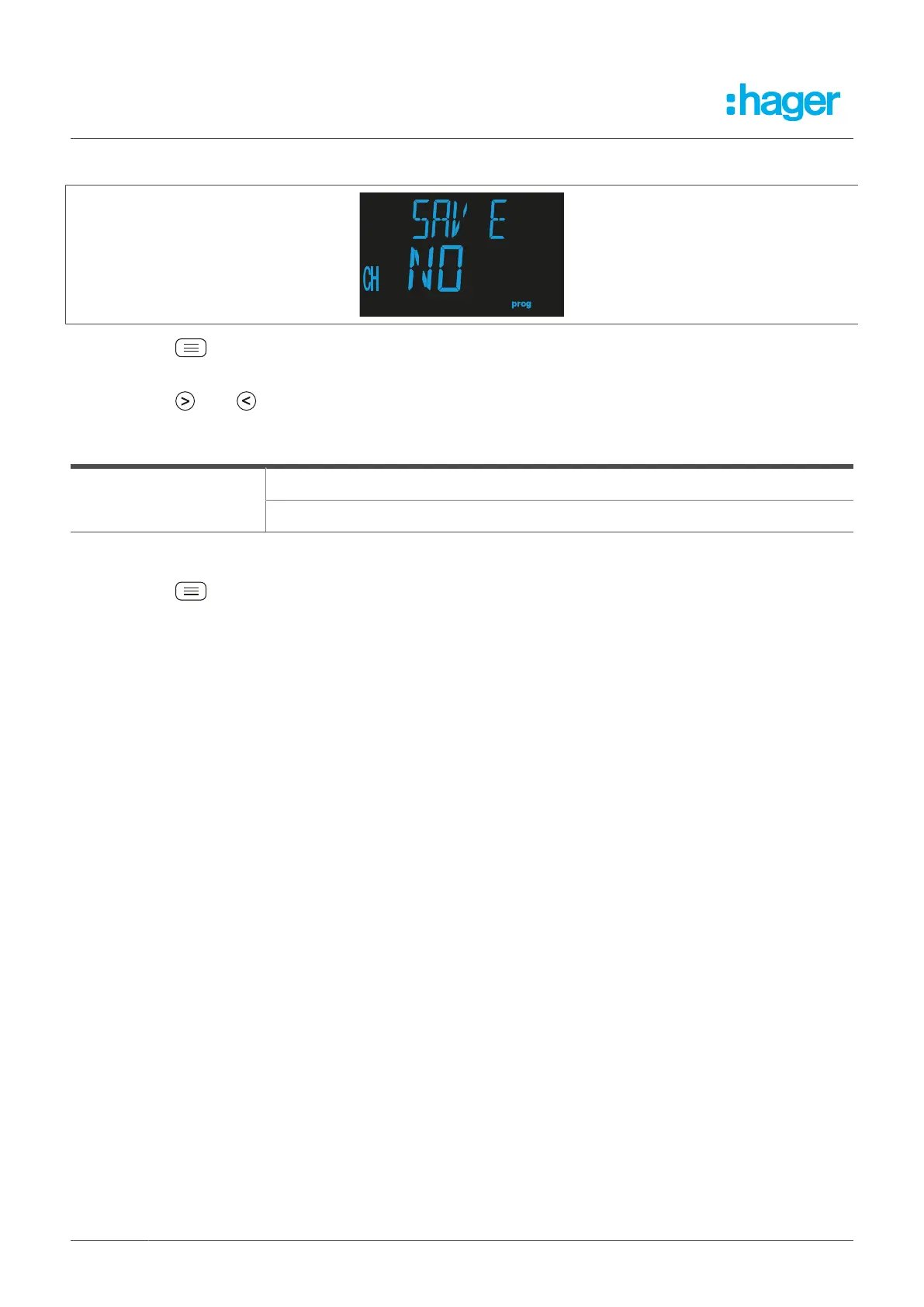
8.5.1 Saving the installation
l
Press the button to go to programming mode.
The programming value flashes.
l
Press the R or T button to choose between the different options.
Saving the installation
YES: The device installation is saved.
Possible values
NO: The device installation is not saved.
Table 13: Setting options for saving the installation
l
Press the button for > 3 seconds to confirm the setting and exit the mode.
36 Fehlerstromschutz-Relais



 To Next Page