7.PARAMETERSETTING
PROFILE
The profile information can be set up.
STATION ID: Station name, Asset ID, etc., PROFILE1,2: User name and solder information.
ALERT TIME
"CHG TIP" is displayed on the home screen when the iron tip cumulative running time reaches the set
period. To clear this display, you need to change the tip and reset the TIP TIME from the DSP menu. (See 5.
How to Use, “SHOW TIP TIME”.)
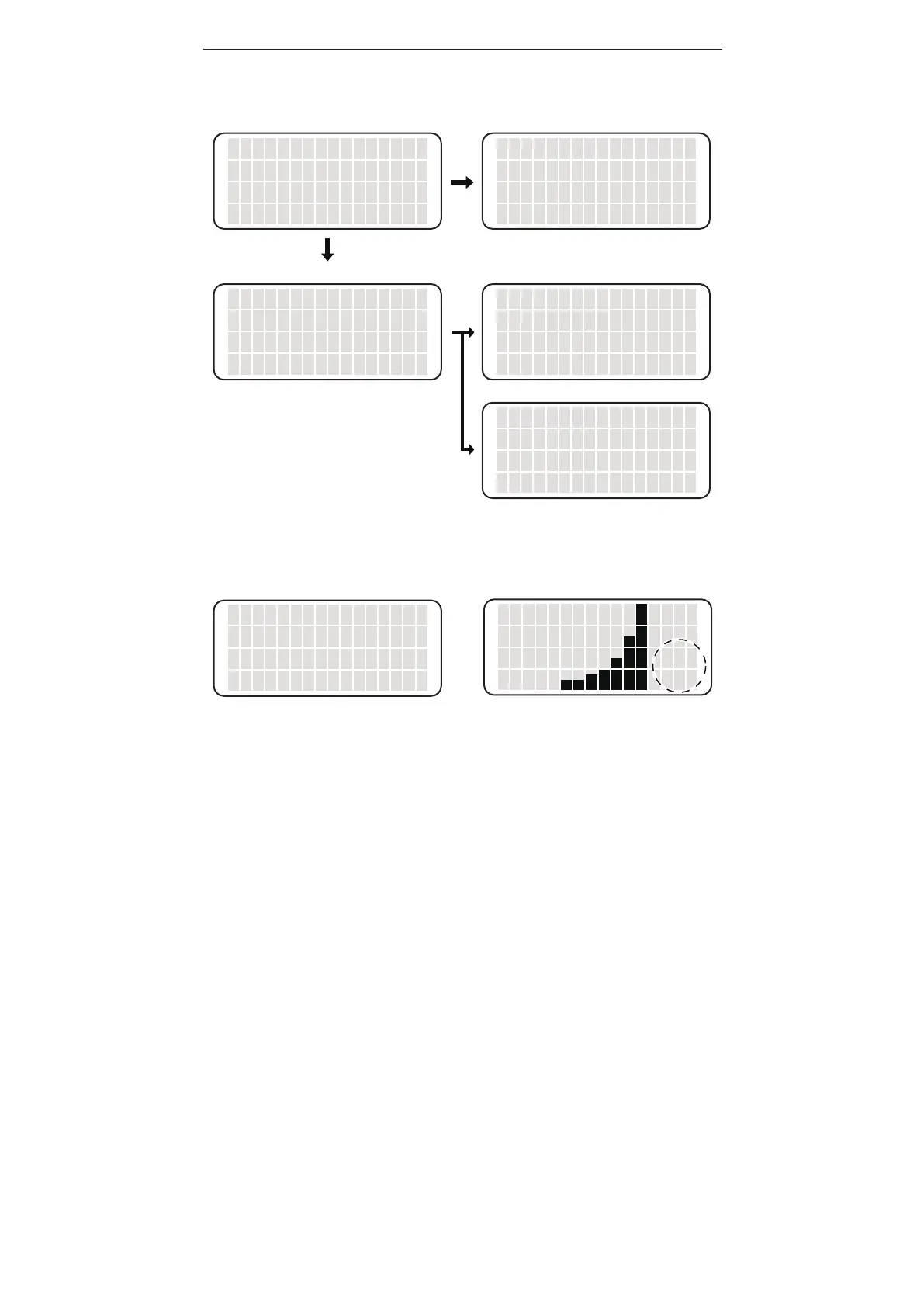
PROFILE screen When STATION ID is selected
STATION ID
PROFILE 1
PROFILE 2
<↑> <↓> <OK>
USER NAME
SOLDER TYPE
<CANCEL>
<↑> <↓> <OK>
When PROFILE1 (2) is selected
STATION ID
〔 〕
<↑> <↓> <OK>
When SOLDER TYPE is selected
PROF.1 SOLDER
〔 〕
<↑> <↓> <OK>
When USER NAME is selected
PROF.1 USER
〔 〕
<↑> <↓> <OK>
You can make your name and ID from “A-Z”,
“0-9”, “.”, “-” and space. You can enter
up to 14 letters. This is blank in the initial setting.
▲ ▲
Setting ALERT TIME
ALERT TIME
xxxxhours
<↑> <↓> <OK>
N
CHG
TIP
Display in the “CHG TIP”















 To Next Page