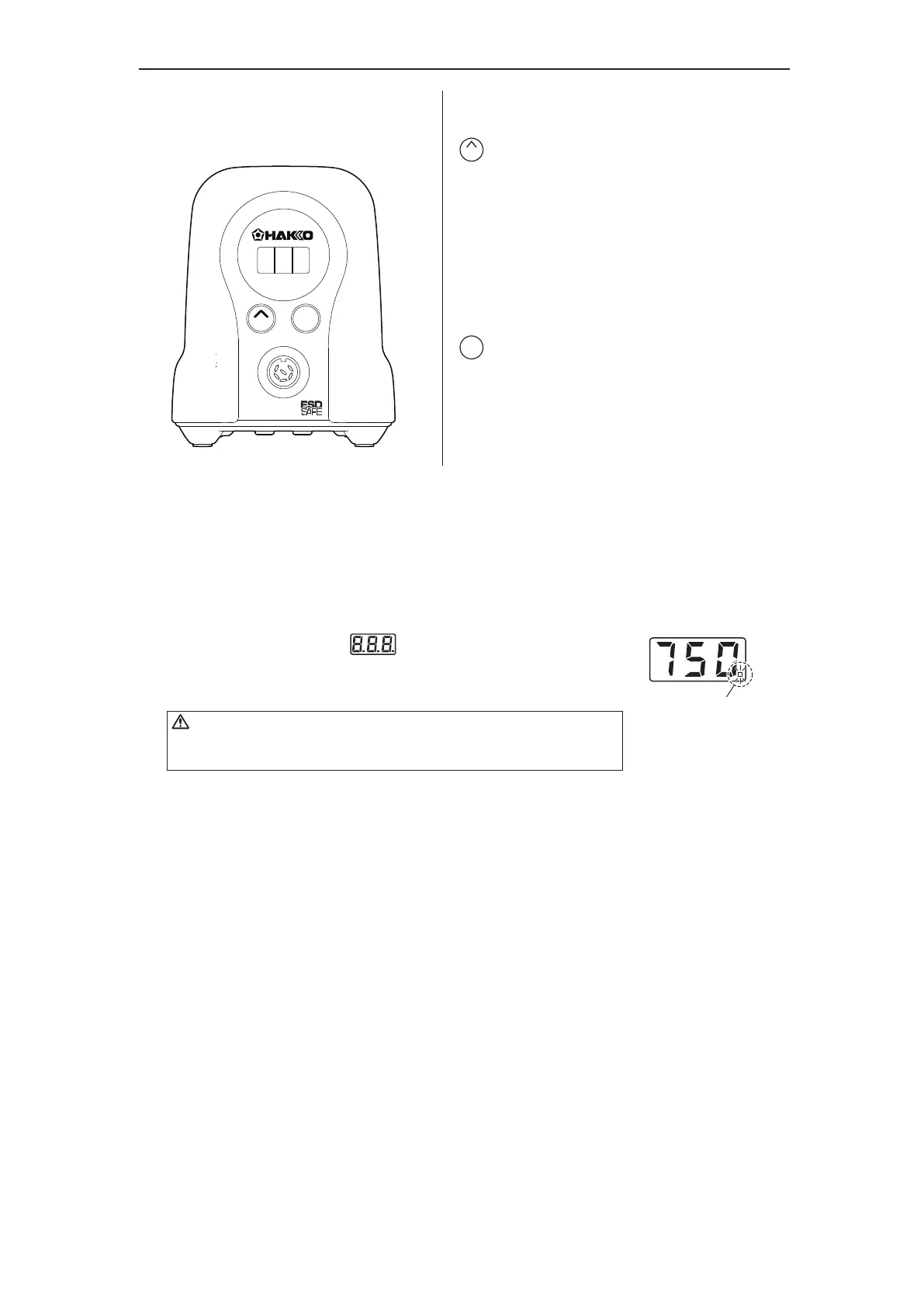
● Operation and indication
Switch and control button
The front panel for the FX-888D has the following two
control buttons.
−Use this button to select and change settings.
In the temperature preset mode,
pressing this button will change the selected
preset temperature while the unit is in operation.
Pressing and holding the button will start
the adjustment mode.
−Use this button to make and confirm selections.
Pressing this button will display the current set
temperature.
Pressing and holding the button will start
the temperature setting mode.
ENTER
UP
5.OPERATION
UP
ENTER
FX-888D
A. Turn on the power switch
After turning on the power switch, will be displayed
for two seconds, and current temperature will be displayed.
When the display stabilizes, the LED heater lamp will begin to flash.
B. After use
Always clean the tip and coat it with fresh solder after use.
Place the iron in the iron holder when not in use.
Turn the power off when the FX-888D is not in use for an extended period.
CAUTION
Heater lamp















 To Next Page