6-28 2. Main Menu Screen
6. Extended Function Setting
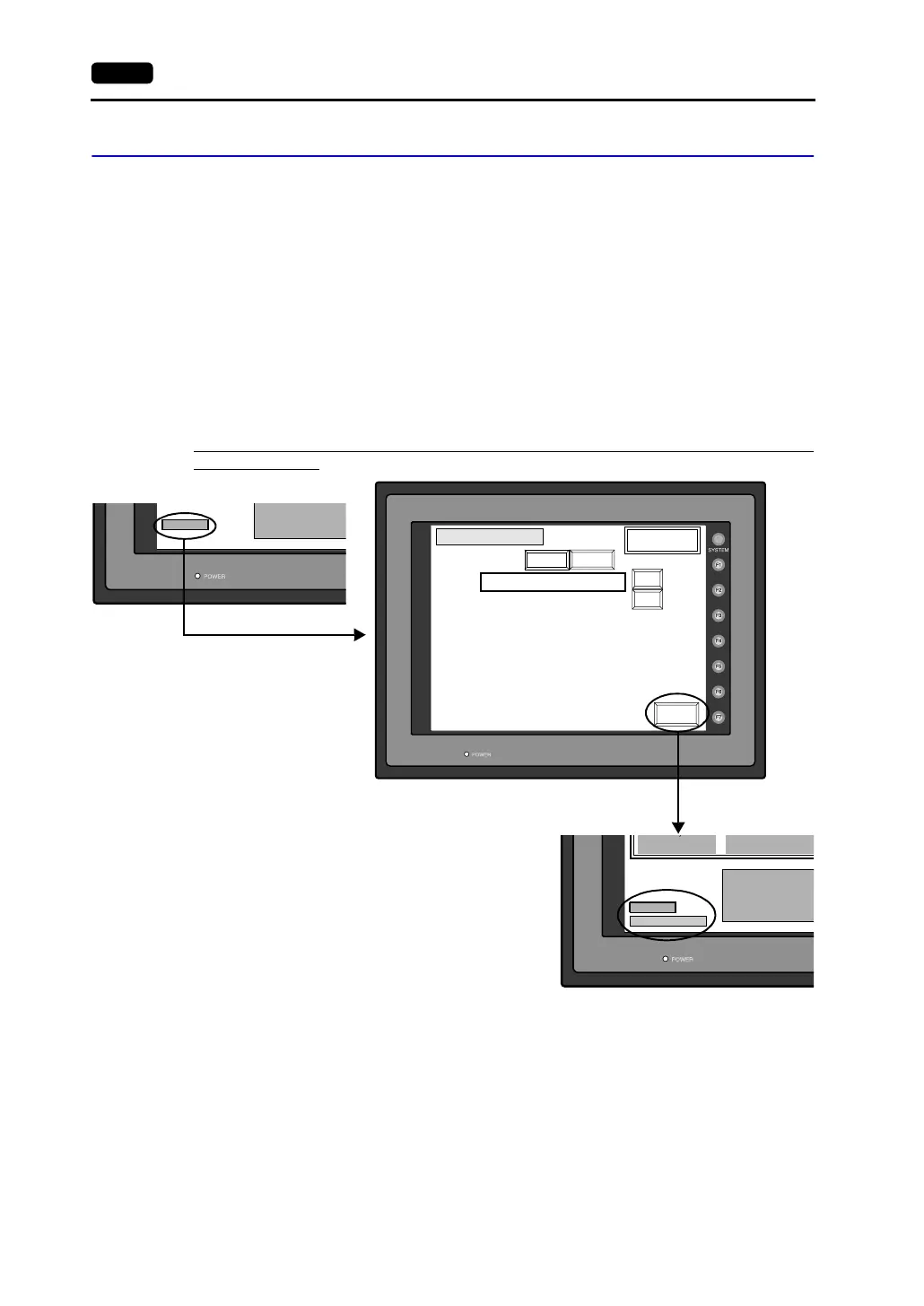
When the [Editor: MJ1] switch on the Main Menu screen is pressed, the following “Extended Function
Setting” screen appears.
Set the baud rate to be used when transferring screen data between the V7 series and a modem.
1. Select the desired baud rate using the [↑] / [↓] switch, and press the [Setting Finished] switch.
(Setting range: 4800, 9600, 19200, 38400, 57600, 115200)
* The function switches and switches on the Main Menu screen are not valid for 15 seconds
after the [Setting Finished] switch is pressed.
* When the [Setting Finished] switch is pressed, an AT command is automatically sent to the
modem and the baud rate used between the V7 and the modem is set.
2. The [Main Menu] (local main) screen is displayed automatically. [Modem Connect Mode]
automatically appears under [Editor: MJ1].
3. To transfer screen data without a modem, select “Not used” for [Modem Comm. Baud Rate].
For screen data transfer while a computer is connected with V6-CP, specify [Not Used] for [Modem
Comm. Baud Rate].
Main Menu
Extended Function Setting
Modem Comm. Baud Rate: Not used
Up Down
Setting
Finished
Up
Down
Setting Value
Editor:MJ1
Modem Connect Mode
Ethernet Information
Trans.Speed : 10BAS
Stat. No. : 192.16
PORT: 10000
MAC: 0050FF000035
Baud Rate : 115200
Editor:MJ1
PORT : 10000
MAC : 050FF000035
a
.S
Stat. No. :
S
192.168.
Pressing the [Editor: MJ1] switch brings up
the “Extended Function Setting” screen.
Pressing the [Setting Finished] switch
moves back to the Main Menu screen.



 To Next Page