2
8. Printer Connection (PRINTER) 2-21
Specifications
Connecting Cable
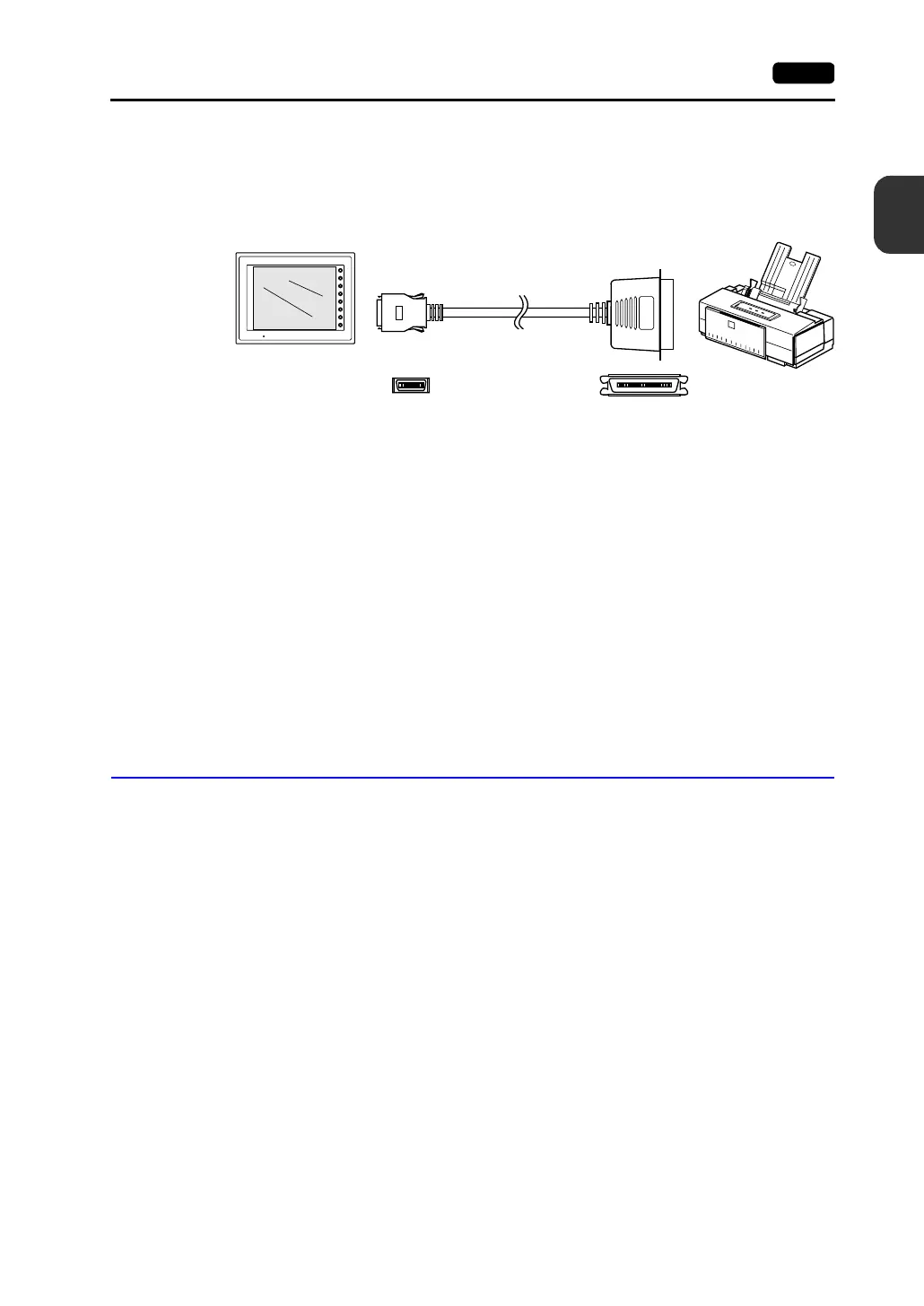
• To connect the V7 series to a printer, use Hakko Electronics’ printer cable “V7-PT” 2.5 m for 20-pin
parallel interface.
For the CBM292/293 printer, use the V7-PTCBM printer cable (2.5 m).
Compatible Printer Models
Control code system:
• PR201 PC-PR201 series compatible with MS-DOS computer
• ESC-P ESC/P24-J84, ESC/P-J84, ESC/P super function compatible
with MS-DOS computer
Others:
• CBM292/293 CBM’s line thermal printer (Screen hard copying is not
possible.)
• MR400 Sato’s barcode printer “MR400 series” (It is not possible to
print a screen hard copy, data sheet or sampling data.)
• EPSON STYLUS PHOTO series EPSON color ink jet printer STYLUS PHOTO series (For
printer models, refer to the separate V-SFT Additional
Specifications.)
Connection with Printer through Serial Interface
• To connect a printer through serial interface, connect the cable to a modular jack (MJ1/MJ2).
• Refer to the specification sheet of the printer to be used for the connecting cable for serial
interface.
For information on MJ1/MJ2 signals, refer to page 2-13.
• When two printers are connected through parallel interface and serial interface, the one connected
to MJ1/MJ2 (refer to page 2-13 for the setting) takes precedence.
• Printer models and available print functions are the same as those for parallel interface.
F1
F2
F3
F4
F5
F6
F7
SYSTEM
POWER
V7-PT
V7 series Printer
Half-pitch, 20-pin Centronics, 36-pin



 To Next Page