7
1. Error Message 7-1
Error Correction
1. Error Message
There are five kinds of error messages displayed on the V series:
1. Communication error
2. Check
3. Warning
4. SYSTEM ERROR
5. Touch switch is active
1. Communication Error
* If the above error messages are displayed on the V7 without establishing communication between
V7 and PLC, test the solution of remark “1.”
If the error occurs suddenly in communication, test the solution of remark “2.”
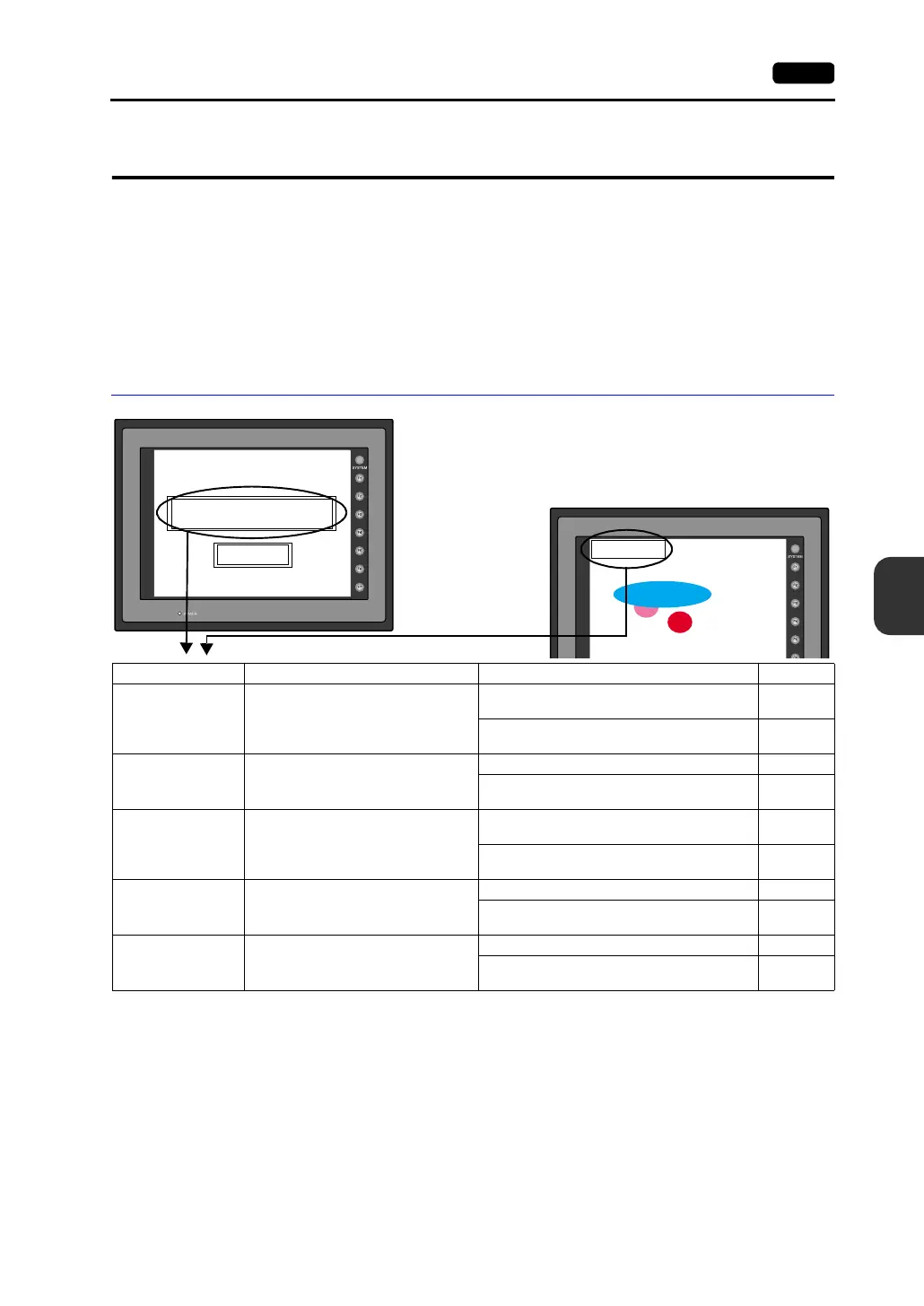
* When you go to [Comm. Parameter],
bring up the [Detail] tab window and set
[Continue] for [Comm. Error Handling],
a screen like the one shown below is
displayed.
Communication Error
Time-Out
Screen No. : Received Code No. :
Retry
Communication Error
Time-Out
Error Message Contents Solution Remarks
Time-Out
Although a request to send is given to
the PLC, no answer is returned within
the specified time.
1. Check the communication parameters.
2. Check the cables and wiring.
1
3. Data may be disrupted because of noise.
Fix noise.
2
Parity An error occurred in parity check.
1. Check the cables and wiring. 1
2. Data may be disrupted because of noise.
Fix noise.
2
Framing
Although the stop bit must be [1], it is
detected as [0].
1. Check the communication parameters.
2. Check the cables and wiring.
1
3. Data may be disrupted because of noise.
Fix noise.
2
Overrun
After one character is received, the next
character is received before internal
processing is completed.
1. Check the communication parameters. 1
2. Data may be disrupted because of noise.
Fix noise.
2
Check Code
The check code in the PLC response
was not correct.
1. Check the communication parameters. 1
2. Data may be disrupted because of noise.
Fix noise.
2



 To Next Page