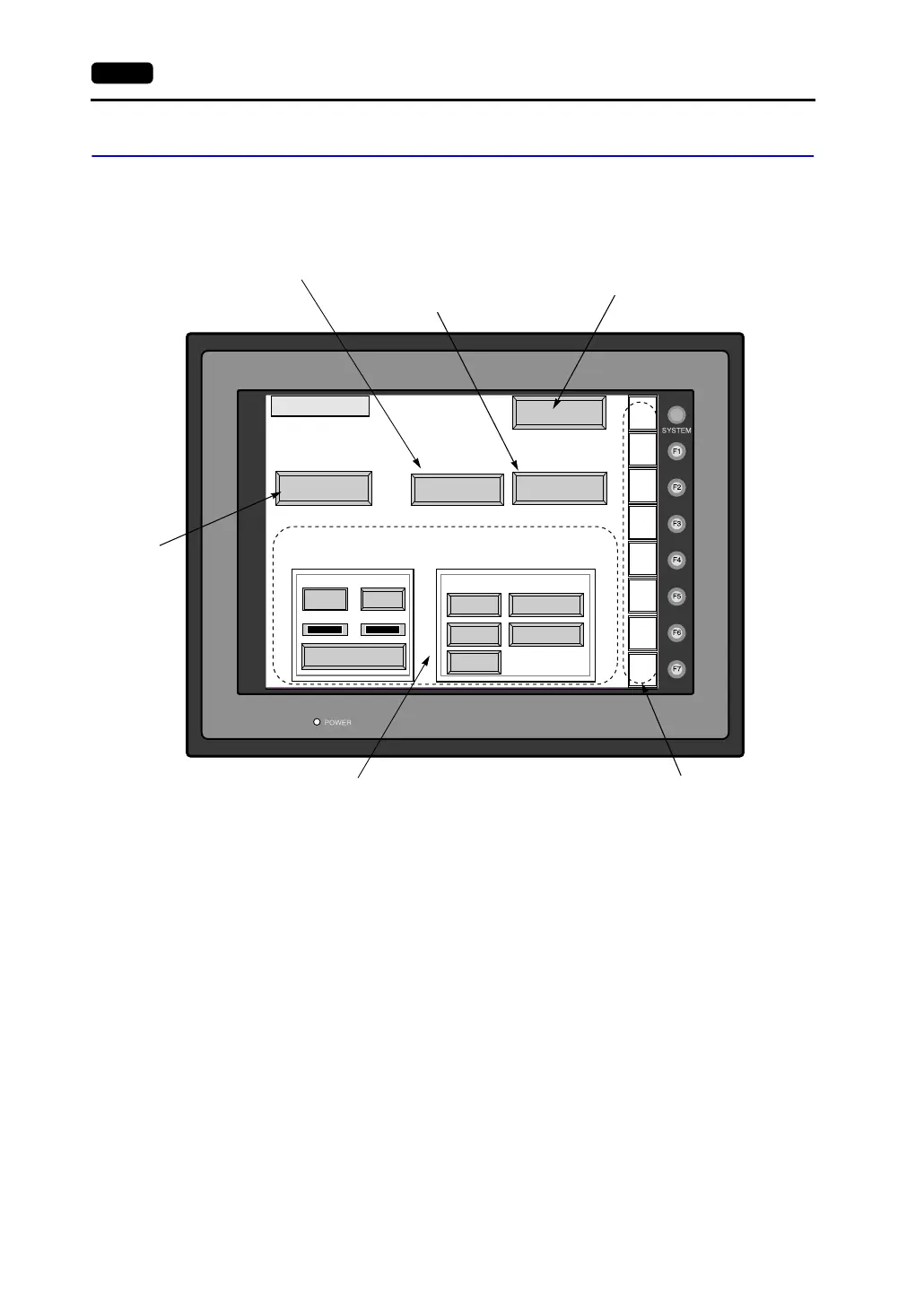
6-4 2. Main Menu Screen
1. I/O Test
When the [I/O Test] switch on the Main Menu screen is pressed, the following “I/O Test” screen
appears.
This screen is used to check that there is no problem with the V7 series interface and touch switch
operation.
*1 When the serial extension I/O (V-I/O) is connected, use this button to check that the V-I/O works correctly.
The [Ext. I/O Check] switch appears only when [V-I/O] is selected for a modular jack on the V-SFT editor.
Main Menu
SYS
F - 1
F - 2
F - 3
F - 4
F - 5
F - 6
F - 7
Printer Check
Ext. I/O Check
Self-Loop Test
CTS
RTS
CN1
RS232C
MJ1 RS485
MJ2
Please refer to the manual, "Hardware Specifications".
Communication Port
Switch Check
Self-Loop Test
I/O Test
NG OK
Performs a printer interface check.
(See page 6-8.)
Moves to the “Touch Switch” screen.
(See page 6-9.)
The Main Menu screen is displayed again.
(See page 6-3.)
Performs a CN1/MJ1/MJ2 interface test.
(See page 6-5.)
Performs a function switch test.
(See page 6-8.)
*1



 To Next Page