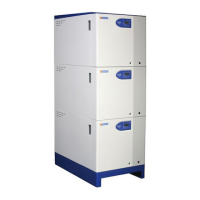
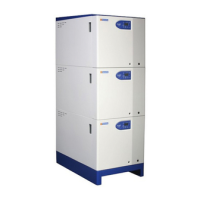
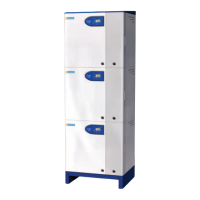
HAMWORTHY HEATING LTD
24
FLEET V series
500001213/G
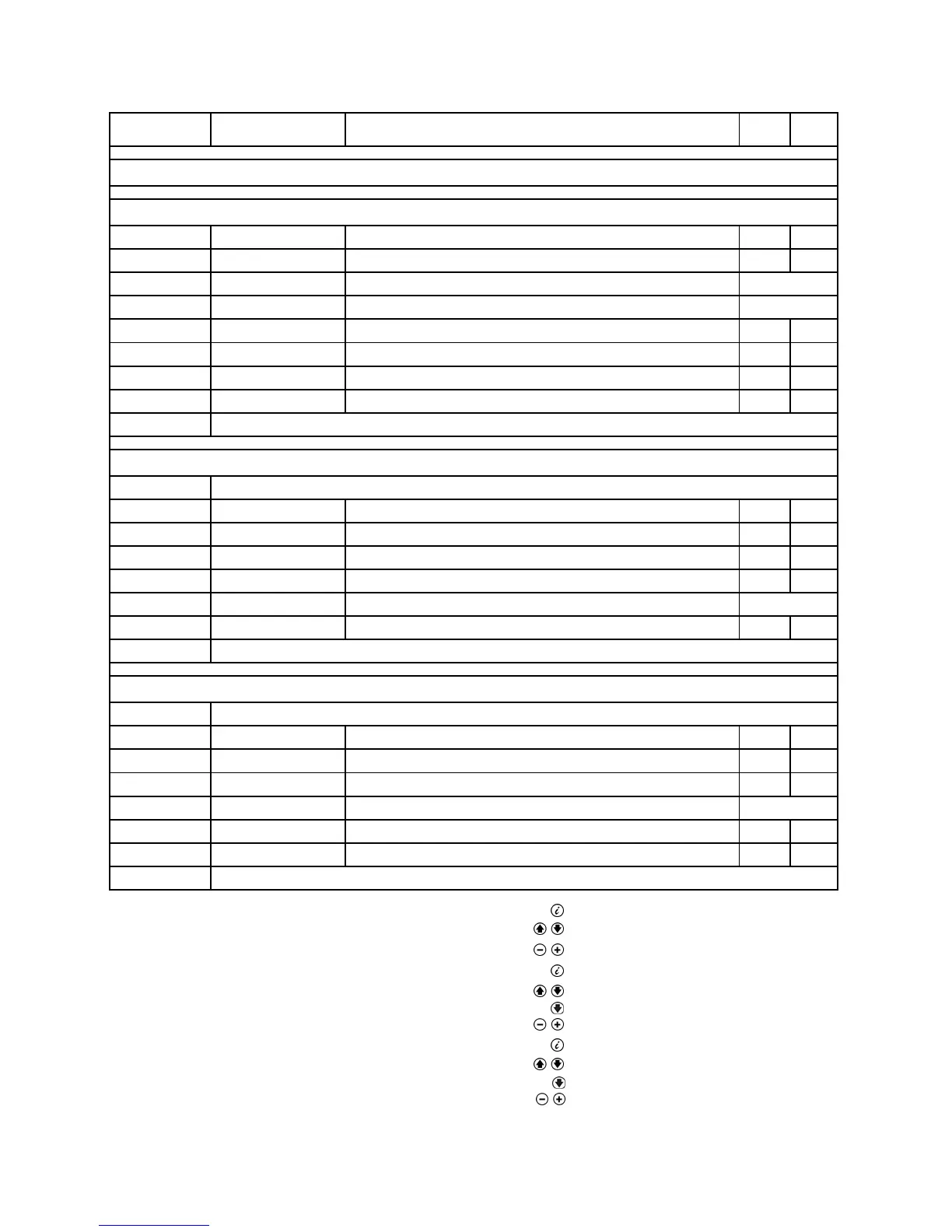
Figure 8.2.1.2 - Info display parameters
The parameters of groups b,C and d can only be displayed
Display level Name of LMU...
variable
Description
General information (Enduser level)
Temperatures (Service level) ¹)
b 0 DiagnoseCode LMU...-internal software diagnostic code
b 1 TkRuec Boiler return temperature
b 2 TbwIst2 DHW temperature sensor 2 Not used
b 3 Tabgas Flue gas temperature Not used
b 4 TiAussen Outside temperature
b 5 TaGem Composite outside temperature
b 6 TaGed Attenuated outside temperature
b 7 TvIst Flow temperature AGU2.500...
b 8/ b9 Reserved
Process values (Service level) ²)
C 0 Reserved
C 1 IonStrom Ionization current
C 2 Gebl_Drehz Fan speed
C 3 Gebl_PWM_AusAkt Current fan control (PWM)
C 4 RelModLevel Relative output
C 5 Pumpe_PWM Pump setpoint (PWM) Not used
C 6 ek0 Control differential
C 7/ C8/ C9 Reserved
Setpoints (Service level) ³)
d 0 Reserved
d 1 Tsoll Setpoint of 2-position or modulating controller (PID)
d 2 TkSoll Current boiler temperature setpoint
d 3 TsRaum Room temperature setpoint
d 4 TbwSoll DHW temperature setpoint Not used
d 5 PhzMax Maximum degree of modulation in heating mode
d 6 NhzMax Maximum speed at maximum output in heating mode
d 7/ d8/ d9 Reserved
Note
1)
1 Press Info button
2 Press buttons for at least 3 seconds
3 Choose the relevant parameter with buttons
Note
2)
1 Press Info button
2 Press buttons for at least 3 seconds
3 Press button
4 Choose the relevant parameter with buttons
Note
3)
1 Press Info button
2 Press buttons for at least 3 seconds
3 Press button twice
4 Choose the relevant parameter with buttons
Note after about 8 minutes, the display will automatically change to the default display.



 To Next Page