MA310 | MA510 | MA710 Owner's Manual | rev1.3 20240612
Pg 34 of 42
©2024 Harman International | Features, Specifications, and Appearance subject to change without notice.
Step 5 - Measurement
After having read the instructions, press 'Begin' when ready.
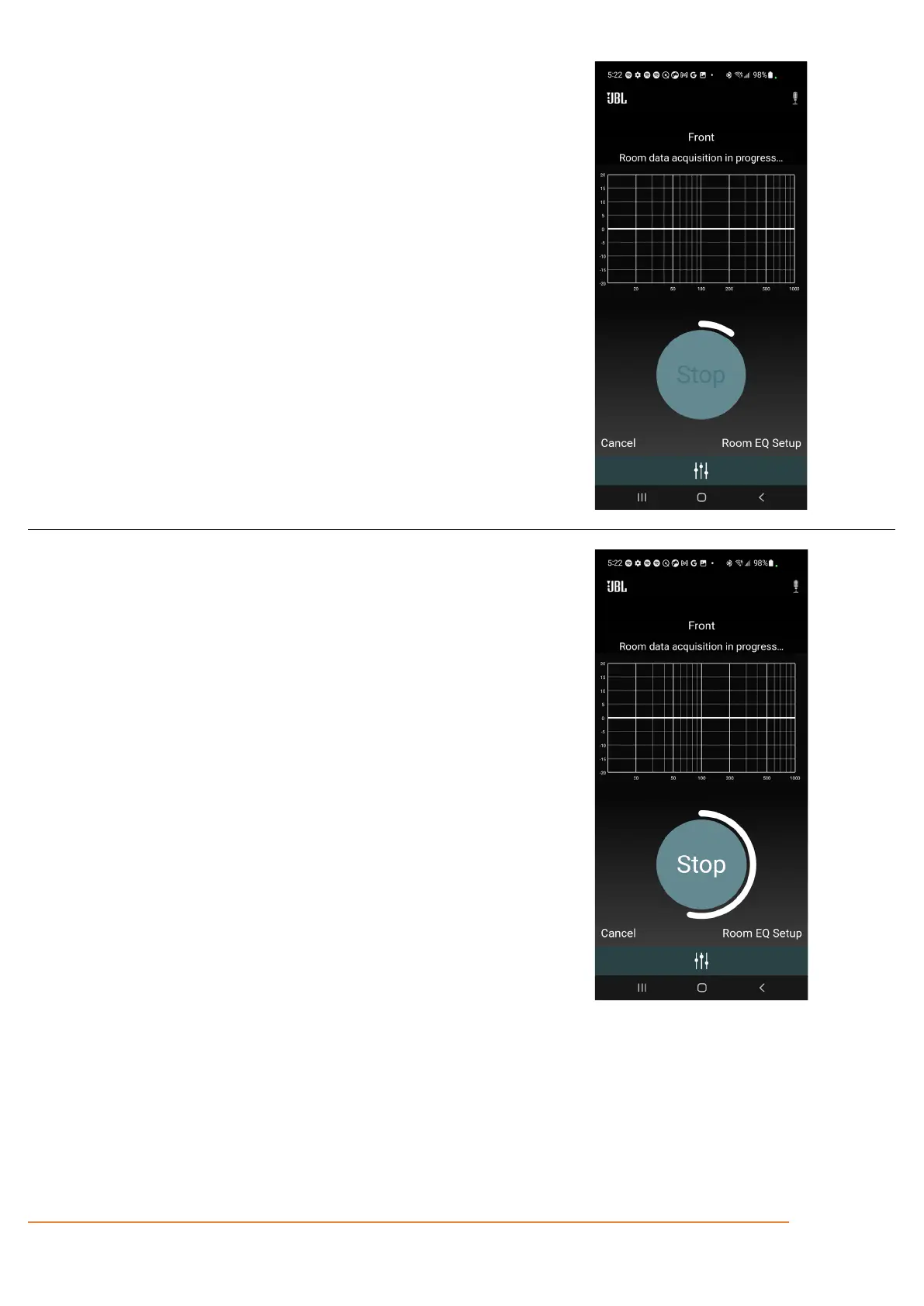
The 60 seconds is illustrated by a bar wrapping the button.
After 30 seconds (when the bar has wrapped half the circle) the button will be
active, and 'Stop' will be white.
30 seconds has passed. The button is now active, and the measurement can
be stopped.
When 60 seconds have passed, the app will go to the next screen
automatically.



 To Next Page