43
TO REMOVE
See “Removing/Installing harness”.
HEADREST:
1. Unhook the elasc loops from each headrest shoulder
belt guide opening on the boom of the headrest.
2. Gently pull the elasc sides up and over the headrest.
BACKREST:
1. Unhook the elasc loops from the top of the backrest
(behind headrest).Grasp fabric cover from the top of
the backrest and gently slide the cover o to remove.
BASE:
1. Remove backrest (see "Assembling/disassembling
backrest").
2. Unhook the elasc loops found under the base toward
the front of seat (x2). Gently pull the elasc sides of
seat cover up and over the seat base and remove.
TO INSTALL
To reinstall fabric covers, repeat previous steps in reverse
order and tuck elascs around cup holders on seat base.
! CAUTION: Reinstall harness system if applicable
(see “Removing/installing harness”).
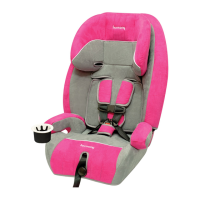
REMOVING/INSTALLING FABRIC SEAT COVER
INSTRUCTION MANUAL STORAGE
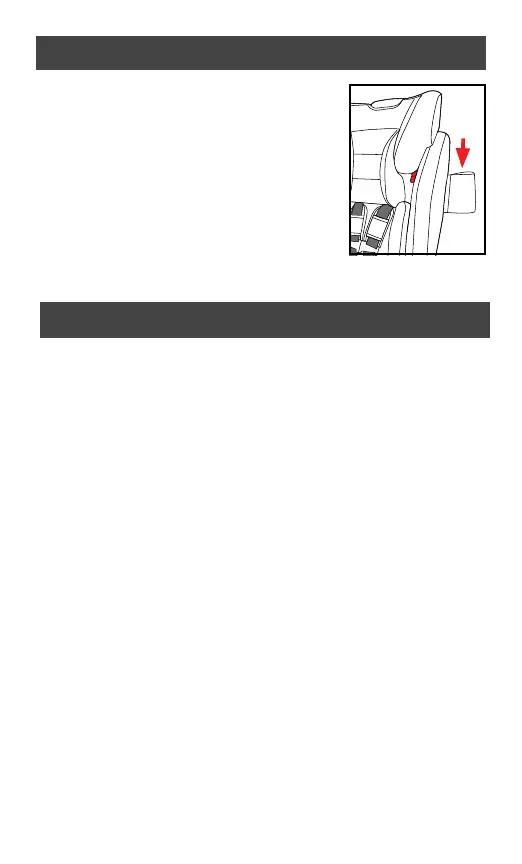
We recommend that you store your
instrucon manual inside the pocket
located under the backrest fabric on
the side of the child restraint. Tuck
pocket back under fabric whenever
the seat is in use.
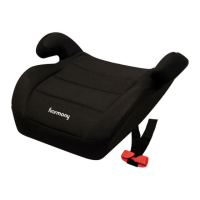
When using the seat as a backless
booster, we recommend that you
store your instrucon manual under
the fabric cover on the top of the booster seat.



 To Next Page