To Select a Postage Value
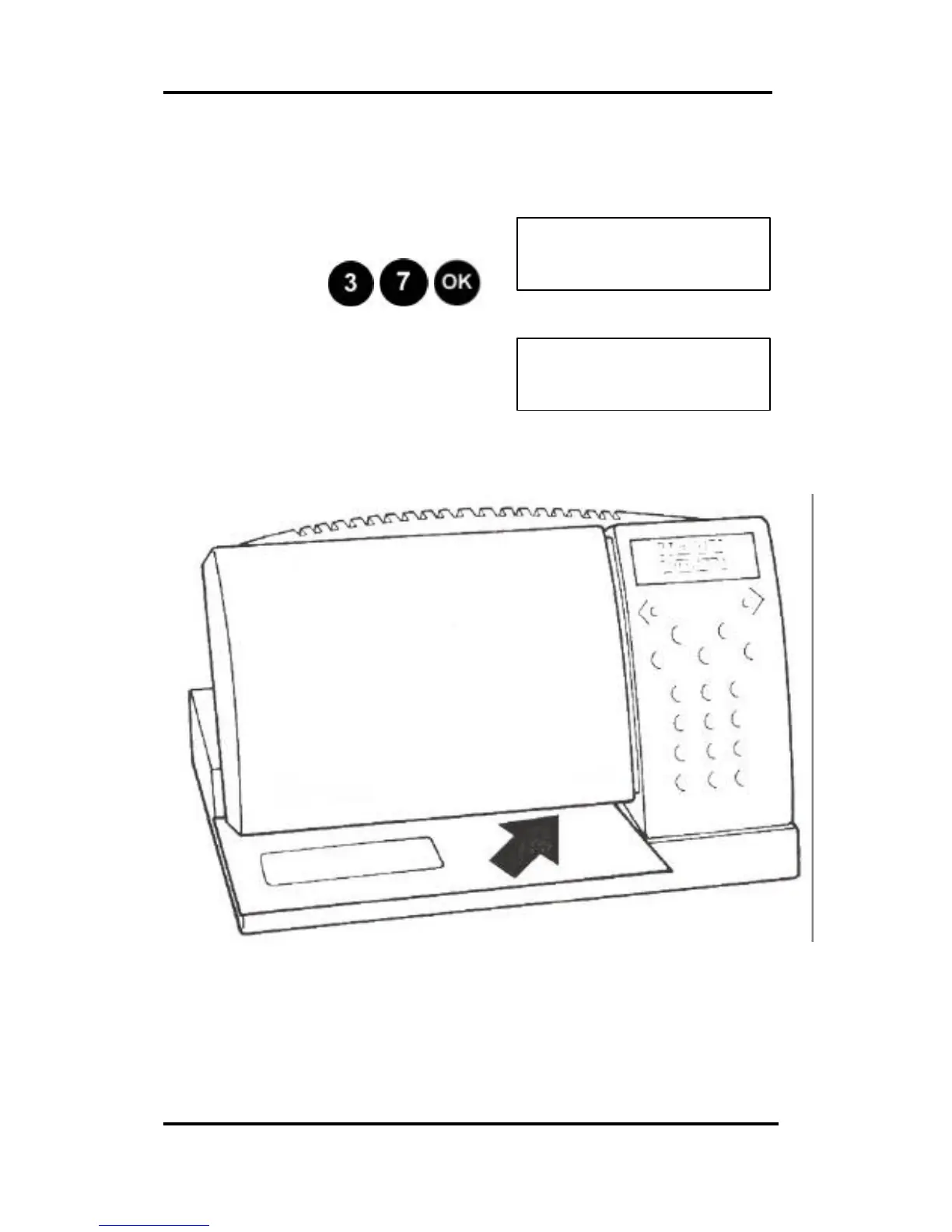
Using the numerical keypad, select the required
postage value … for example 37 cents.
Example: Press
You are now ready to print
postage.
Feed the envelope in as shown below:
Tapes are used in the same manner. First one side of the
two-tape sheet is used, the printed tape is the peeled and
placed on the item. The other side of the two-tape sheet can
then be used for another item.
Continued on the next page.



 To Next Page