HASLER Printing Postage Section 3
06/2003 WJ20 Page 3 - 5
PRINT MODE
< STAMP >
PRINT MODE
< STAMP >
PRINT MODE
< DATE ONLY >
PRINT MODE
< ADVERT ONLY >
PRINT MODE
< ADVERT + DATE >
PRINT MODE
< STAMP:-NO DATE >
Ready $0.00
12/19/02
Ready
ADVERT ONLY
Print Mode Selection
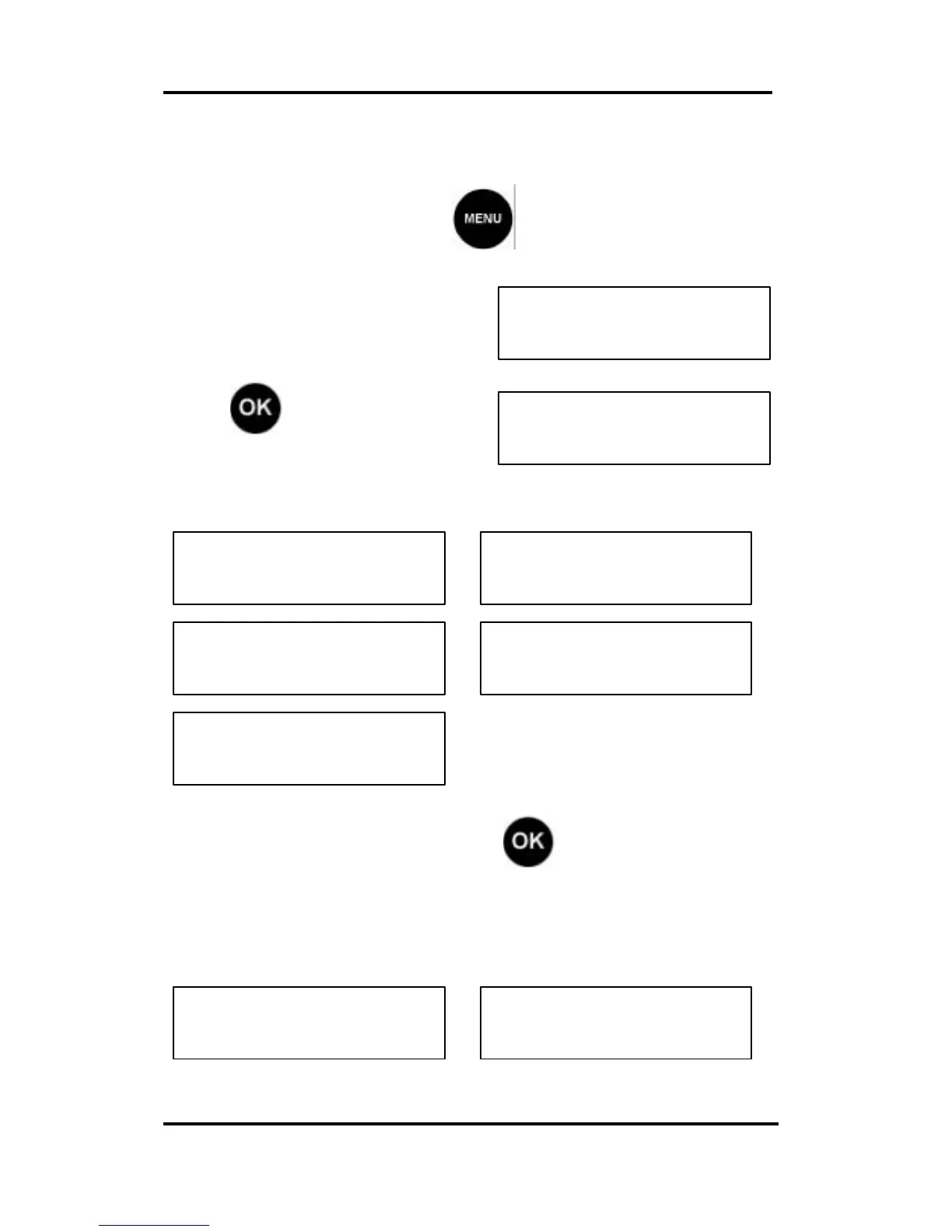
From the Ready Mode press and scroll to the PRINT
Mode display.
Press to lower scroll to
Print Mode selections.
Use the cursors (< >) to select the desired setting:
After making your selection, press to confirm it.
The unit will indicate it is ready.
STAMP selected ADVERT ONLY selected
< PRINT MODE >
STAMP



 To Next Page