HASLER Setup Mode Section 11
Page 11 - 2 WJ20 06/2003
< SETUP >
< HIGH VALUE >
$1.00
< HIGH VALUE >
$10.00
Ready $0.00
12/20/02
High Value Setting
The High Value setting prevents postage printing mistakes.
Selecting a postage value above the high value threshold
requires user confirmation before printing.
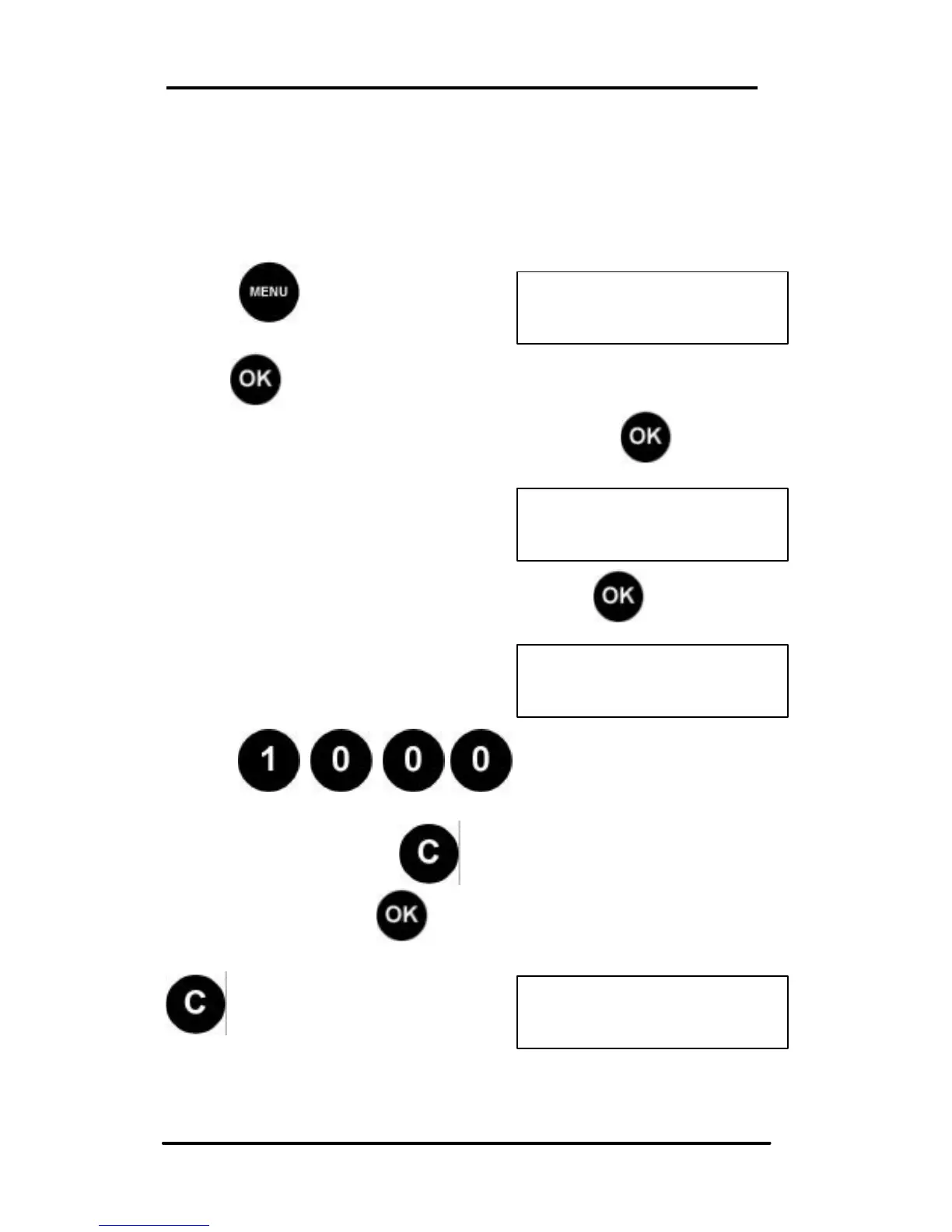
Press and scroll (< >) to
SETUP:
Press , the first Set Up option is displayed.
Scroll (< >) to the High Value option and press .
The current High Value Threshold
is displayed.
To change the High Value Threshold, press .
Select new High Value Threshold
Example: $10.00 dollars.
Press:
If value incorrect press and start again.
If value correct press to confirm.
To return to Ready mode, press
or scroll (< >) to the next
SETUP mode to change.



 To Next Page