HASLER Print Quality Section 9
06/2003 WJ20 Page 9-1
< CARTRIDGE >
< CARTRIDGE >
CLEAN
Introduction
Under normal operating conditions, your WJ20 postage meter
will produce excellent quality prints. However, if lines are
missing from the stamp imprint, it will be necessary to clean
the print-head or replace the ink cartridge.
To Clean The Print Head 9-1
To Replace The Ink Cartridge 9-3
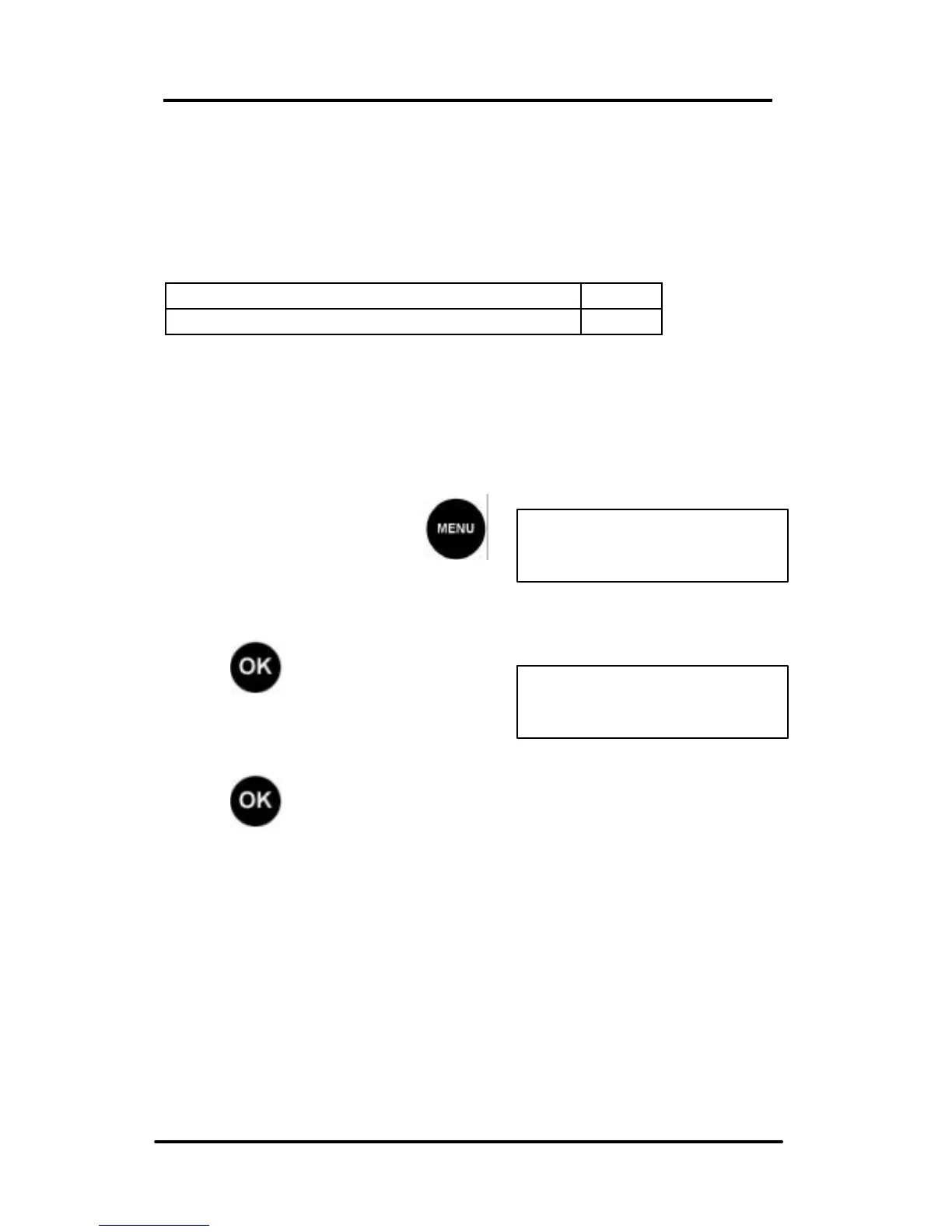
To Clean The Print Head
From Ready mode, press
and scroll (< >) to the Cartridge
display:
Press to confirm.
Next, scroll (< >) to Clean:
Press to confirm.
The WJ20 will clean the cartridge heads internally. This may
take a few minutes and be accompanied by noise. On
completion of the cleaning process the display will return to
the CARTRIDGE CLEAN display.
Continued on the next page.



 To Next Page