HASLER Setup Mode Section 11
06/2003 WJ20 Page 11 - 11
< SETUP >
< PREFIX >
NONE
PREFIX
NONE
PREFIX
9
Other Telephone Setup Options
The WJ20 also allows the user to setup the way the unit dials
… by PREFIX, PAUSE, TONE DETECT, and BLIND DIAL.
Prefix
If your analog telephone line is routed through an internal
system, the telephone number must be prefixed by the
appropriate outside line digit (for most systems this is a 9 or a
0).
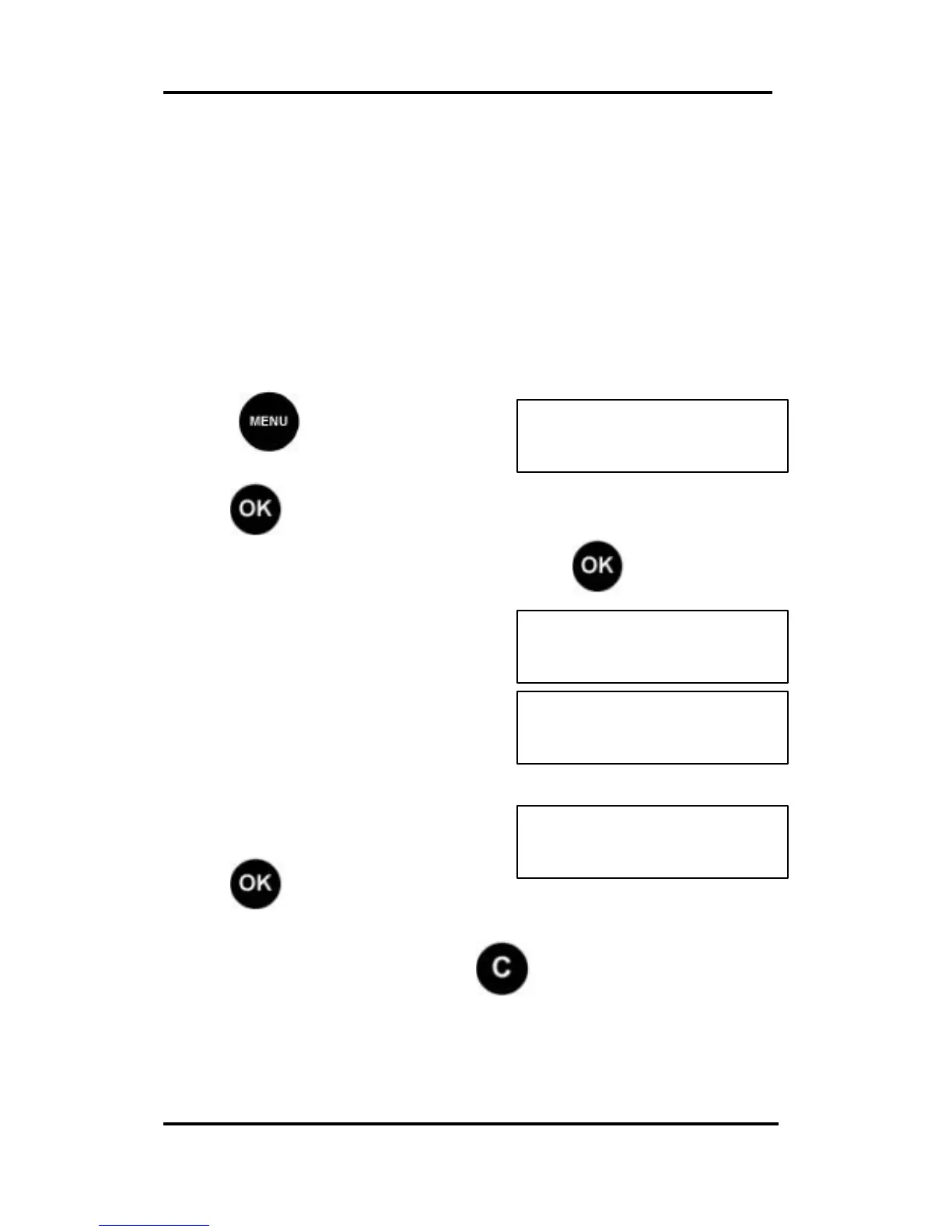
Press and scroll (< >) to
SETUP:
Press , the first Set Up option is displayed.
Scroll (< >) to the Prefix option and press . The current
Prefix number is displayed.
To change the Prefix Number, enter the new the new number
using the numeric keypad.
Press to confirm.
If the number is incorrect press and start again.



 To Next Page