HASLER Adding Postage Section 7
Page 7 - 2 WJ20 06/2003
Modem Connection
Connect one end of the telephone link cable to the Modem
Socket ( ) at the rear of the machine and the other end to an
adjacent telephone line outlet. The meter only requires the
connection to the telephone line outlet during the Add Postage
or Clear Lockout transaction. The modem dial-up phone
number is 1-800-446-6029.
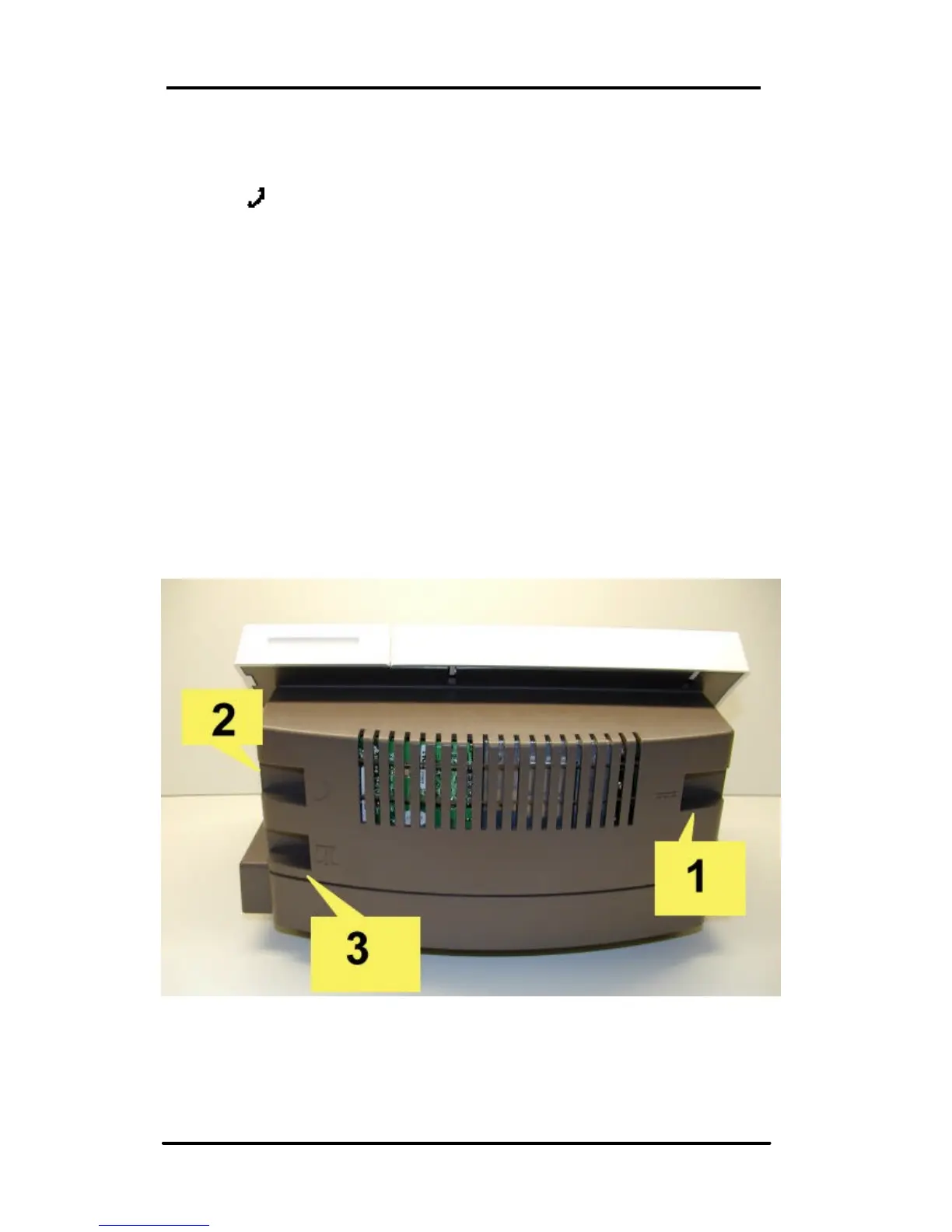
Connect the analog phone line to the unit (3). A Fax line is
usually an analog phone line.
The WJ20 has 3 connection ports:
1) Power adapter,
2) Modem (analog phone line)
3) Optional weigh-scale



 To Next Page