HASLER Printing Postage Section 3
06/2003 WJ20 Page 3 - 7
< ADVERTS >
US FLAG
ADVERTS
< US FLAG >
ADVERTS
< US FLAG >
ADVERTS
< ADVERT OFF >
ADVERTS
< EX MAIL >
ADVERTS
< First Class >
ADVERTS
< Urgent >
ADVERTS
< Priority >
ADVERTS
< Recycle >
ADVERTS
< S. Greetings >
ADVERTS
< Thank You >
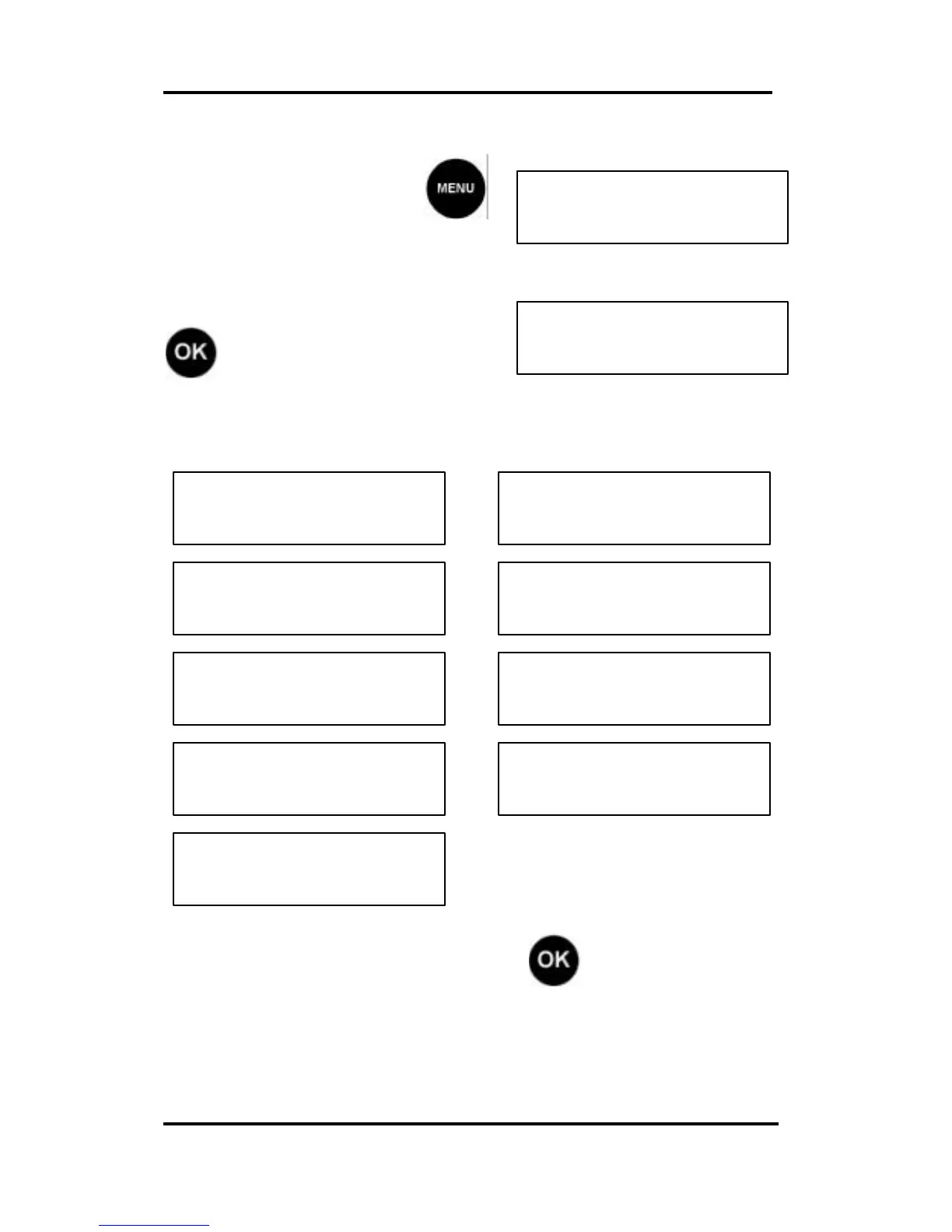
Advertisement Selection
From Ready mode, press
and scroll (< >) to the ADVERTS
display.
To change the Message, press
and scroll (< >) to the
desired Message:
Selections are:
To confirm your selection press , the WJ20 will
return to Ready Mode with the new Advertisement
Message loaded.
It is normal for a Advertisement Message to take a few
seconds to load after you select it.



 To Next Page