HASLER Setup Mode Section 11
06/2003 WJ20 Page 11-1
< SETUP >
< HIGH VALUE >
$1.00
Introduction
The WJ20 Setup Mode allows the user to configure the below
functions.
To Enter Setup Mode 11-1
High Value Setting 11-2
Low Postage Setting 11-3
User Pin Setting 11-4
Time Setting 11-5
Time Out (Sleep Mode) Setting 11-6
Key Beep Setting 11-7
Preset Postage Setting 11-8
Modem Telephone Setup 11-9
Help Desk Telephone Setup 11-10
Other Telephone Setup Options (Prefix,
Pause, Tone Detect, Blind Dial)
11-11
Registration Setup 11-15
Withdrawing Meter 11-16
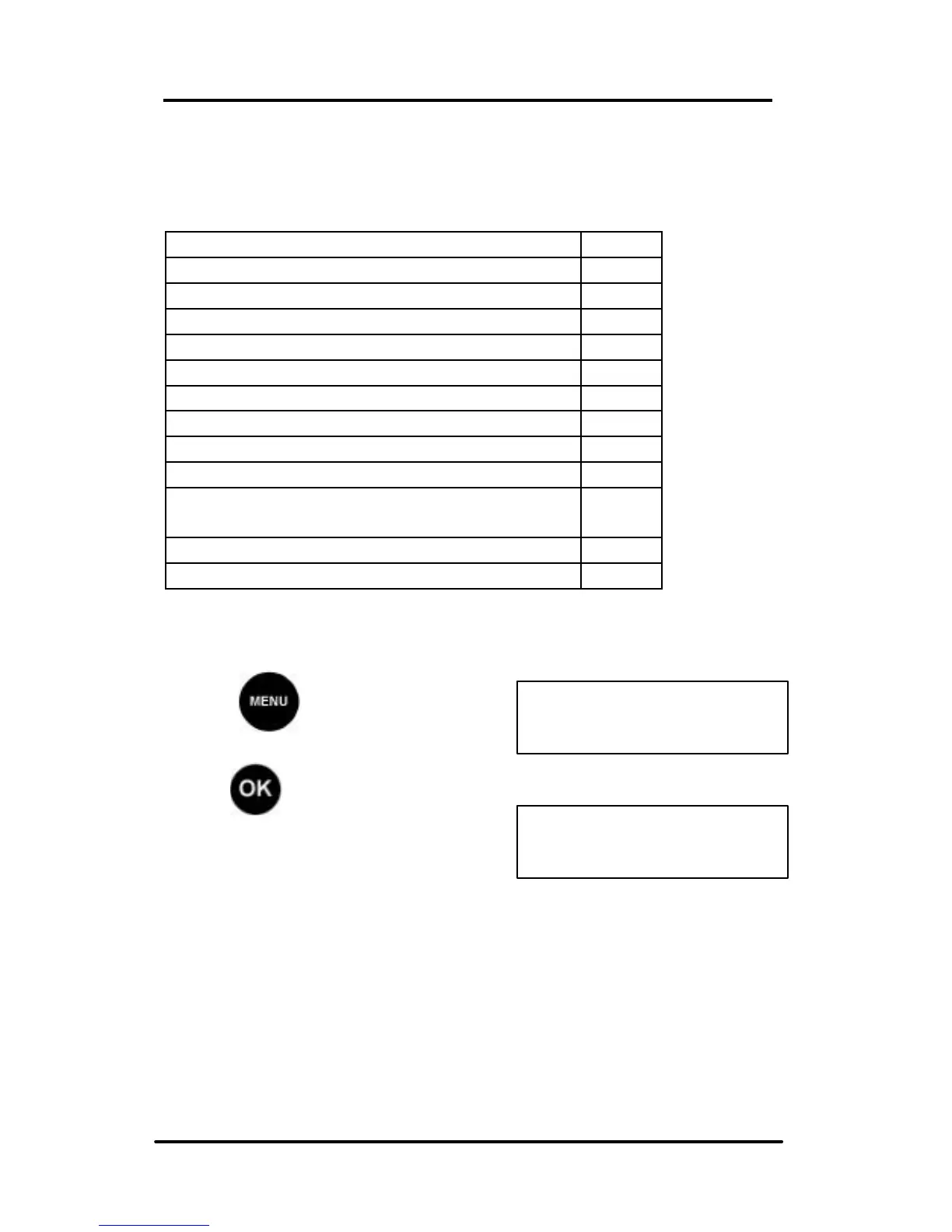
To Enter Setup Mode
Press and scroll (< >) to
SETUP:
Press , the first Set Up
option is displayed.
Scroll (< >) to the option you want
to change.



 To Next Page