HASLER Setup Mode Section 11
06/2003 WJ20 Page 11 - 7
< SETUP >
< KEY BEEP >
ON
KEY BEEP
< ON >
Ready $0.00
12/20/02
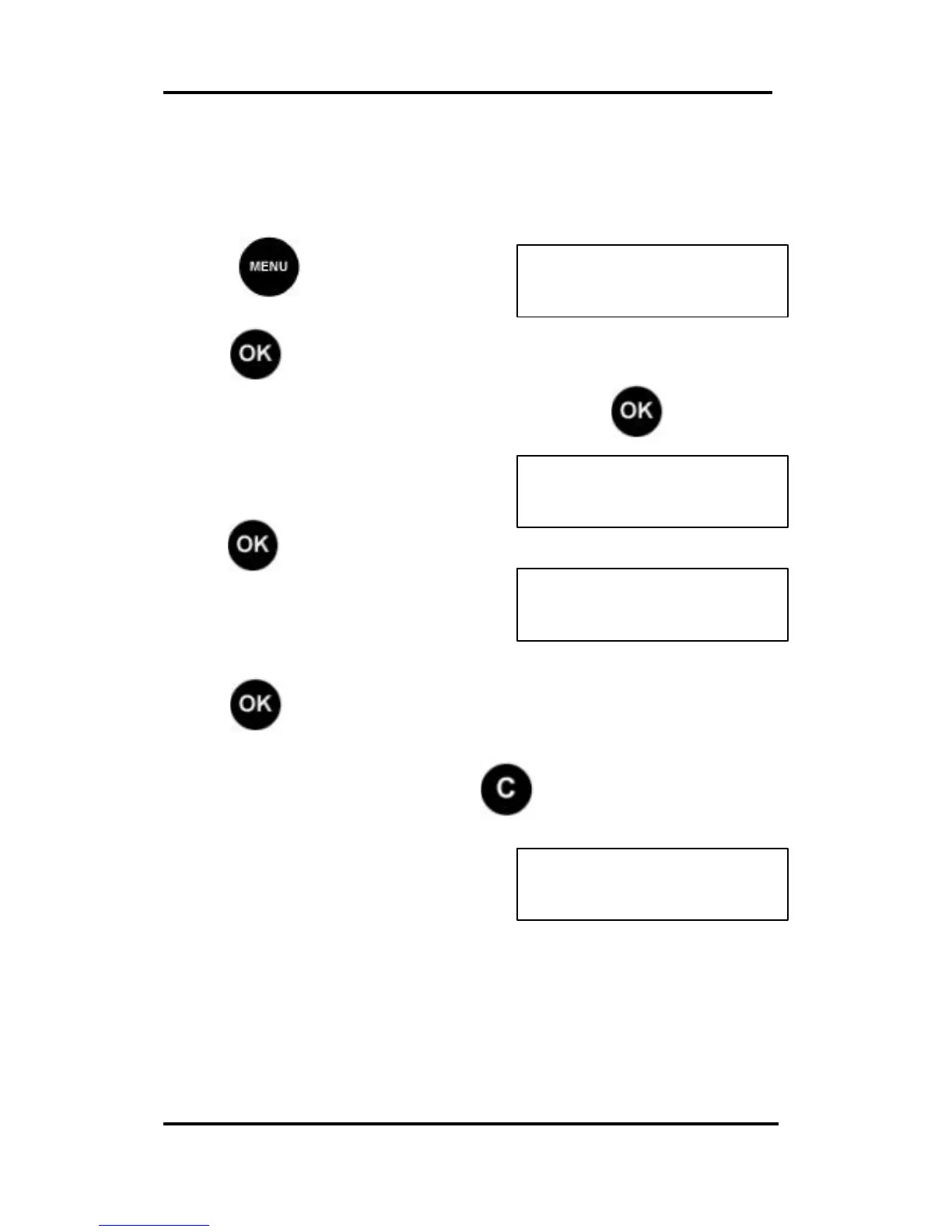
Key Beep Setting
This setting allows the user to turn the sound (beep), that is
made each time a key pressed, on or off.
Press and scroll (< >) to
SETUP:
Press , the first Set Up option is displayed.
Scroll (< >) to the Key Beep option and press . The
current setting is displayed.
To change the Key Beep,
press .
Scroll (<>) to the required setting
(on or off).
Press to confirm.
To return to Ready Mode, press or scroll (< >) to the
next SETUP mode to change.



 To Next Page