HASLER Setup Mode Section 11
Page 11 - 10 WJ20 06/2003
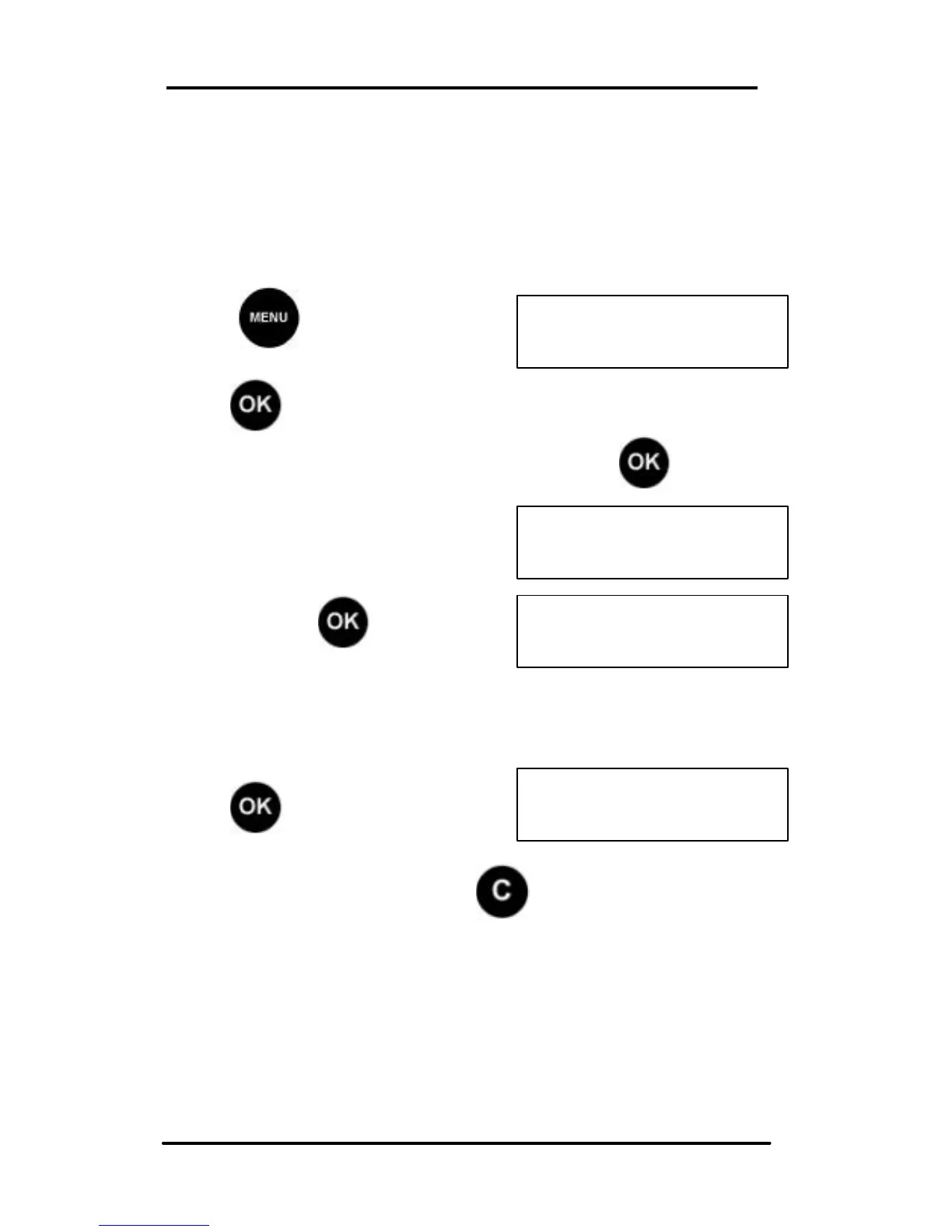
< SETUP >
< HELPDESK NO >
NONE
HELPDESK NO.
NONE
HELPDESK NO:
18002488013
Help Desk Telephone Setup
In the unlikely event of a machine failure requiring Help Desk
action, an Error Number will be displayed along with the Help
Desk telephone number. This should be the number of your
local Hasler Dealer or of the Hasler TMS Call Center.
Press and scroll (< >) to
SETUP:
Press , the first Set Up option is displayed.
Scroll (< >) to the Telephone option and press . The
current Telephone number is
displayed.
To change the Telephone
Number, press .
Enter the new the new number using the numeric keypad.
Press to confirm.
If the number is incorrect press and start again.



 To Next Page