Weigh-Scale Connection
Ensure that the weigh-scale platform is clear of any
obstruction.
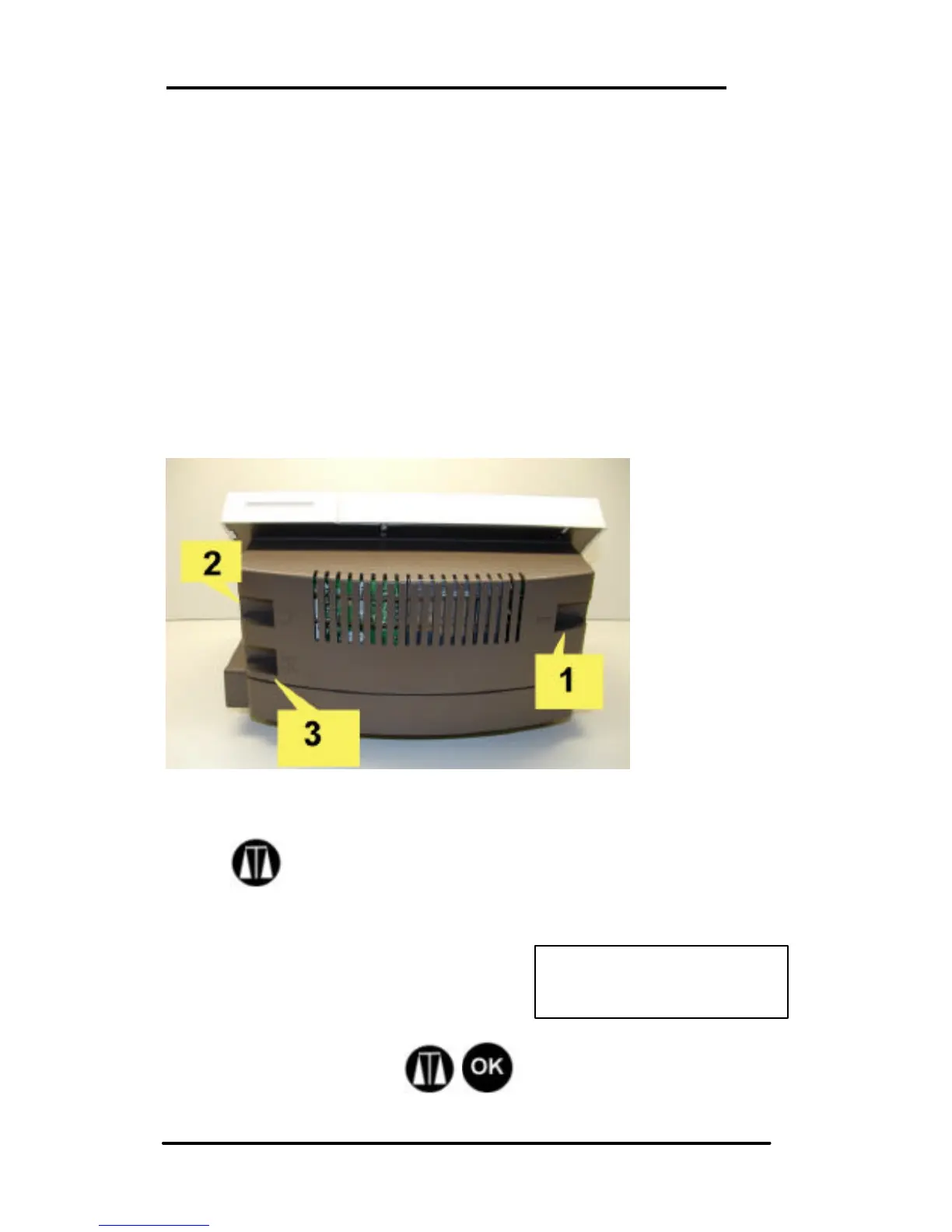
Connect the weigh-scale to the connector (3) at the back of
the machine.
Connections To The Unit
The WJ20 has 3 connection ports:
1) Power adapter,
2) Modem (phone line)
3) Optional weigh-scale
Go to Ready mode.
Press
The last Mail Rate selected will be displayed.
Note: If the displayed weight is
greater than 0.0 oz., with nothing on
the scale, the scale must be set to
zero.
To Zero the scale press . If NO SCALE! is
displayed, check scale connection and start again.



 To Next Page