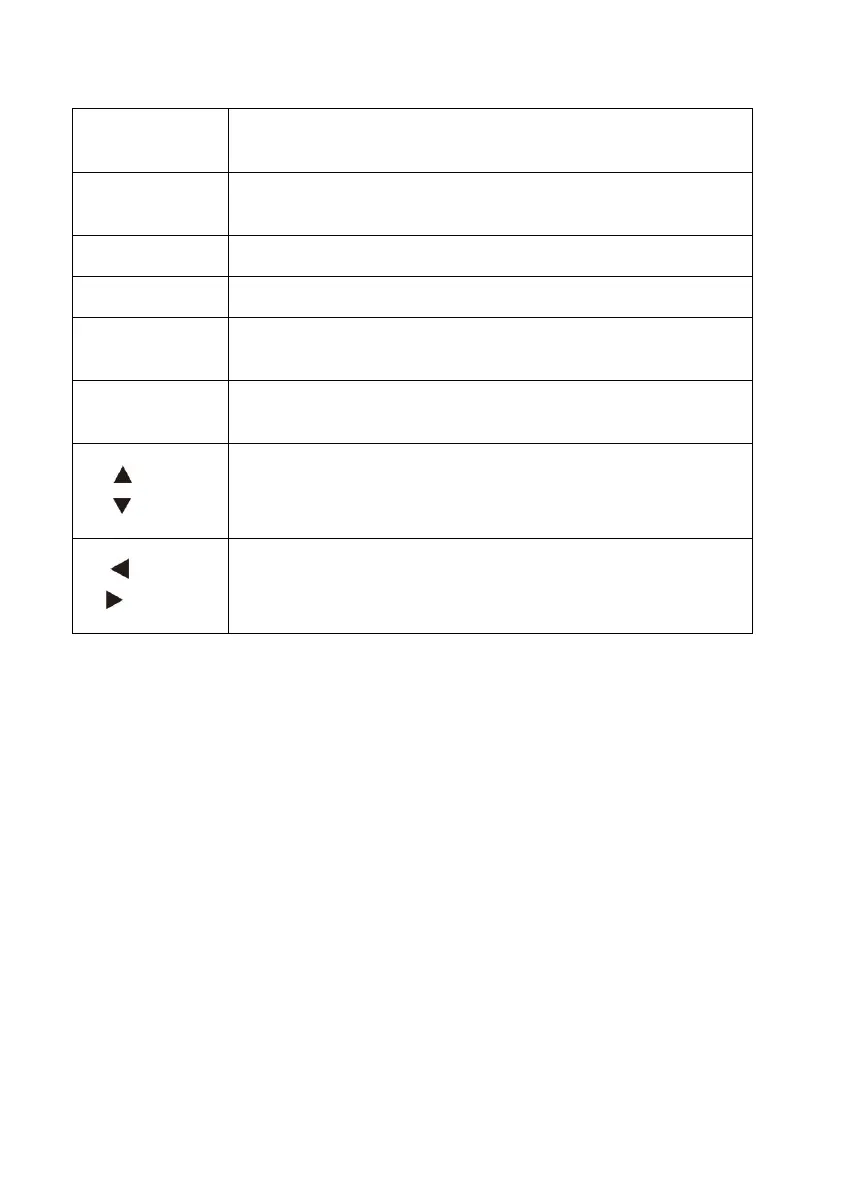
1. Clear the alarm signals.
2. Back to the previous menu.
1. To select the parameter and make it editable.
2. Save the setting value.
In ‘stop’ status, press this key to start infusion.
Press this key to stop infusion.
If on, it indicates there’s AC/DC input;
if off, it indicates there’s no AC/DC input.
This indicator light on means the battery is recharging.
This indicator light off means the battery is not charging.
1. When selecting the parameters, press the keys to previous/next
parameter.
2. When setting the value, press this keys to increase or decrease the value.
1. When selecting the parameters, press the keys to left/right parameter, or
previous/next page.
2. When setting the parameters, press this keys to move left/right.



 To Next Page