c) press to return to syringe setting interface. Select “Select syringe”and press OK key, select
“Brand A” and press OK key. Top left corner of LCD shows “brand A”.
d) To ensure infusion accuracy, it should verify after calibration with the methods below:
d-1) 0.1ml/h accuracy test
Let the syringe pump start injection at 0.1ml/h for 3 hours. Then let it continue to work for 13 hours at
0.1ml/h. Use stopwatch to record the time, use a cup to collect flown-out liquid and measure it by
Electronic balance. The whole testing is 13 hours. Calculate the accuracy according to formula (1). The
accuracy should be+2%.
Injection rate = injection volume / time --------------------- formula (1)
d-2) Accuracy test at medium and maximum rate
Let the syringe pump start injection at its medium and maximum rate. The whole testing is 2 minutes.
Use stopwatch to record the time, use a cup to collect flown-out liquid and measure it by Electronic
balance. Calculate the accuracy according to formula (1). The accuracy should be+2%.
Note: After calibration, if the accuracy of verification is out of tolerance, should fine
adjust the scale length to compensate.
For Example: If the error is +5%, scale length shall be reduced 5%; if the error is
-5%,scale length shall be increased 5%.
8.4 System Setting
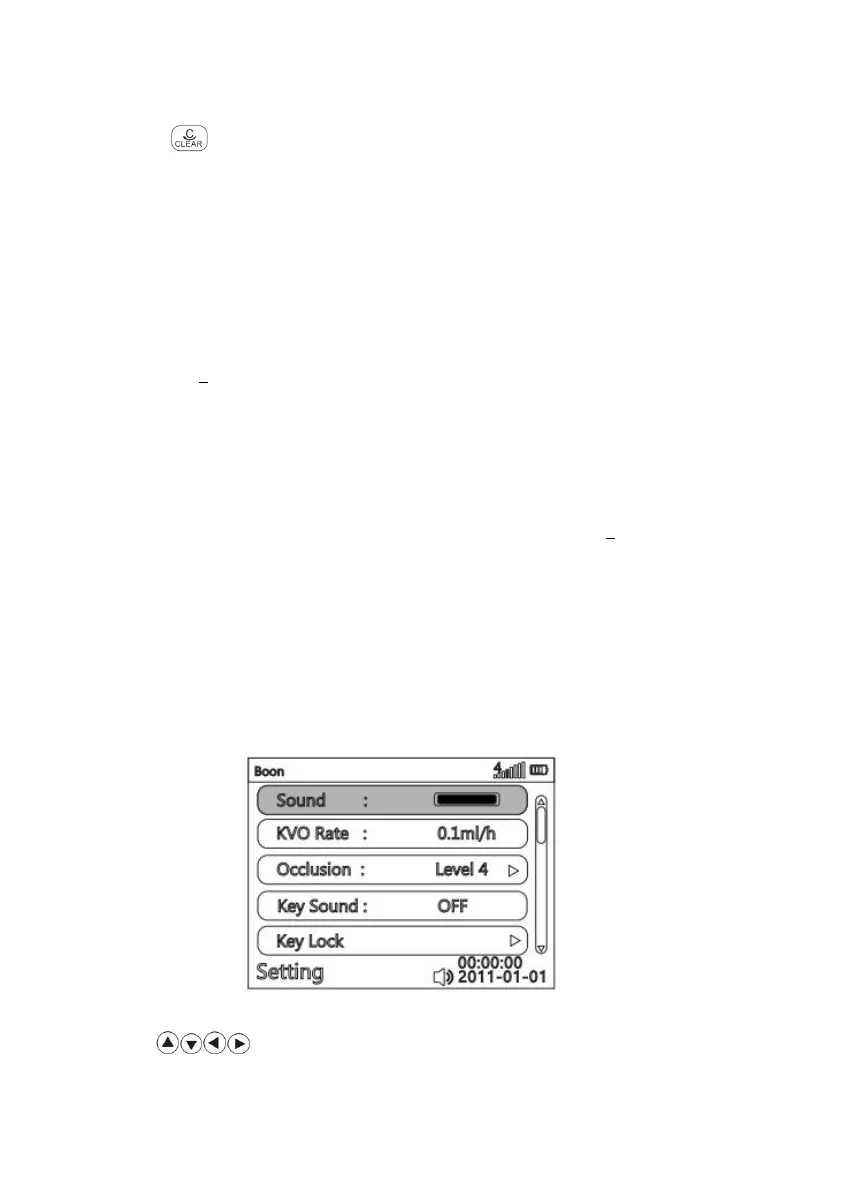
Select “Settings” on main menu, press OK key to enter setting interface.
Parameter setting method in system setting:
Press key to select requested parameter, press OK key to make it editable, input



 To Next Page