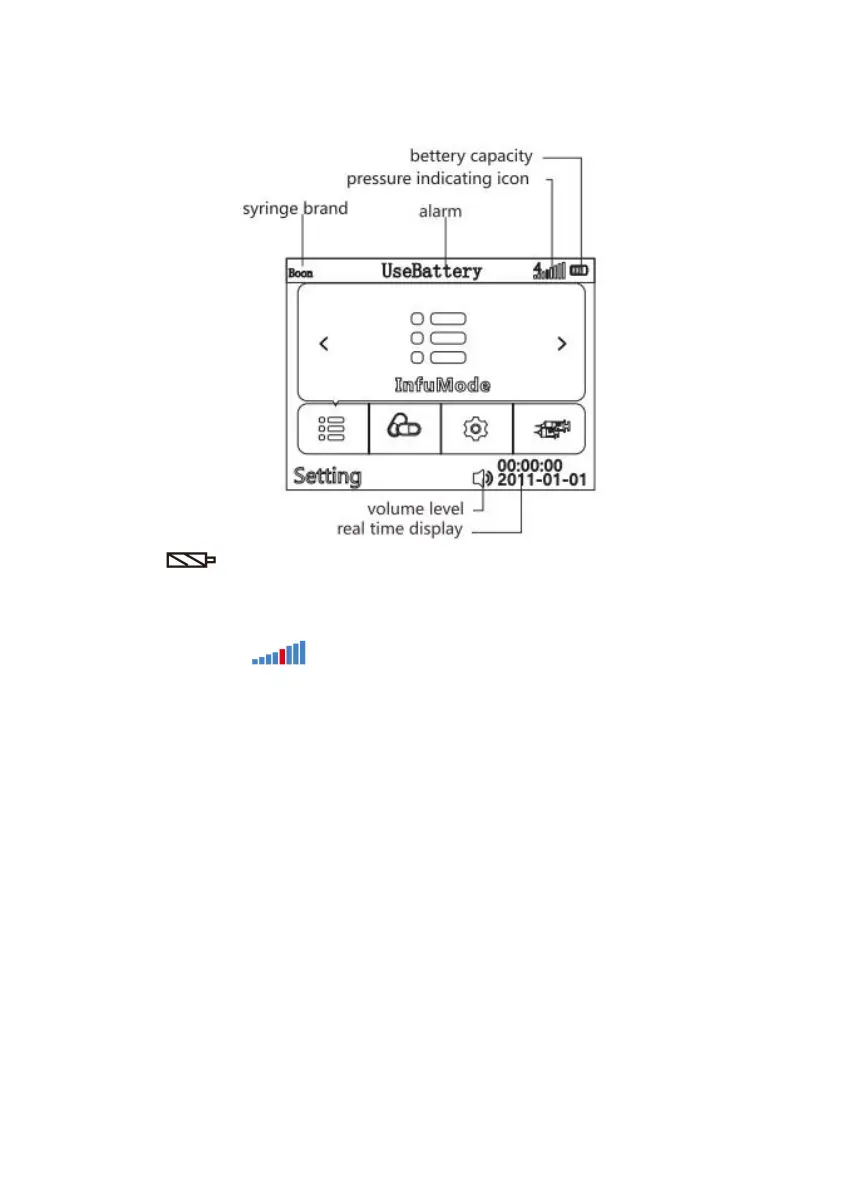
6.3 Screen Display
Battery icon :
1).Green wave appearing indicates the battery is charging.
2).The battery icon indicates status of battery remaining capacity.
Pressure indicating icon :
1). Except for the first vertical line, the lines from the left to the right are corresponding to 8 levels of
occlusion. The red one means the preset occlusion level (not risk indication).
2). Pressure indicating icon shows the pressure in tube. With the changing of pressure in infusion
tube, pressure indicating icon will appear green surge wave. When the green wave reaches or passing the
red vertical line, the syringe pump will give occlusion alarm. The medical staffs could pay attention to this
icon to check the pressure status.



 To Next Page