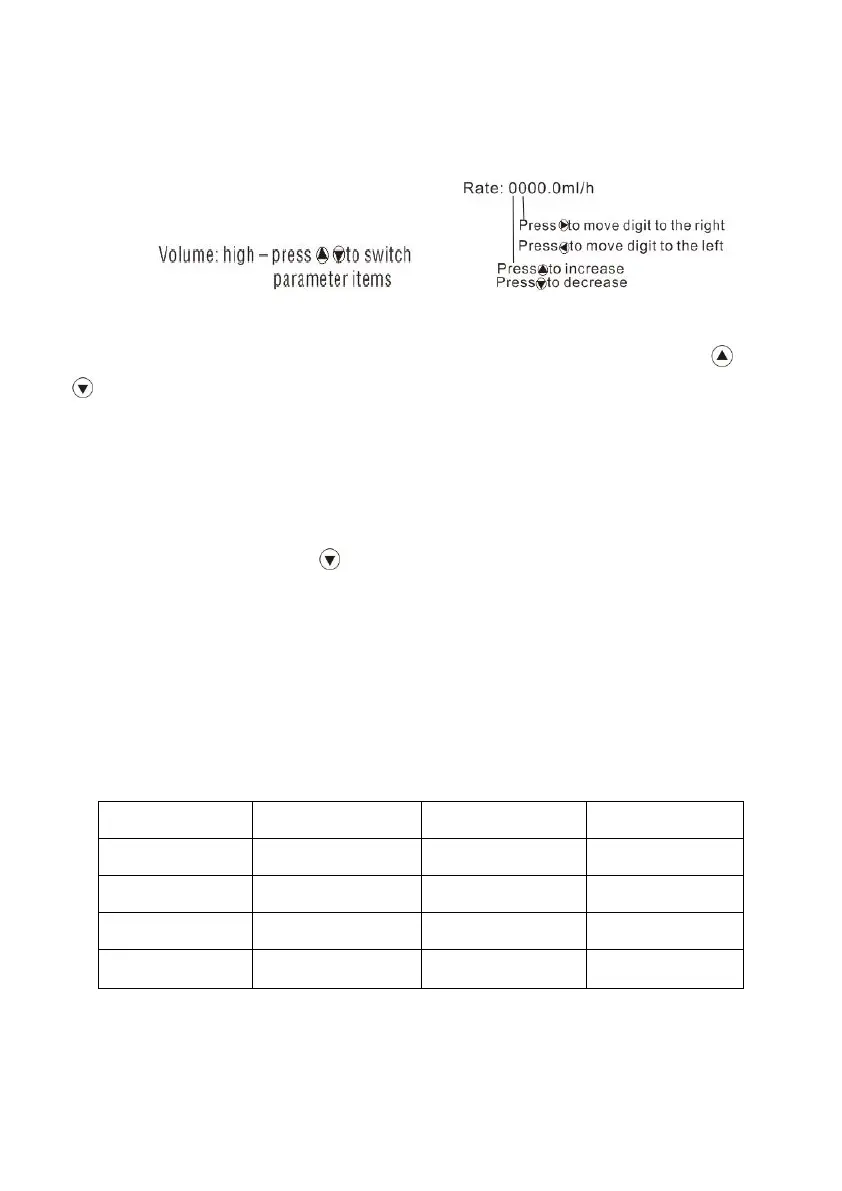
required value, then press OK key to save the setting. All the setting parameters can be saved
automatically after turn off the device, and storage time is 5 years.
8.4.1 Set alarm sound volume
Select “Settings” in the main menu, press OK key to enter. Press OK key for ‘Sound’, press or
key to select required sound volume (low, medium, high). Then press OK key to save the setting and
exit.
Alarm sound volume is not lower than 45dB when setting as low level, and not higher than 65dB
when setting as high level.
8.4.2 KVO rate setting
Under “settings” interface, Press key to select ‘KVO rate’, press OK and input required KVO rate.
Then press OK key to save the value and exit.
★ KVO function means keep patient’s vein open by infusing at preset low rate.
8.4.3 Occlusion level setting
8 levels occlusion settings adjustable, pressure range: 10Kpa~160Kpa
The occlusion level and corresponding pressure value are shown as follows:
(Table 843-1)



 To Next Page